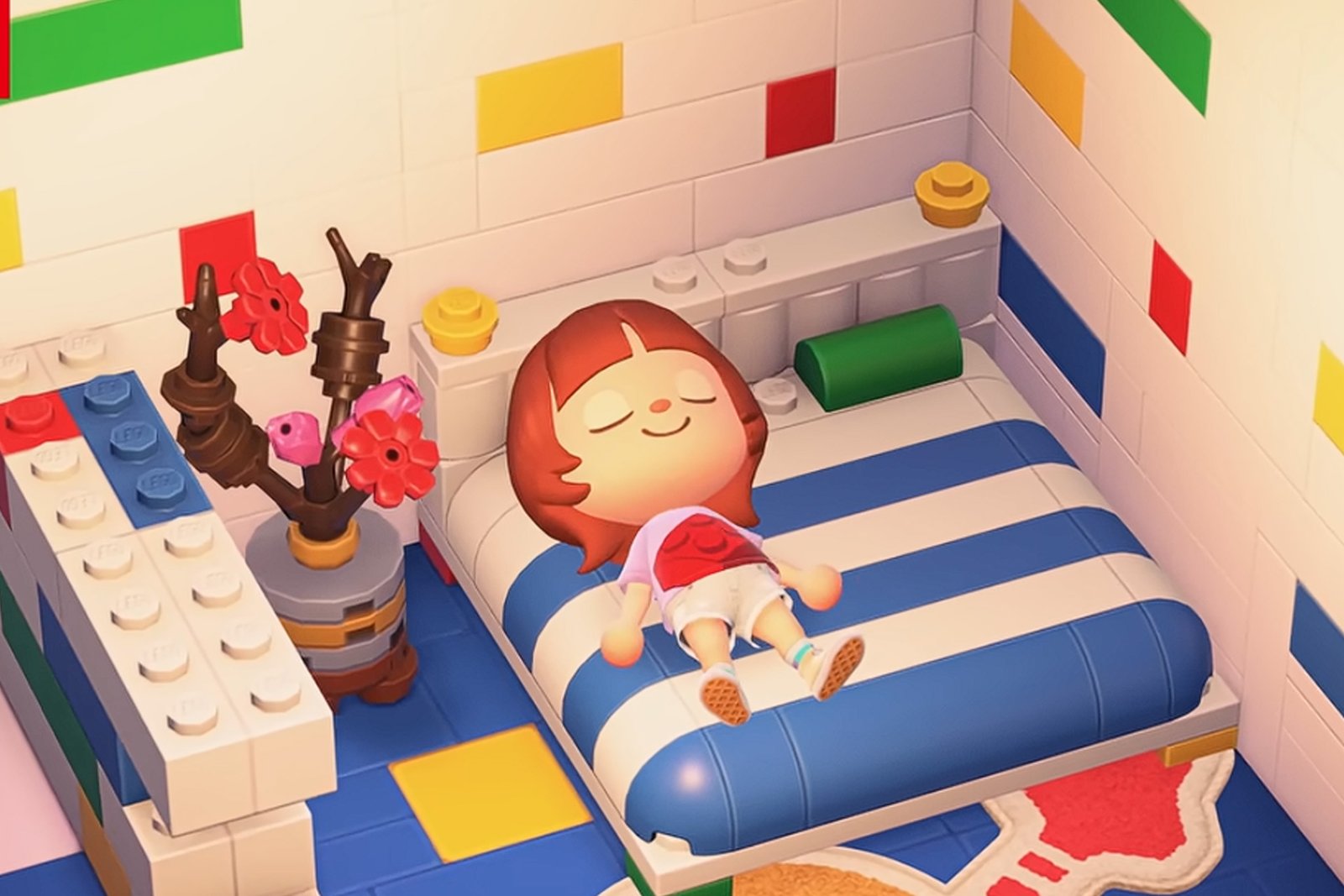
One of the things that makes Animal Crossing: New Horizons engaging and fun is its large roster of items and clothing. With the Animal Crossing: New Horizons Version 3.0 Update, a lot of new features and content have been added, such as the Zelda collaboration items. Another cool item set added is the LEGO collaboration item sets, adding some blocky vibes to your home.
As you settle in and return to your Animal Crossing: New Horizons island, you might be wondering how to even get this new collaboration item set. Well, you’re in luck, as we’ll teach you how to get the LEGO items in Animal Crossing: New Horizons.
What is the LEGO Collaboration Item Set in Animal Crossing: New Horizons?

You might be familiar with the Animal Crossing-themed LEGO sets released a while back. These feature sceneries you can build from Animal Crossing’s iconic main NPCs and villagers. To flip it around, LEGO is now coming to the Animal Crossing world itself.
The LEGO collaboration item set features different furniture, floorings, walls, decorations, and clothing you can customize to your home and yourself. There are even some customization options for a couple of the items, so you can build your brick home in whatever way you want.

For reference, here’s the list of items and clothing you can get as part of the LEGO collaboration item set:
- LEGO Arcade Game – 3,500 Bells
- LEGO Bed – 2,800 Bells
- LEGO DIY Workbench – 2,200 Bells
- LEGO Fireplace – 5,000 Bells
- LEGO Partition – 1,200 Bells
- LEGO Plum Blossom – 2,500 Bells
- LEGO Sofa – 1,800 Bells
- LEGO Table – 2,500 Bells
- LEGO Brick Tee – 2,000 Bells
- LEGO Logo Tee – 2,000 Bells
- LEGO Minifigure Tee – 2,000 Bells
- Chick LEGO Wall – 3,000 Bells
- Colorful LEGO Wall – 3,000 Bells
- Cute LEGO Wall – 3,000 Bells
- Modern LEGO Wall – 3,000 Bells
- Chick LEGO Flooring – 3,000 Bells
- Colorful LEGO Flooring – 3,000 Bells
- Cute LEGO Flooring – 3,000 Bells
- Modern LEGO Flooring – 3,000 Bells
- LEGO Space Logo Rug – 1,500 Bells
How to Get LEGO Items in Animal Crossing: New Horizons
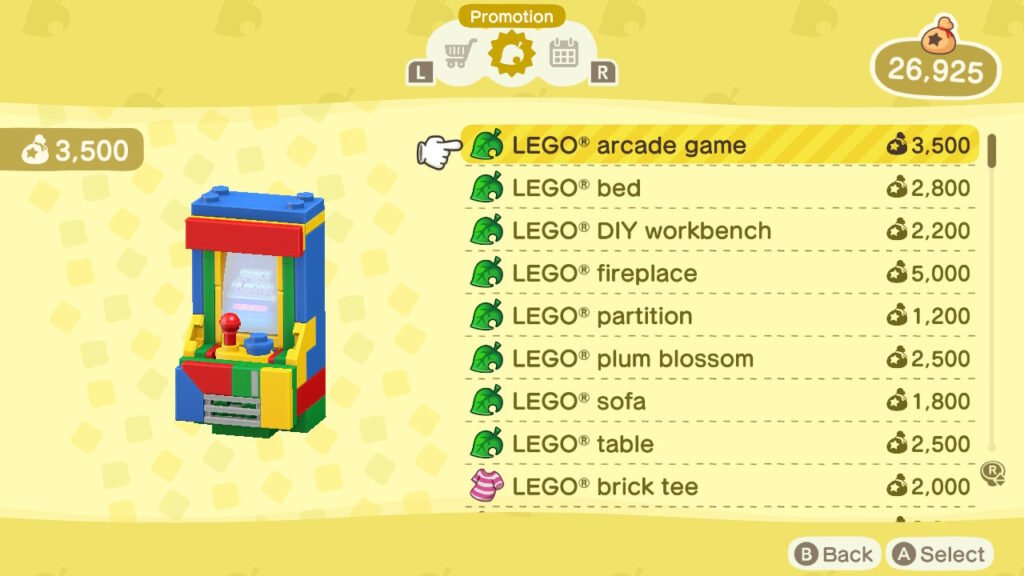
While the LEGO items look cool, you’re probably eager to add them to your home immediately. Well, the good news is, you can as the LEGO collaboration is automatically included in the Animal Crossing: New Horizons Version 3.0 Update.
First, you need to update your game to Version 3.0. You’ll immediately get this update as soon as you open up your Nintendo Switch and boot up Animal Crossing: New Horizons. Afterwards, you can enter the game.
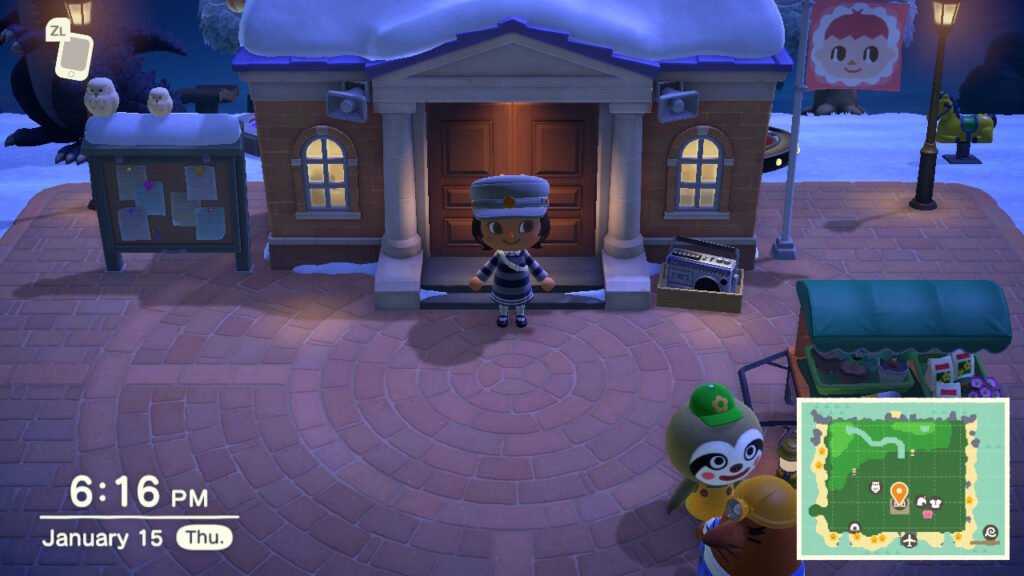
Once Isabelle finishes her usual daily announcements after logging in, you can head to the Resident Services Building. Go to the Nook Stop, the multimedia terminal from Nook Inc., where you usually withdraw and deposit your Bells.
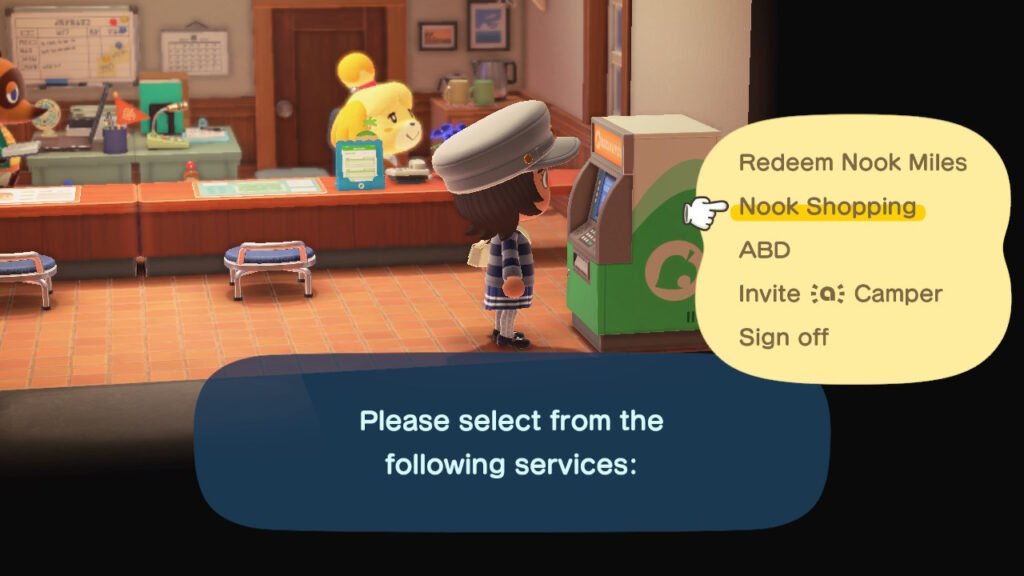
As you’ve opened up the Nook Stop, go to Nook Shopping and select “Special Goods” and then the “Promotion” tab. You’ll find that the LEGO collaboration items have already been added to the store’s inventory.
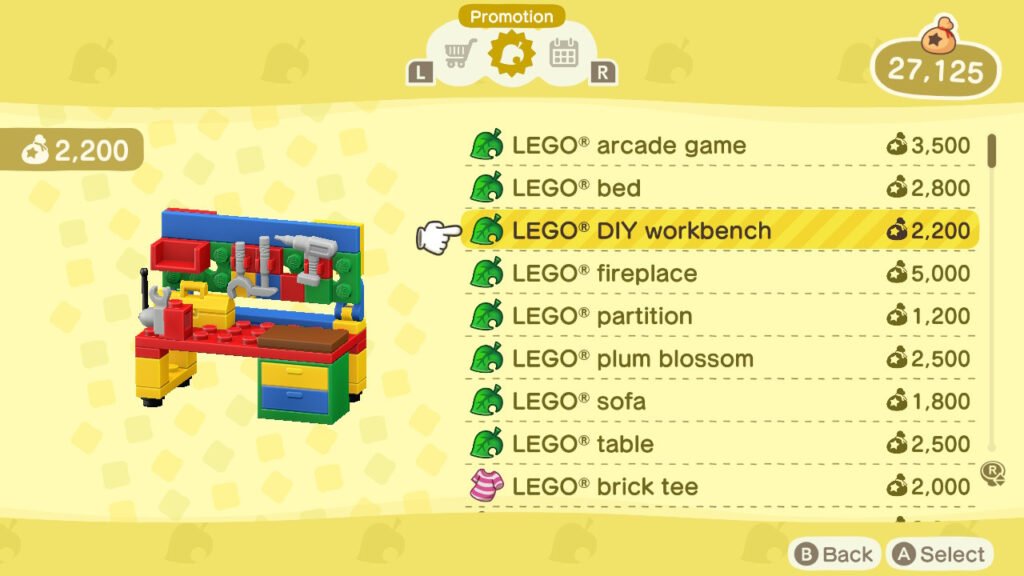
Then, you can purchase the items that you want, and this will be delivered to you by the next day at your Home’s mailbox.
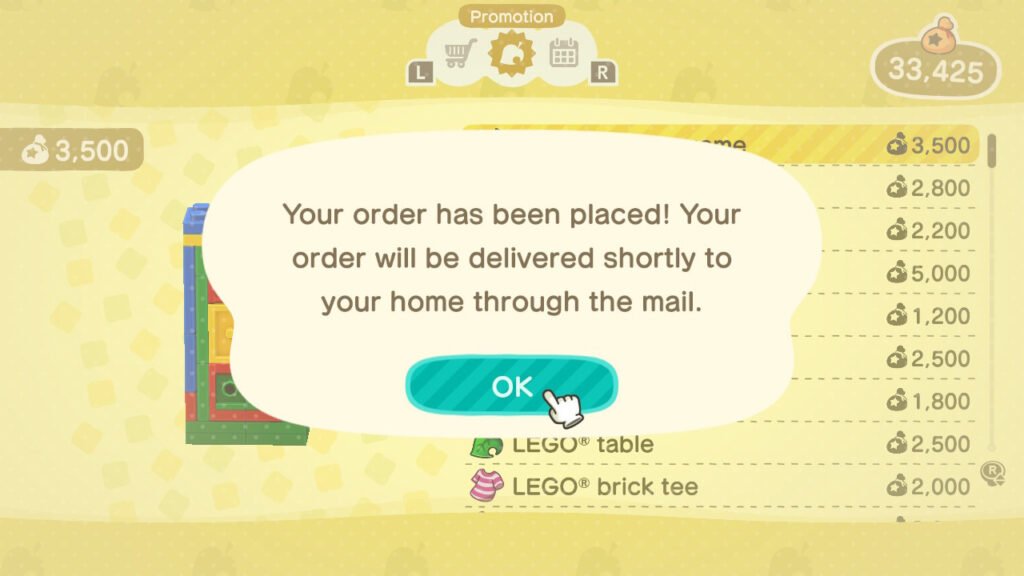
With that, you’ve learned how to get the LEGO items in Animal Crossing: New Horizons. The LEGO collaboration item set adds some flair that you won’t see in a typical Animal Crossing: New Horizons home. There’s also no pressure to get this since it’s not a seasonal item set.