
With the release of Animal Crossing: New Horizons’ Version 3.0 update, we’re seeing a lot of new items and features added to the game. One of the latest features we’re seeing is the welcoming return of Resetti, Animal Crossing’s cranky mole who has appeared throughout the series’ various games. Seeing his presence in the new update, we can finally get the feature to reset our island or particular aspects of it.
If you’re curious about adding Resetti and knowing what hecan do for your island, you’ve come to the right place. Here’s how to get Resetti and how to use his Reset Service in Animal Crossing: New Horizons.
Table of Contents
- What does Resetti’s Reset Cleaning Service do?
- How to Get Resetti?
- How to Use Resetti’s Reset Service?
What does Resetti’s Reset Cleaning Service do?
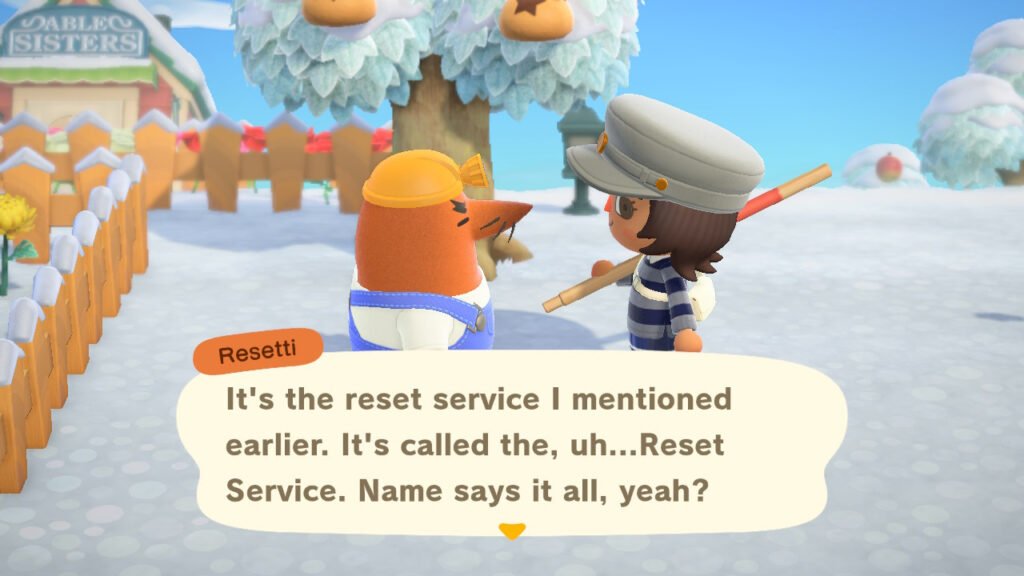
If you’re curious about Resetti and what he can do for your island with his Reset Cleaning Service, well, there’s a lot. Mainly, Resetti can reset specific parts of your island or reset the entire island itself. This includes items you’ve built, placed, and dropped, such as furniture, fences, ladders, and dropped or placed objects.
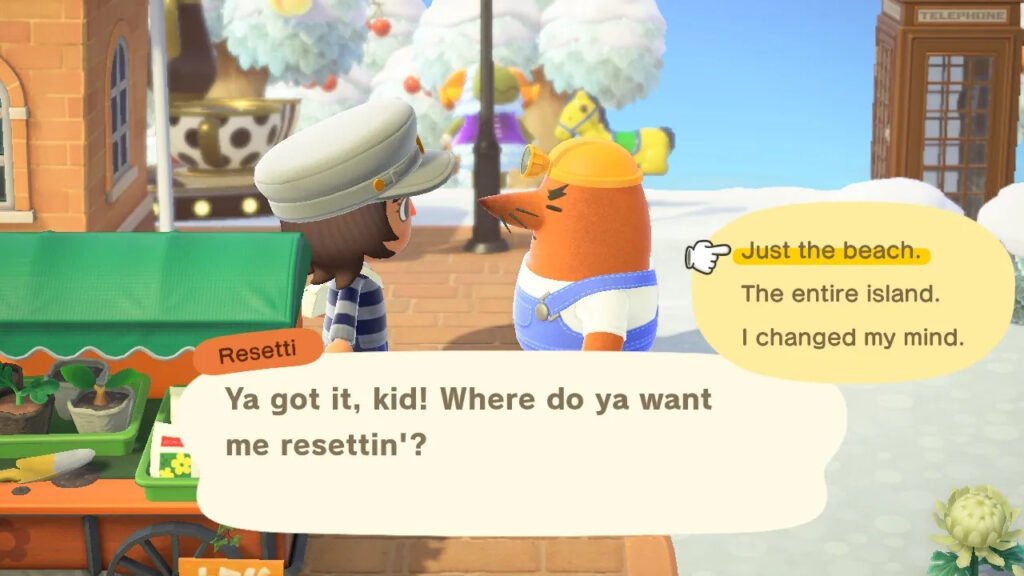
To go into the specifics on areas Resetti can clean up, you can decide on a 7×7 tile area for Resetti to clean up using a Transceiver he’ll give you. Besides that, Resetti can clean up the beach without touching the shells. Then, Resetti can reset your entire island if you want to start fresh.
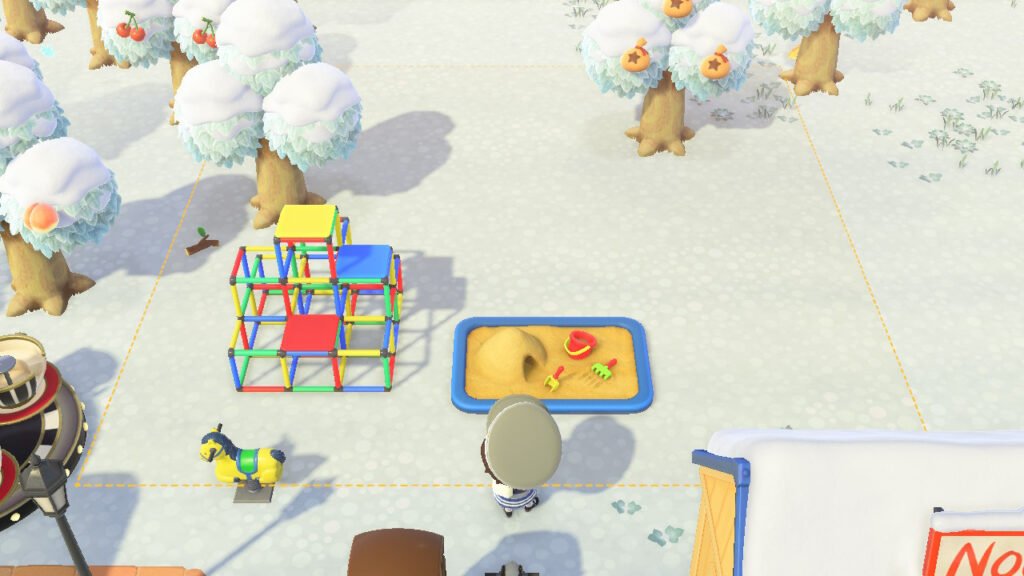
What Resetti’s Cleaning Service cannot do, however, is remove anything that’s buried or planted in the ground or terraformed. This includes Trees, Bushes, Crops, Weeds, Fossils, Bridges, Inclines, and the like. An exception to this is if you have Flowers that you’ve planted and custom-designed paths.
But what does Resetti do with the items he has “cleaned”? Your items won’t disappear. Resetti will automatically send them to your home’s storage. You’ll also be able to see what your area will look like before you avail his service, so you have a good idea and are certain of your decision in resetting an area or your whole island.
How to Get Resetti?
Getting Resetti in Animal Crossing: New Horizons’ Version 3.0 Update is pretty easy. After updating your game, simply look for Resetti wandering around your island. You’ll easily spot him for his bright orange skin and yellow hard hat.
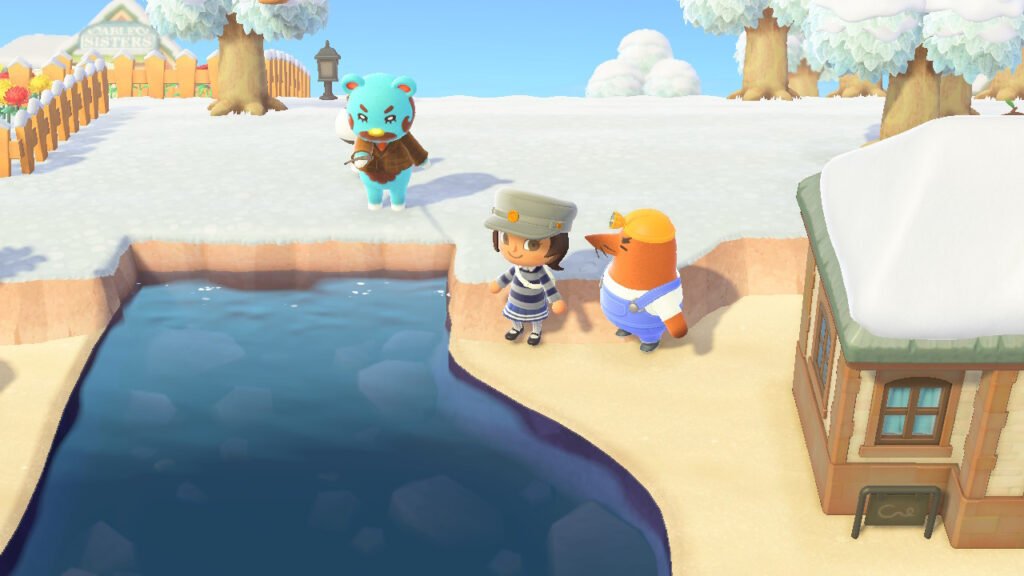
Once you talk to Resetti, he’ll explain how his Reset Service works and what kind of island changes he can service for you. Resetti will also mention how much his service costs, which is 60,000 Bells, which you can use on an unlimited-basis for the rest of the day. The first use of his services is free.
How to Use Resetti’s Reset Service?
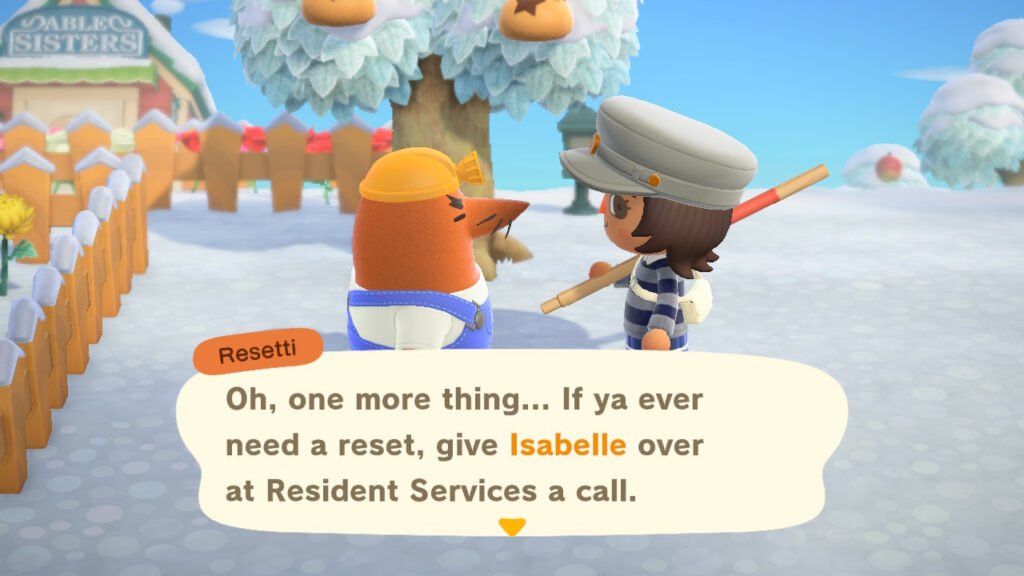
After you meet Resetti, you can access him by speaking with Isabelle at the Resident Services building. You can also use a Transceiver Resetti gives to you to “Call him over.” But this is only used for resetting small areas of 7×7 tiles.
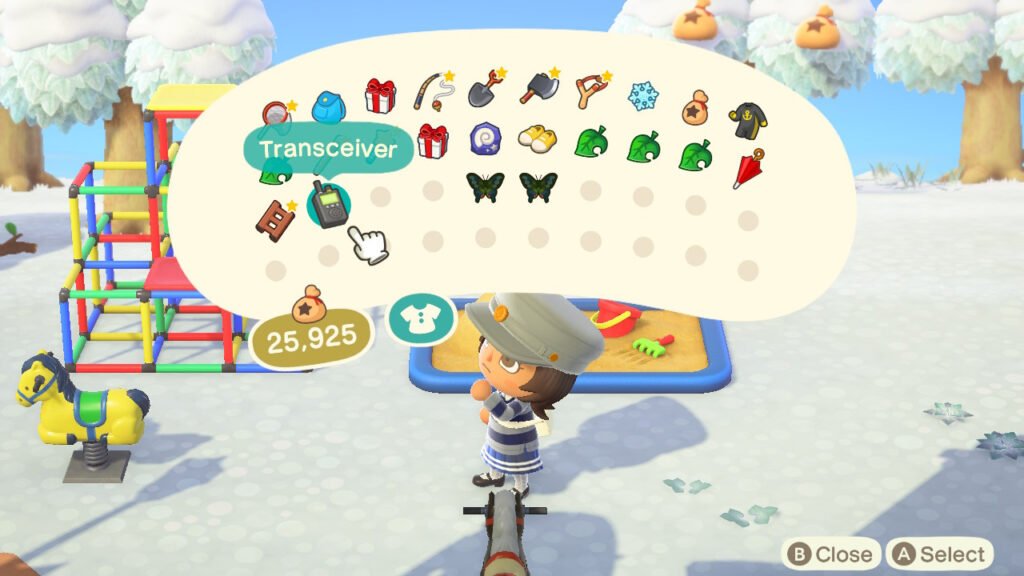
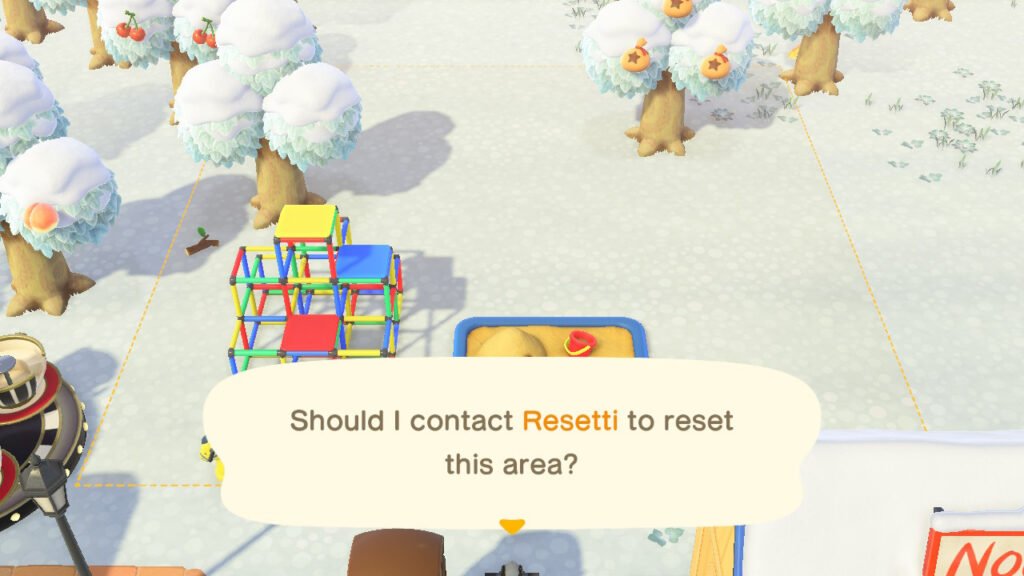
On the other hand, you have to talk to Resetti directly if you want to reset bigger areas like the entire island or the Beach. Remember also to have 60,000 Bells with you on a new day to avail Resetti’s service.
When Resetti comes over, he’ll ask you a few questions, like what to do with flowers if there are any, or what to do with custom designs, such as removing or leaving them as is. Resetti will then confirm your choices. He’ll also give you a preview of what the resetted area will look like.
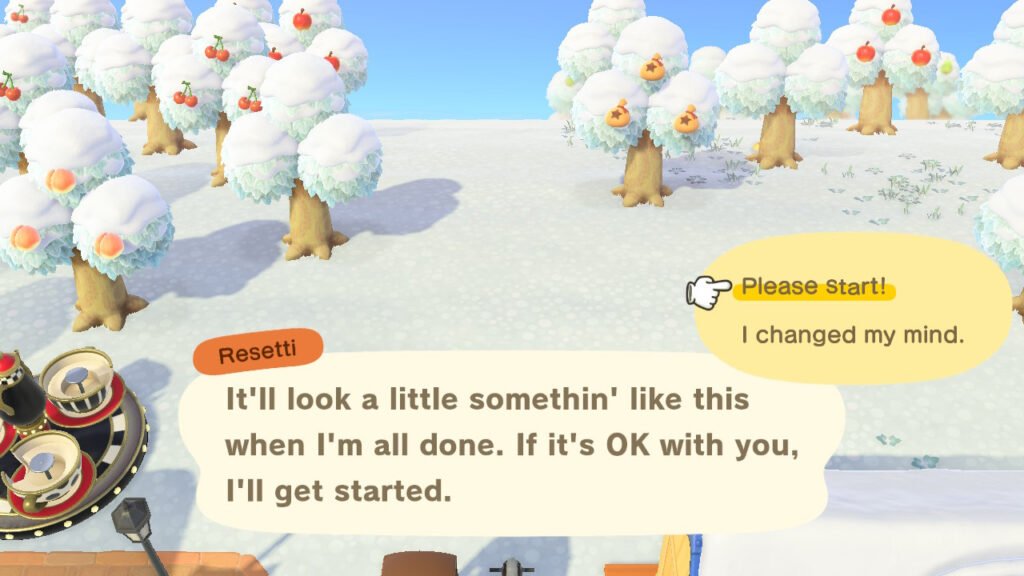
Upon accepting his offer, Resetti will begin showing his cleanup work. As Resetti finishes, you should see the area that had just been reset.
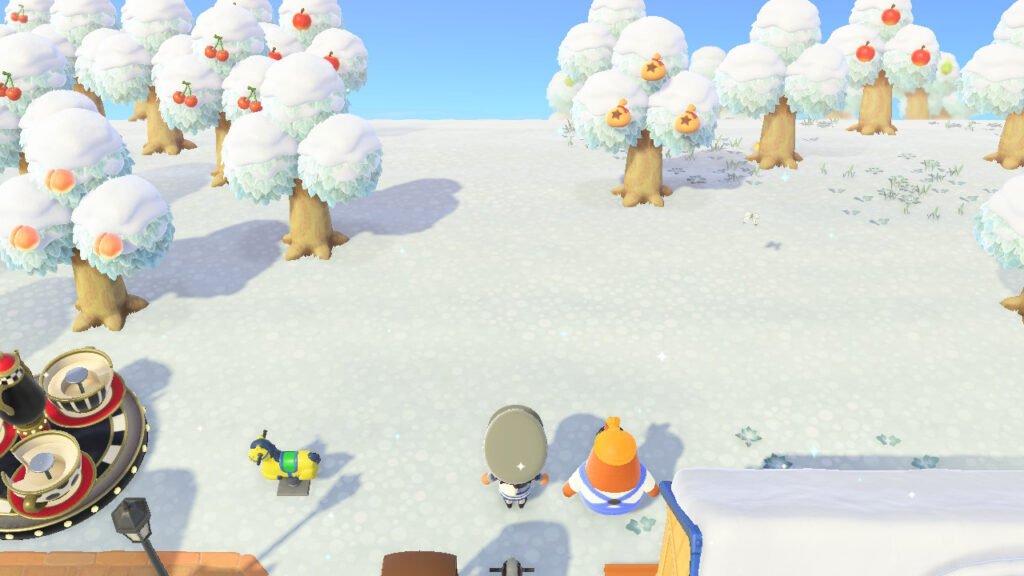
Overall, Resetti is a helpful new addition to make it easier to clear up areas you want to reset and change up. Resetti can inform you how many Home Storage slots you have for items to clear, and if you don’t have enough storage space for an area to reset.