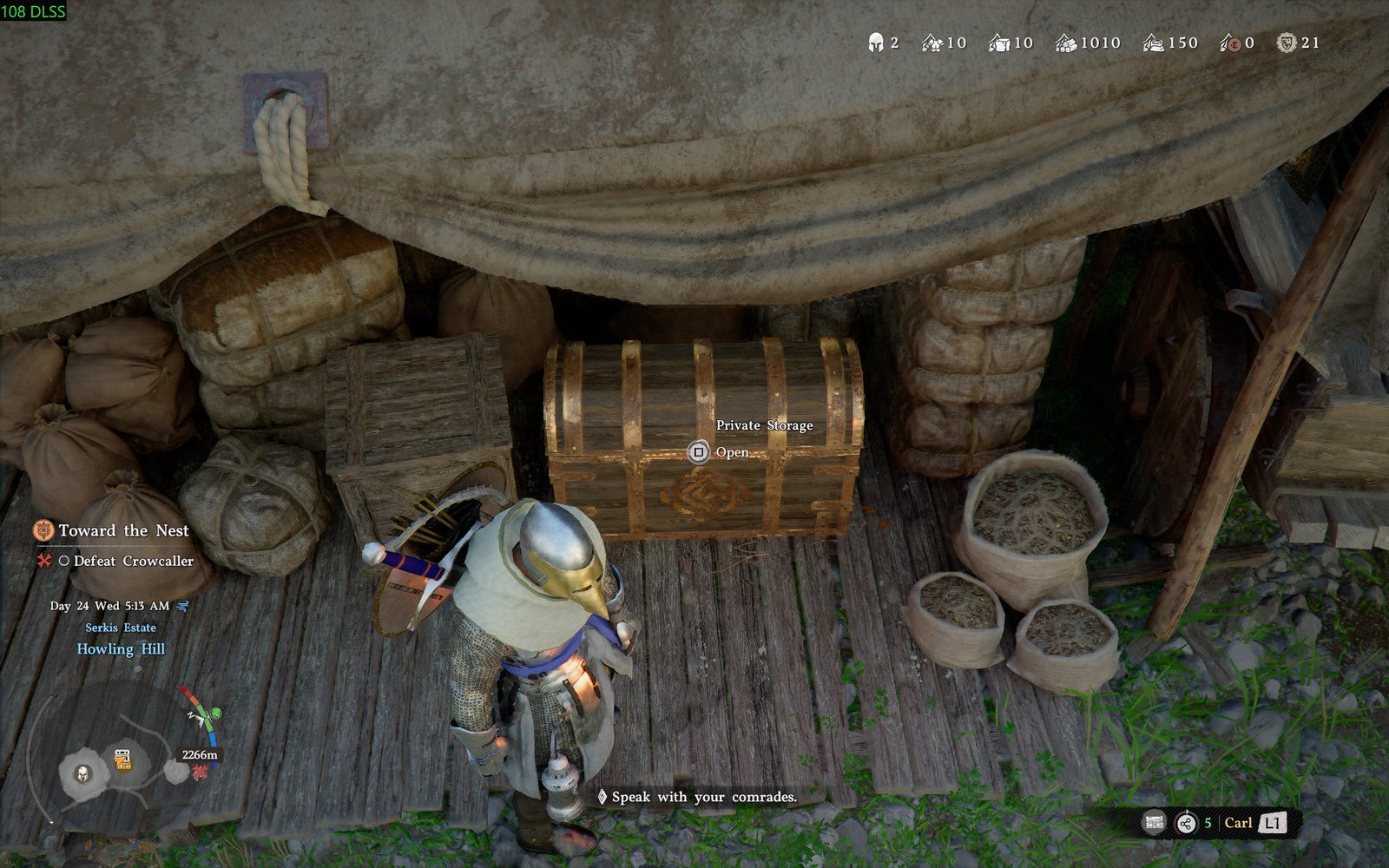
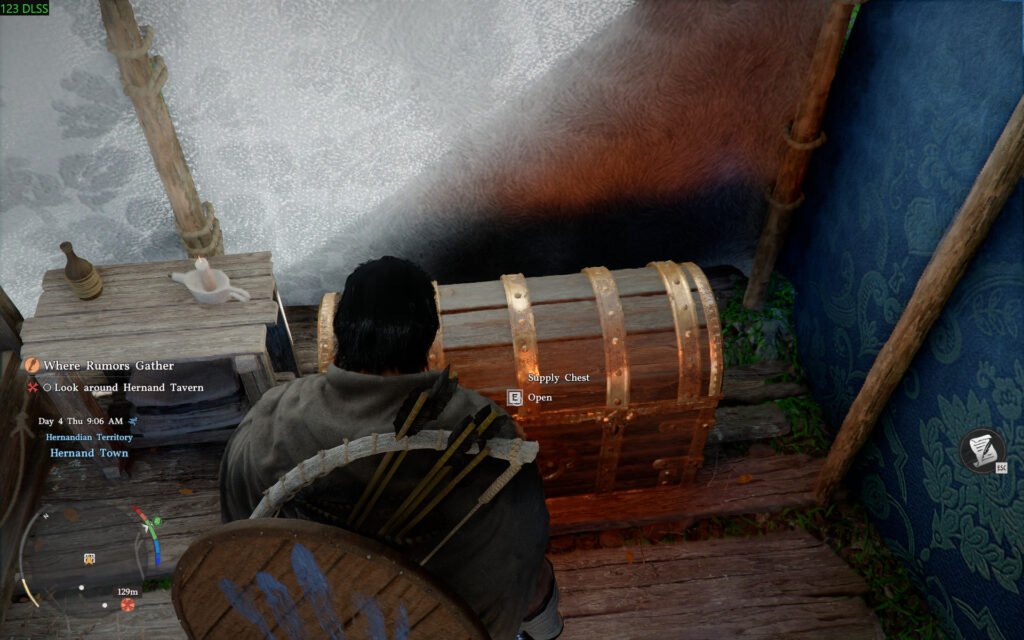
Storage was among the many complaints from players on the day one of Crimson Desert. There was no feature of storing your items of any kind into the chest, as you can only take items from the Supply Chests. However, with the rising complaints, the Devs released the patch 1.00.003 recently, adding the storage feature, alongside many balancing and changes.
The current version of Crimson Desert includes a storage feature that players can use to manage inventory effectively. If you are not aware of the feature and want to know how to store items in Crimson Desert, then we have got you covered.
How to Store Items in Crimson Desert
Storing items in Crimson Desert is as easy as taking items from the Supply Chest. As you arrive at the Freesword Encampment, outside Hernand Castle, you will get a brief introduction about the Private Chest. However, this chest is only available during Chapters 1and 2. Upon reaching Chapter 3, you will unlock a camp at Howling Hill, and the chest will permanently move to this camp. You can find the chest behind Carl at the Provisions Keeper Shop.
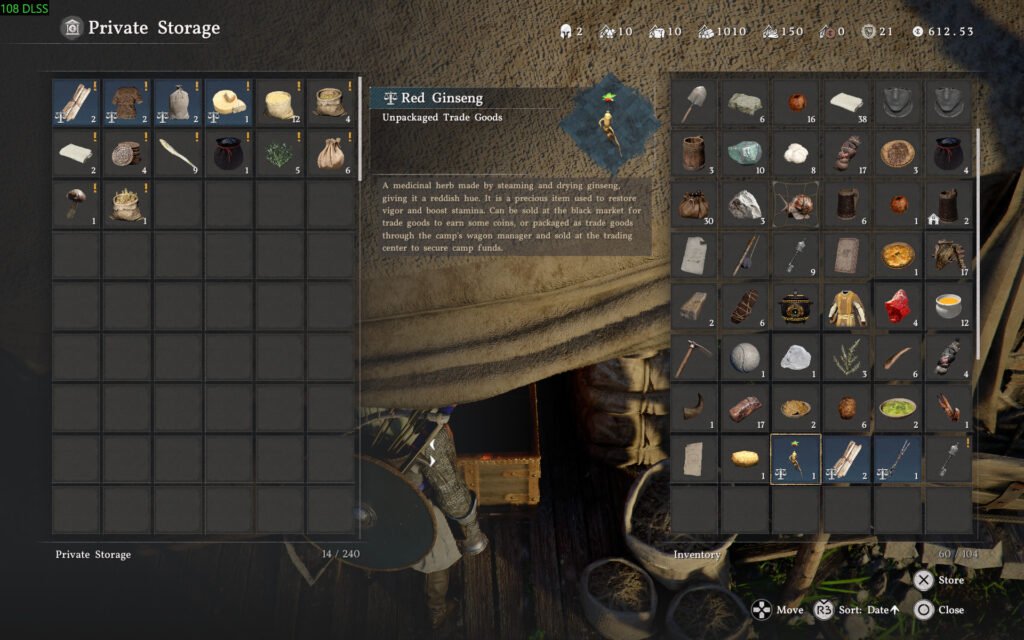
To store any item in the chest, interact with the chest, hover over an item that you want to store, and then press the X (PS5) or A (Xbox) to store the item. Additionally, taking the item from the chest requires the same procedure.
Important Things to Keep in Mind While Storing Items in Crimson Desert
The Private Chest has a maximum capacity of 240 items, which is shared with the supplies produced at the camp. Improving the camp is one of the main features, allowing you to unlock new facilities, produce resources, and manage mercenaries.
Moreover, you can donate supplies to Carl, which help with completing missions at the camp and dispatching freeswords. All of the resources for your camp will be in the same Private Chest. Initially, it will be no problem, but as you level up the camp further, more and more space will be taken by resources and other items.
How to Manage Inventory Effectively
You must manage the inventory effectively so that you can pick up essential items during your next quest or the area you have in mind to explore. Place the gear items you think you need into the Private Chest. Do not keep ingredients in the inventory; use them to cook food to clear out space. Moreover, if you have notes, books, and recipes, learn them and then sell them. Lastly, sell any item you do not need to the merchants. If you keep up this practice, you will have no issue with managing inventory.