Table of Contents
While Pokemon Pokopia is a Switch 2 exclusive, Switch 1 users can still play it. The catch? They can only play cooperatively with a Switch 2 user.
Fortnately: it doesn’t require a second copy of the game. Unfortunately, it’s terribly unclear how to actually enable GameShare for Pokopia. To make it easier, we’ve broken the process down for you here.
Step 1: Go To Pallette Town
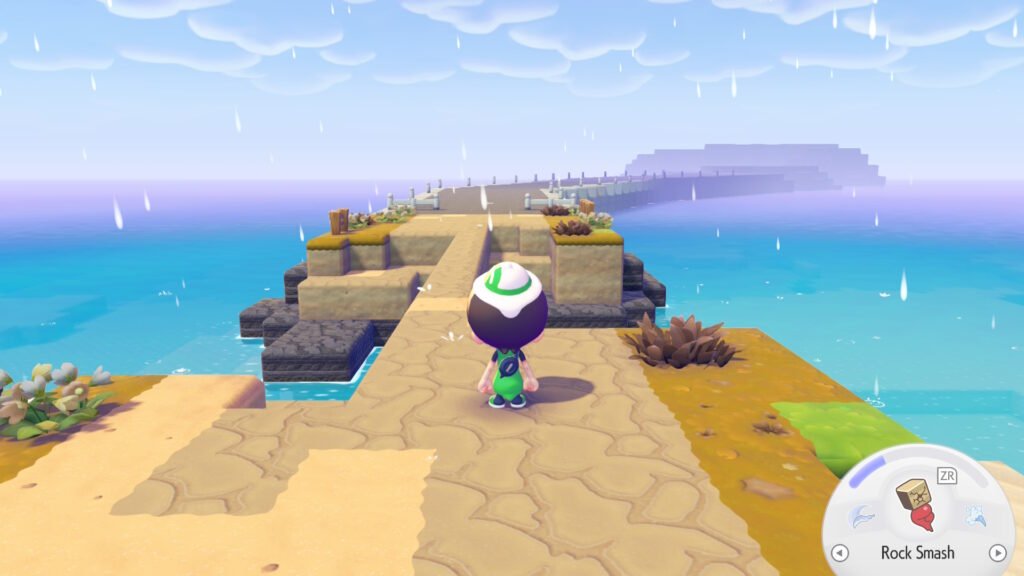
On the western side of the starting zone, just off the beach shore, you can see a long, nicely paved road. When you approach, you’ll be warned to only visit if you have more knowledge.
Disregard the warning and go there anyway. This will bring you to Pallette Town (which you will be prompted to rename in a moment). This is a sort of sandbox island separate from the main adventure.
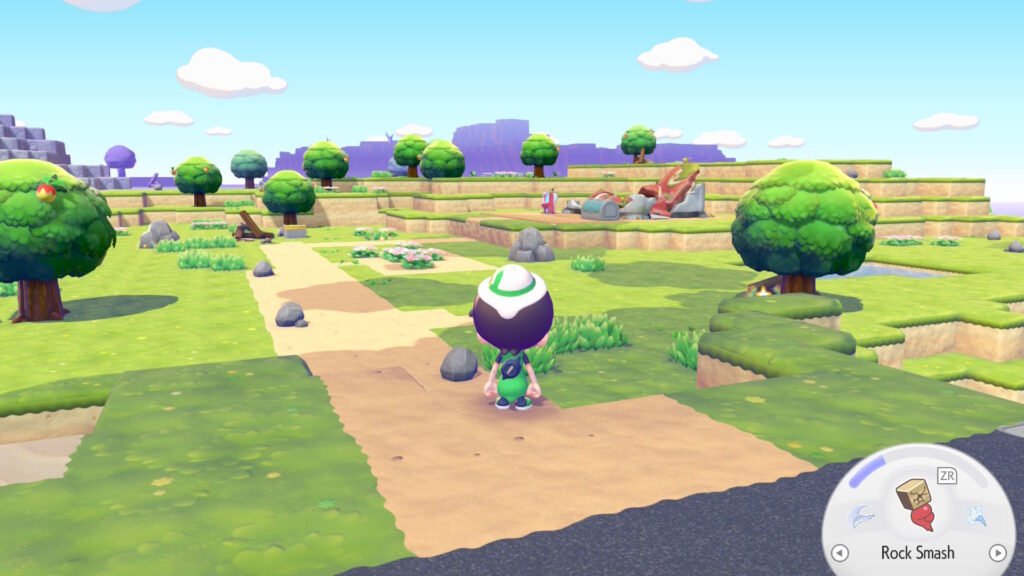
Go to the nearby broken down Pokemon Center and interact with it to Register the island. Leave the PC and you will encounter an Eevee asking for help looking for their friends. Once that conversation is done, you can move on to the next step.
Step 2: Enable Link Play
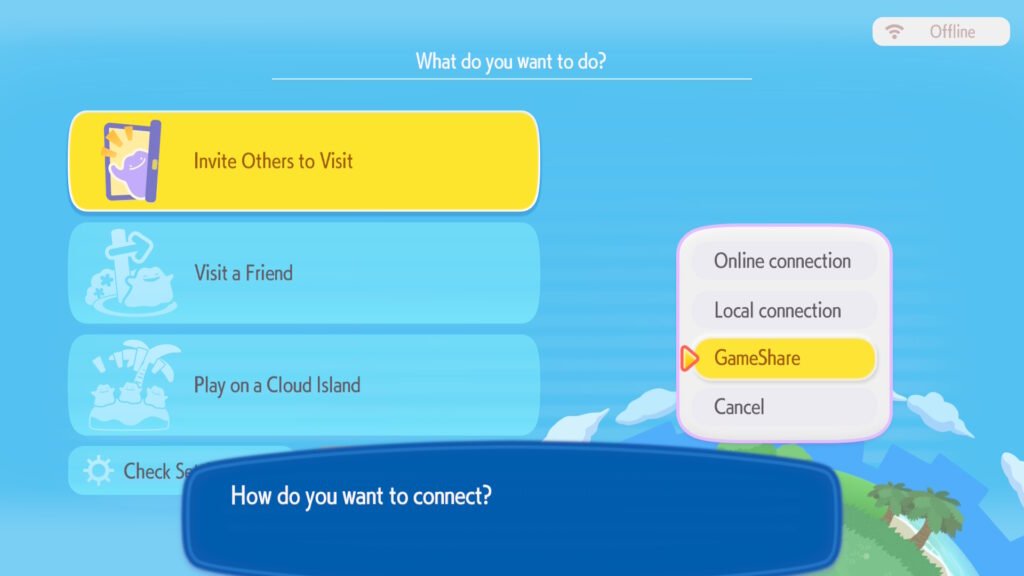
Interact with the PC again. The Link Play option on the lower left corner is now available. Select it. Then select the “Invite Others To Visit” option, followed by the “Via GameChat”GameShare” option. Lastly, select either the “With Nearby Players” option or the “Via GameChat” option.
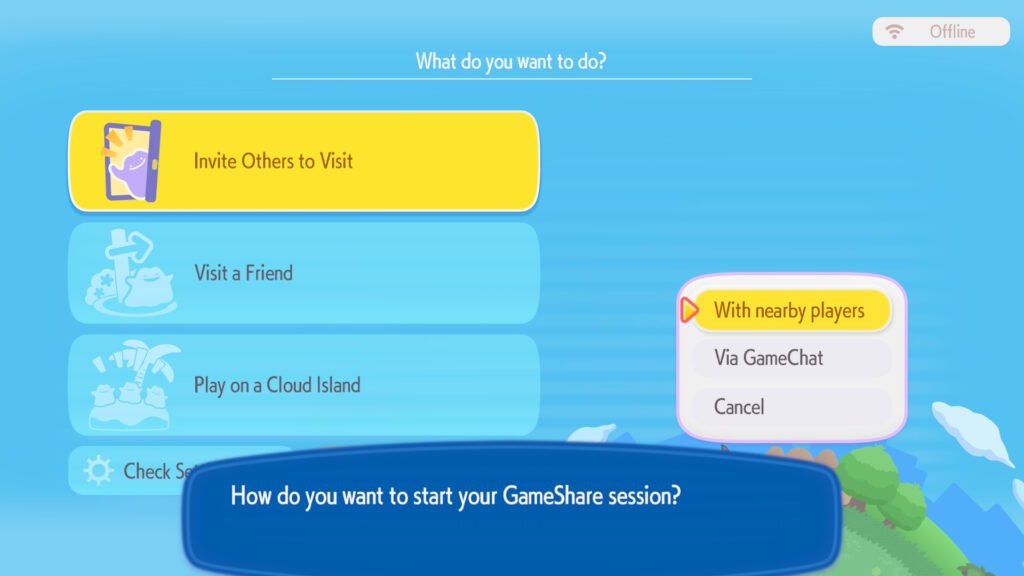
“With Nearby Players” is meant for local play (physically nearby). If you want to GameShare with friends over the internet, you need to join a GameChat room together first, then invite them with the “Via GameChat” option.
The GameShare prompt will open up.
Step 3: Wait For Others To Join
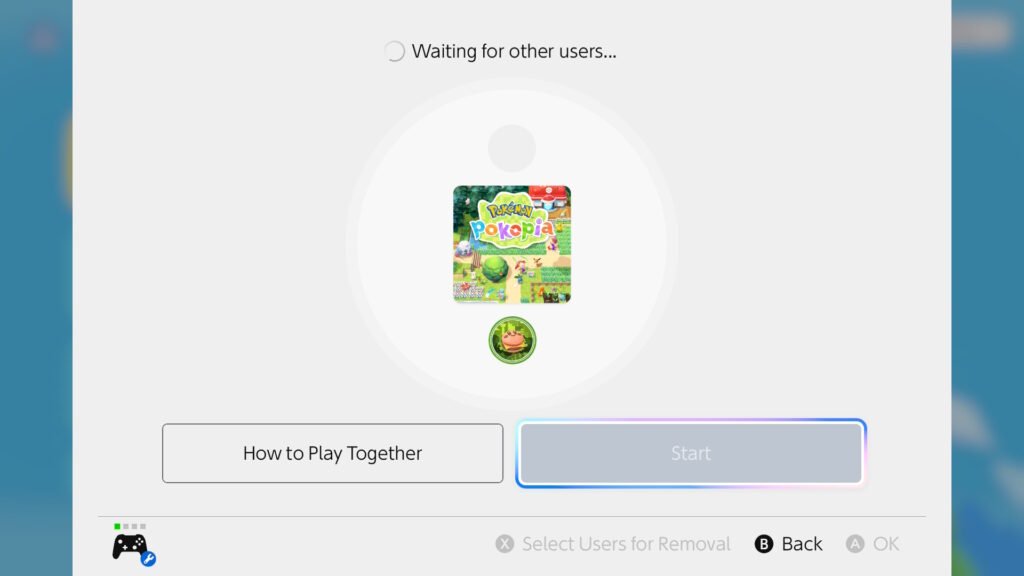
The other players should navigate to the GameShare menu on their Switch’s menu (down near Settings). After searching, your Pokopia game should appear.
Once they confirm and connect, select the Start button to enter the game.
Yes, we’ve personally tested this, and it works with a Switch 1.
Step 4: Play
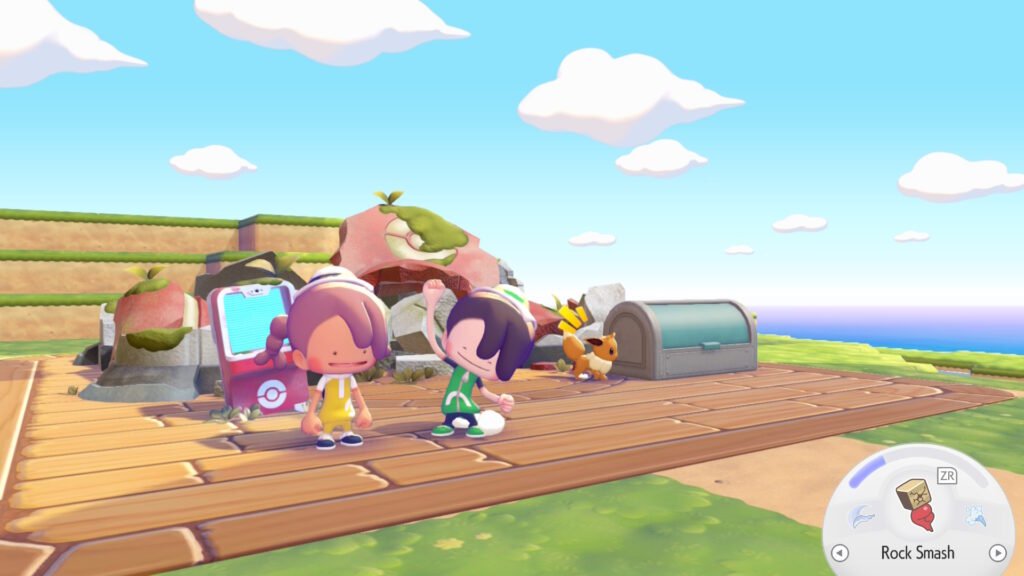
The first thing you’ll notice is that your screen is smaller. This is normal. Otherwise, each joined player should have independant controll over their characters.
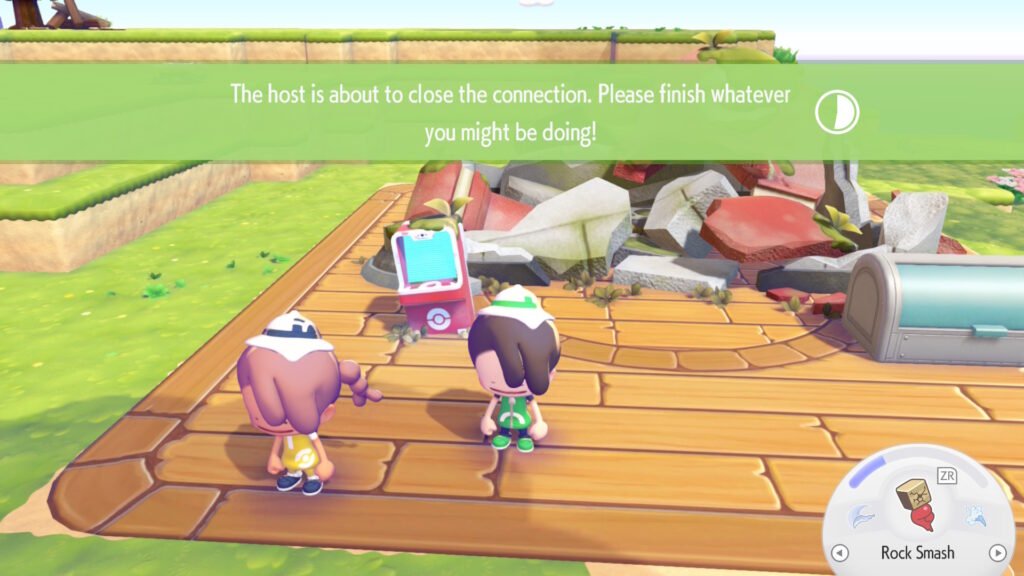
When the session is closed, any items the other players had will be left in the large box near the Pokemon Center.
FAQ
There are some questions you likely have, so let us clear them up.
- Does This Work With Switch 1?
- Yes, the only one required to have a Switch 2 is the game host.
- Do The Other Players Need To Own A Copy Of Pokopia?
- Nope, that’s the entire idea behind the GameShare system.
- Can My Co-op Partners Join On My Main Game?
- No, GameShare is limited to this special island. To join your main game, they need to join via the non-GameShare methods via the Pokemon Center in your main game.
- When is it safe to go to Pallette Town?
- Honestly, any point. If you go there immediately, you might not know the proper way to do things like change humidity, or might lack crafting recipes and such. So go whenever you reach the “I’m comfortable in what I know” level.
- For us, personally, I was after making it rain.
- Honestly, any point. If you go there immediately, you might not know the proper way to do things like change humidity, or might lack crafting recipes and such. So go whenever you reach the “I’m comfortable in what I know” level.