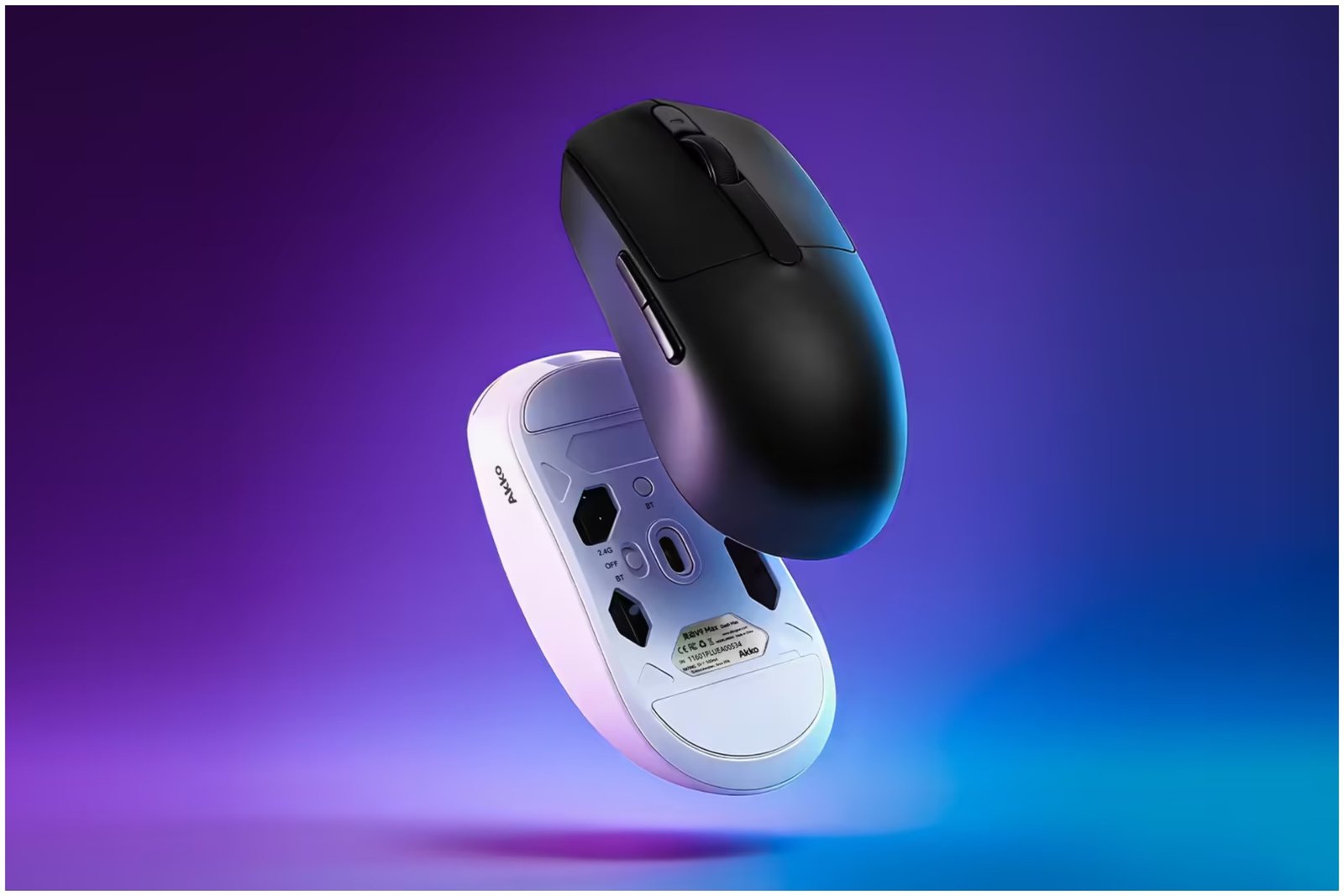
The Akko Dash gaming mouse is a product specifically designed for small to medium hands, lightweight movement, and high-level precision. I was recently given the opportunity to test an Akko Dash mouse out (the black edition, specifically), and for the price point, I can say I was absolutely blown away by what the product has to offer.
*I received the Akko Dash (black) for free to review. Below are my genuine, honest thoughts of the product based on hands-on experience, available features, and the price listing.
What is Included With the Akko Dash?

From the moment I first unboxed the Akko Dash, it was clear that even for a budget product, this gaming mouse comes with pretty much everything you could imagine needing to get your setup going. The mouse itself has three different ways to choose from connecting to your setup, including USB-C wired, 2.4G wireless, and Bluetooth.
Furthermore, there’s the safety of knowing your mouse won’t be running out of battery in a hurry if you choose to use an option other than wired. Akko lists the device as lasting approximately 84-86 days, and I can say for certain that during the time I have been using the Akko Dash, it certainly hasn’t shown any signs of wavering battery life.
Included in the packaging is a series of different pre-cut grip tapes that you can use to customize your Akko Dash to your own preferences. It’s as easy as peeling them off and sticking them onto the mouse…on the side buttons, where your hand rests, the sides of the mouse – it’s completely up to you!
And finally, there’s not one, not two, but three sets of dot skates included, each providing a different level of friction so gamers can customize the control and glide speed of their movements.
Akko truly has set the Dash up with everything needed for players to make sure they can customize everything about the product to their preferences, from something as simple as adjustable DPI to the nice little bonuses included in the packaging.
A Perfect Option For Gamers on a Budget

I’ll keep it real. I often have to do gaming on a budget, which is why the Akko Dash struck me as interesting. I have never really had a gaming mouse that was specifically built around being lightweight and designed for smaller to medium-sized hands.
Let’s just say that the first thing out of my mouth when I pulled it out of the box and got it set up was “oh, wow.” – followed by a very prompt disposal of the hunk of cement I had been labelling a gaming mouse prior right into the cupboard, never to see light of day again.
Not only that, but I noticed an obvious improvement across the board when it came to actually gaming, as well. The mouse is extremely comfy in my hand, whereas other ‘budget’ options I have tried here and there have often resulted in aching wrists.
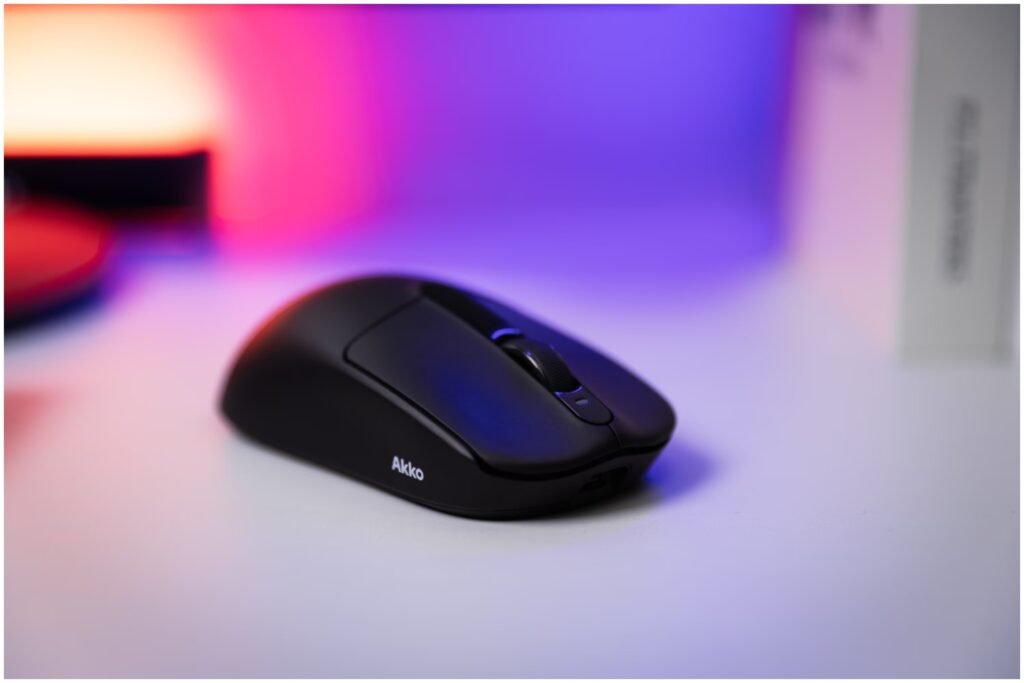
The light feeling of the mouse has been a positive experience, too. While I play a variety of games, many of my hours have been sunk into hero shooters (primarily Marvel RIvals and Overwatch). With this mouse, I immediately noticed I was able to make micro-adjustments to my aim and more consistent flick shots throughout matches, for example.
Would another gaming mouse with a lightweight design have resulted in the same outcome? Likely. But could I have achieved that on a budget? I didn’t think so, until I spent time with the Akko Dash.
For the budget-friendly price, it truly is a quality gaming mouse that is perfect for any gamer on a budget, or someone simply looking for a comfortable everyday option that won’t leave you with tired, aching wrists after a long day of work or an extended gameplay session.
Akko Dash Details, Features, & Price

- Sensor: PAW3950 / PAW3395
- MCU: Nordic 54L15 / Realtek 8762
- Polling Rate: 125-8000Hz (Adjustable)
- Switch: Omron / Akko Custom Optical
- Adjustable DPI (Up to 42,000)
- Tri-Mode Connectivity (2.4G/Bluetooth/Wired)
- Customizable Driver Software
- *Extended 2-Year Warranty: Valid for non-accidental damage and hardware failures.
I have also been made aware of a slight weight difference between variants of the product by an Akko representative. Despite sharing the same manufacturing processes, the white version of the Akko Dash typically weights 1-2g more than the black version.
This is due to higher density in the white material, which results in an overall heavier unit in comparison. Gamers looking to use the mouse in a high-level competitive or professional scene may want to keep this in mind.
Other than that, it has been stated that the mouse utilizes a relatively large 300mAh battery, which can also contribute to the increased weight of the product. However, if a different MCU is used or a smaller-capacity battery is selected, the overall weight will decrease accordingly. So, there are some ways to go about further decreasing the weight if you wish to push the advantage of light, speedy mouse movements with the Akko Dash.
A web driver is in the works for Akko Dash, and currently has a release date of March 31, 2026, as stated on the website.
The Akko Dash gaming mouse can be purchased from Akko’s official website for a price of between $45.99 USD and $59.99 USD (depending on the specific model – Dash Max or Dash Ultra)