★★★★½
Admittedly, the Keychron R6 QMK Wireless Mechanical Keyboard is only the second mechanical keyboard I’ve ever owned. So while I won’t have the technical lingo on the ins and outs of keyboards like other reviews, I do have the perspective of an honest everyday consumer.
Design and Customisations
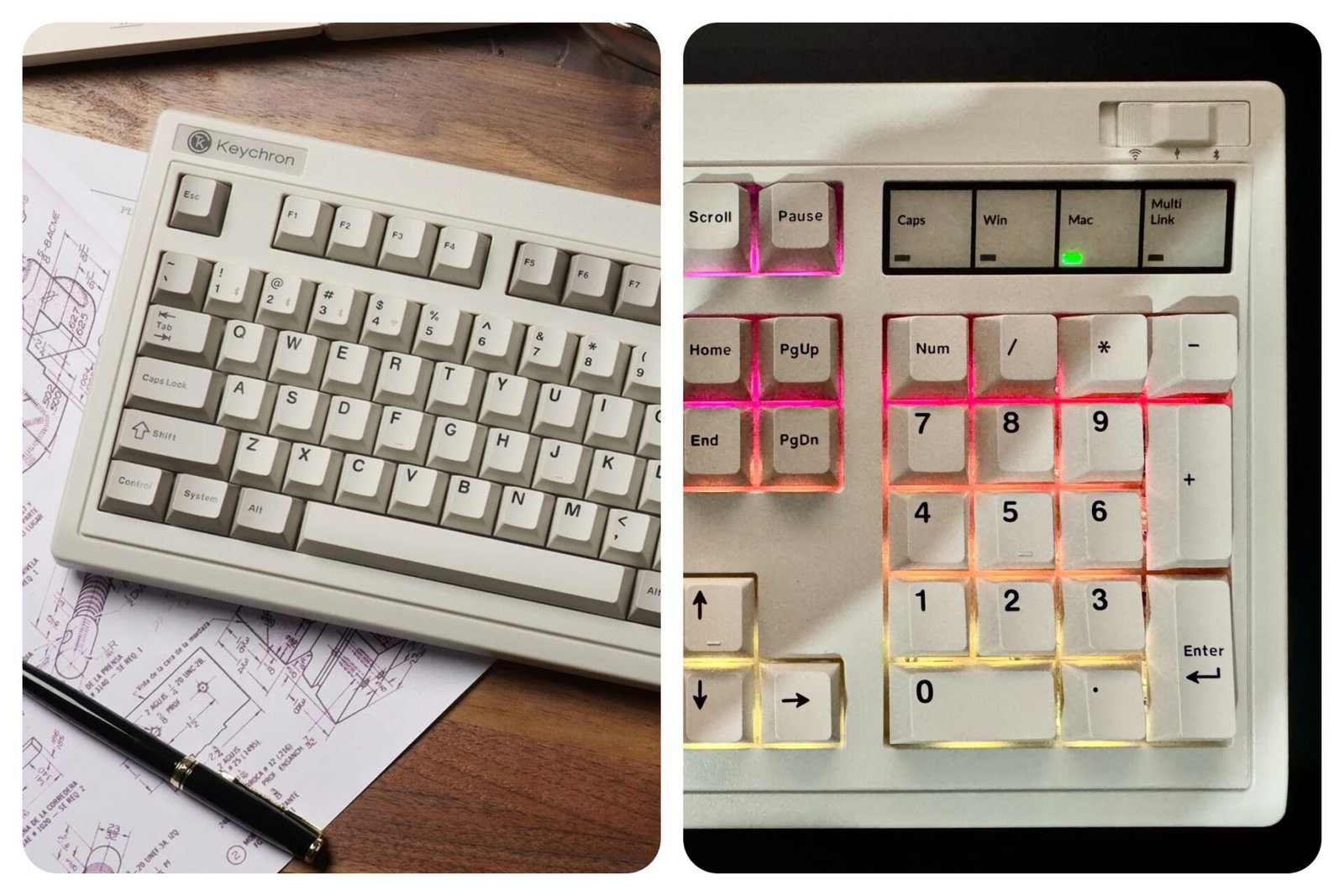
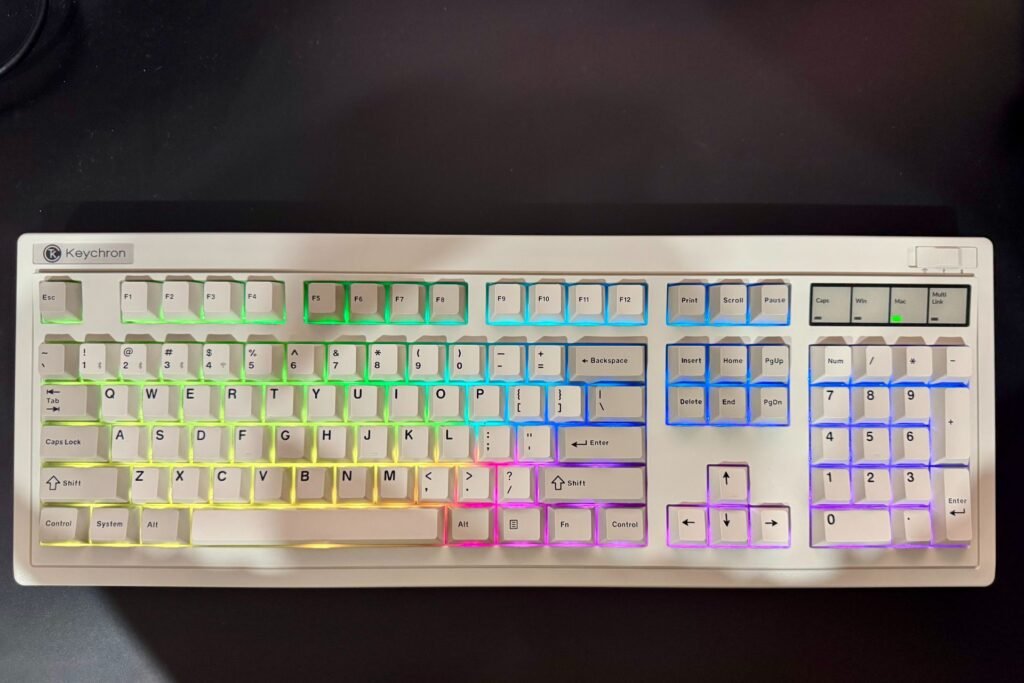
At first glance, the keyboard does look quite plain. No fancy mini displays, or added joysticks. As it stands, it looks like a regular keyboard from two decades ago. But as soon as you start it up, it lights up (literally) with the RGB backlights and adds an entire new dimension to the keyboard.
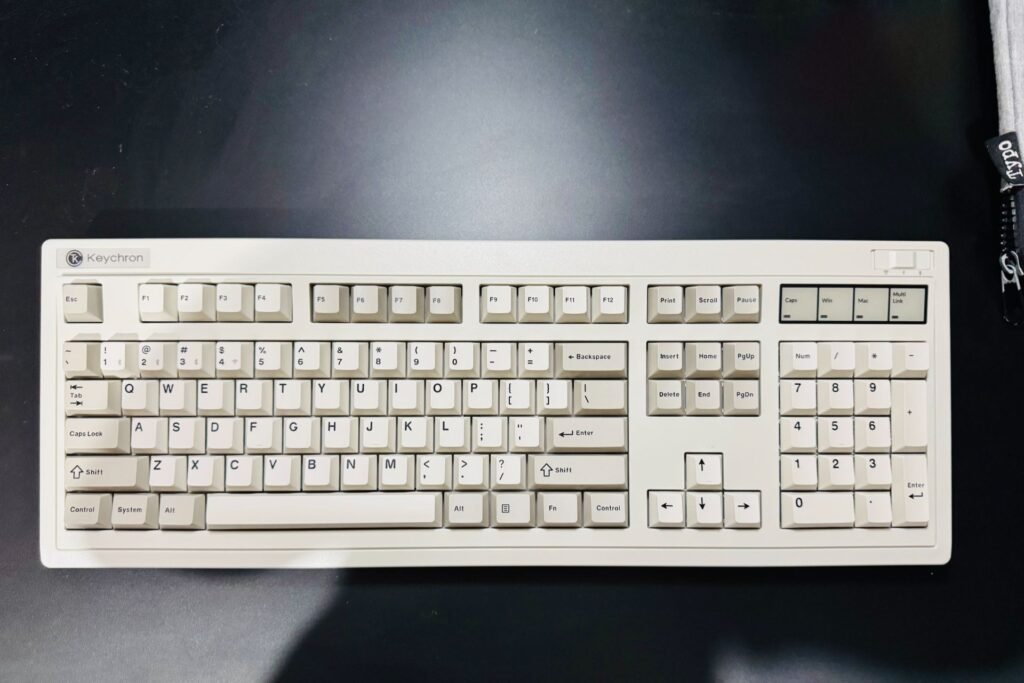
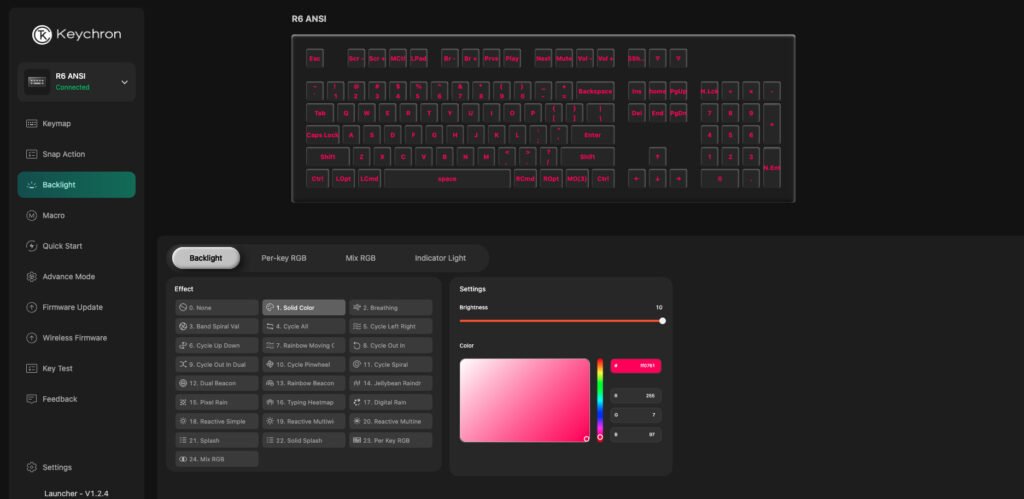
A great feature that may often feel overlooked are the south-facing RGB lights, allowing users to see the lights from the angle where they sit. You’re able to change the backlight settings, including the effects and colours itself, with a massive 22 options.
You’re able to customise the switches and caps quite easily with the provided tools, and can choose between the red, brown, and banana switches. The software is also easily changed through the Keychron Launcher web app.
Ergonomic support is also included with the ability to adjust the keyboard at two different angles, 2.37º & 5.33º.
First Impressions
When I first unboxed the Keychron R6 QMK Wireless Mechanical Keyboard, I was hit with a wave of nostalgia. It’s almost a carbon copy of the type of keyboards I had growing up in the early 2000s. The greyscale keys, the seemingly plain interface, and the chunky retro feel; it was really cool to see something reinvented and, in a way, given a new lease of life for a newer generation.
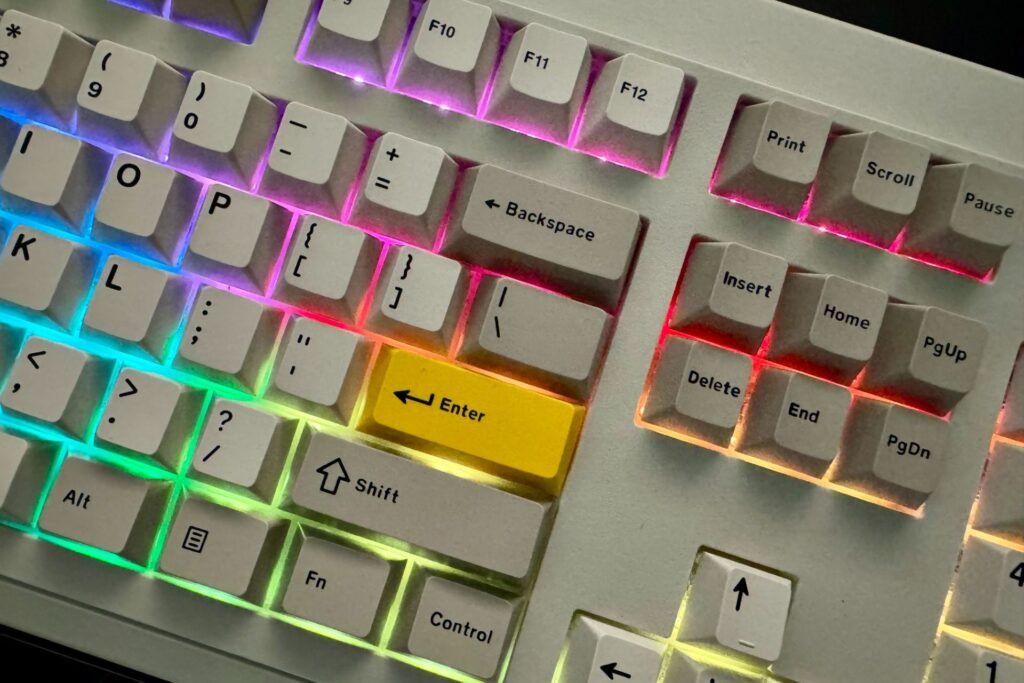
With that said, while I did love the old school look of the keyboard, I changed two keycaps on the board with the included caps that were in the box; changing the ‘Enter’ key and the ‘Esc’ key to the mustard yellow keys.
What I personally find really important with a keyboard is the sound – for this keyboard in particular, I had the brown switches which are stated to be a more gentle sound suited for a midway office and gaming environment. The sound was crunchy and satisfying, but it did feel like I needed to put a little bit more pressure to type than my previous keyboard.
So while my personal preference are softer switches, after a few weeks of use it was quite easy to get used to. I wouldn’t necessarily recommend this keyboard for an office space, as it might just be that little bit too loud to use in a more corporate environment, but it is great for your personal office or gaming setup.
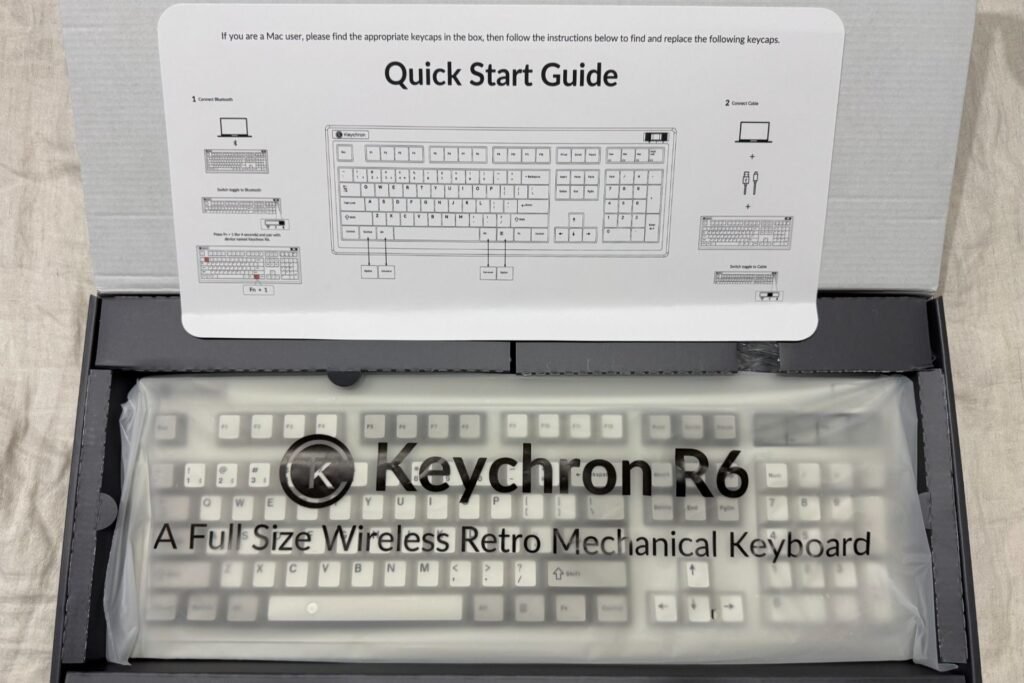
Another aspect I also loved about this product as someone who is only starting to get into mechanical keyboards is how easy everything was to set up. There weren’t any complicated instructions or protocols, the ‘Quick Start Guide’ told me everything I needed to know at a glance without ever having to look too hard at the instruction manual.
General Performance and Firmware
The Keychron Launcher web app gives you an idea of how much the Keychron R6 QMK Wireless Mechanical Keyboard is capable of. You’re able to control just about anything, including remapping certain keys, adding shortcuts, and even adding sound effects.
Regarding connection, users are able to easily swap between a wired connection to Bluetooth with a switch on the top right corner, and by holding down ‘Fn’ and ‘Caps Lock’ to change between Mac and Windows. I personally use a Mac and the keyboard almost mimics the exact functions of the Mac’s interface without too many changes.
In terms of battery power, I used the Keychron R6 QMK Wireless Mechanical Keyboard around two to three hours a day over two weeks, which only brought the battery down by 16%. So as of right now, the battery life seems promising.
Specs, Features, and Box Contents
Box Contents
- R6 Wireless Retro Mechanical Keyboard
- USB-C to USB-A Type Cable
- Type A 2.4GHz Receiver
- Extension Adaptor
- Keycap Switch Puller
- Screwdriver
- Additional Keycaps
Dimensions
- Dimension (Plastic frame version): 467.63 x 169.29mm (18.41 x 6.66″)
- Weight: 1260 g / 2.78 lbs
- Height incl. keycap (front): 32.2 mm (1.27″)
- Height incl. keycap (rear): 40.26 mm (1.59″)
- Typing Angle: 2.37º and 5.33º
- MCU: ARM Cortex-M4 32-bit STM32F402 (256KB Flash)
- Operating Environment: -10 to 50℃
Specifications
- Number of Keys: 104 (100%)
- Switches: Keychron Super mechanical
- Switch Face: South-facing
- Number of Multimedia Keys: 12
- Frame Material: ABS
- Keycap Material: Double-shot PBT
- Keycap Profile: Cherry
- Layout: ANSI
- Polling Rate (2.4GHz and Wired Mode): 1000Hz
- Polling Rate (BT Mode): 125Hz
- N-Key Rollover (NKRO): Yes for both wireless and wired modes
Final Thoughts: The Keychron R6 QMK Wireless Mechanical Keyboard is simple, affordable ($149 AUD and $94.99 USD), and a great starter keyboard for anyone who wants to get more involved with these products. In a space that can feel intimidating given how much there is to know about all the different types of keyboards, keycaps, switches, software, and all the rest, it’s a great, high quality product. All in all, it’s also just a really nice keyboard that goes the extra mile if you want to level up your set up. – Shantelle Santos
Disclosure: Shantelle was sent a Keychron R6 QMK Wireless Mechanical Keyboard from the team at Keychron for reviewing purposes. This review may contain affiliate links.
Header Image Credit: Keychron