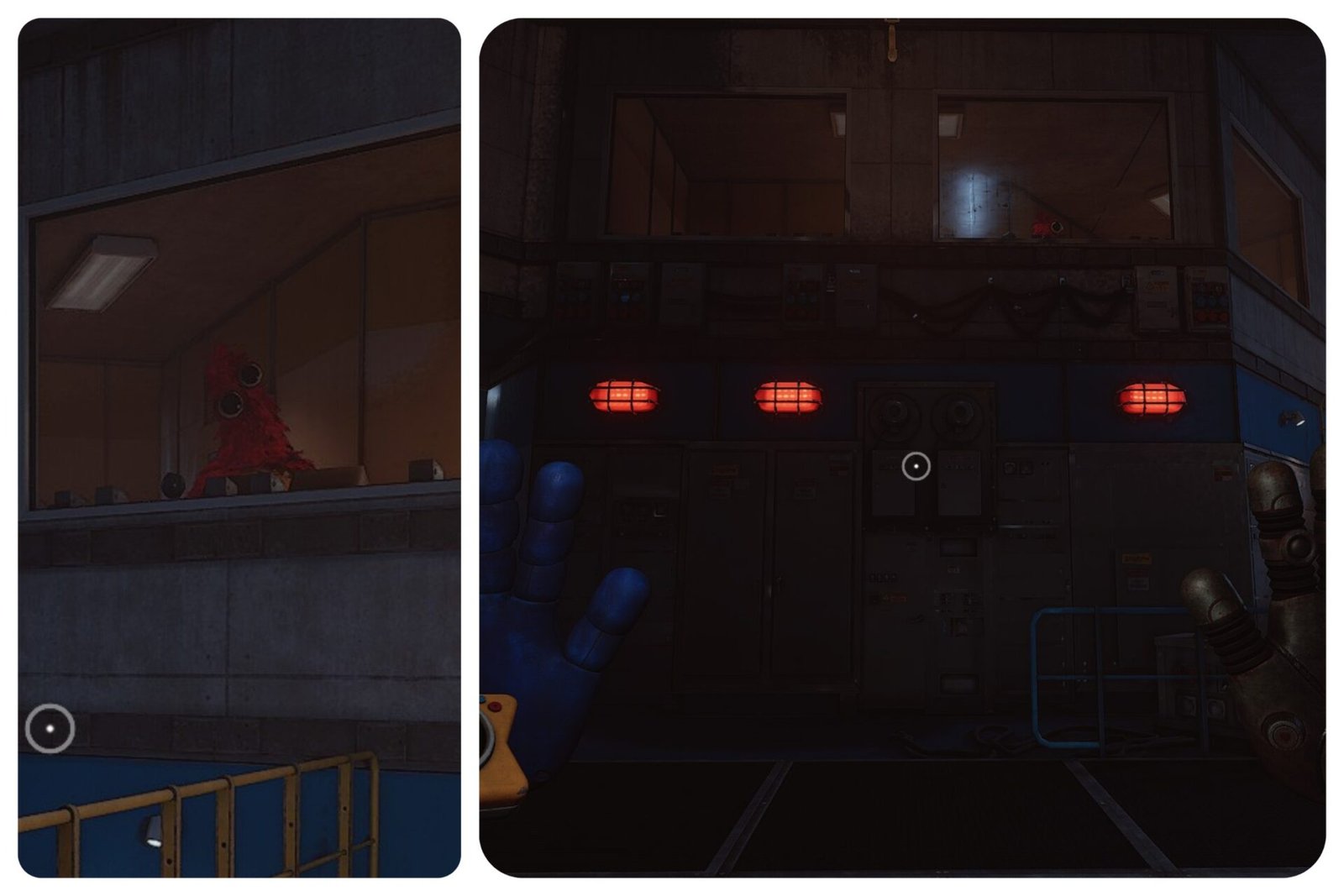
After meeting Giblet and Chum in Poppy Playtime Chapter 5, you’ll be tasked with providing power for Chum in the Engineering Room. This objective can be confusing, as it’s a hidden-in-plain-sight puzzle, sometimes harder than it sounds. If you’re unsure what to do, don’t worry. Here’s how to provide power for Chum in Poppy Playtime Chapter 5.
How to Provide Power For Chum
In the “Find Prototype Data” questline in Poppy Playtime Chapter 5, Giblet asks you to provide power for Chum in the Engineering Room, but he doesn’t explain how to do it.
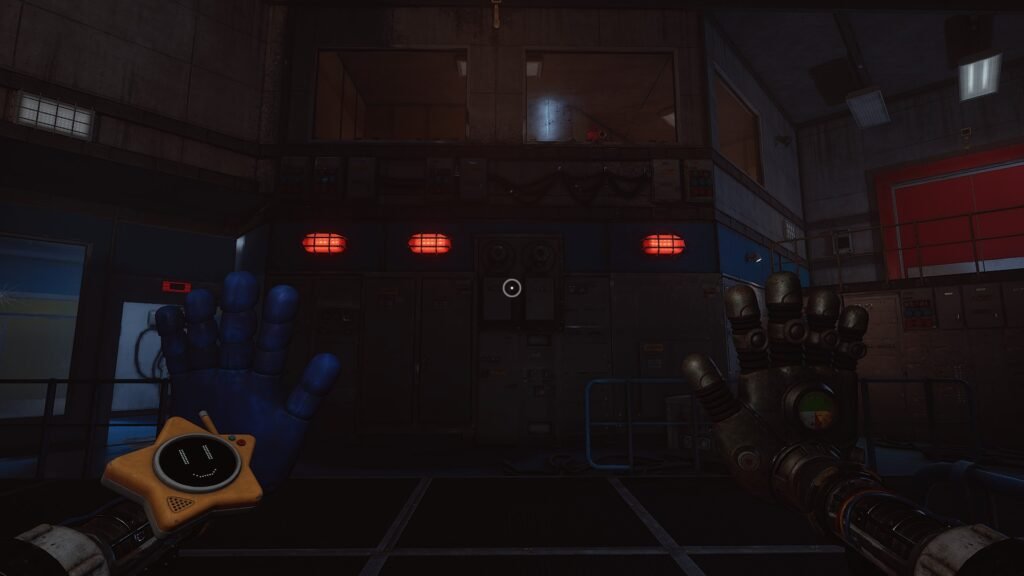
Inside the room, you’ll see a large panel on the left side with three red lights. Your objective is to turn all of them green, which indicates that they’re receiving power. To do that, you need to complete three steps.
Pressure Tank
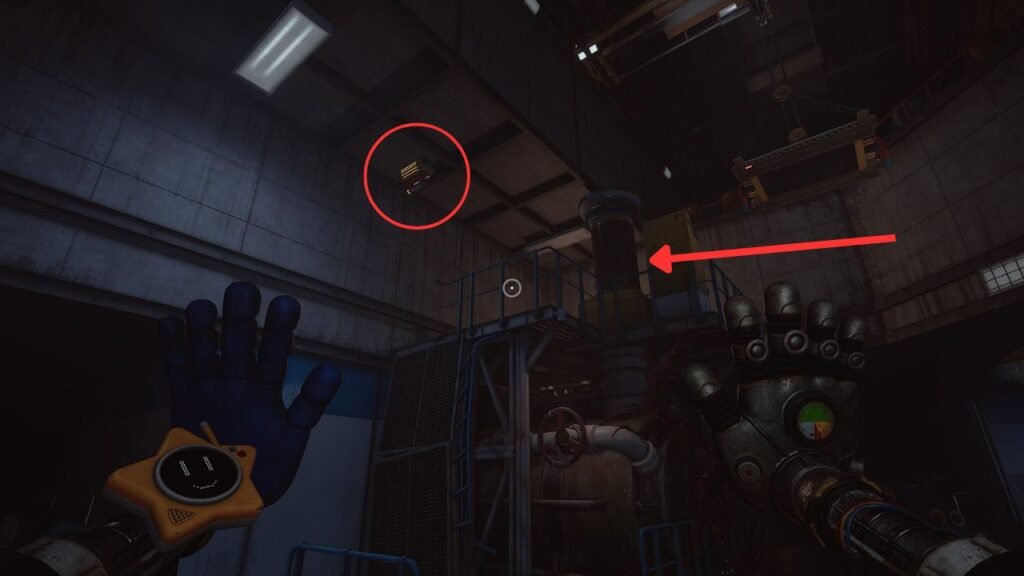
To activate the first light, look for a handlebar that lets you pull yourself up to the higher platform across from the large panel. Use your hands to climb up.
On the platform, you’ll find a pressure tank that you learned how to use in the previous area. Use your Pressure Hand to push the tank, then use your other hand to pull the lever when the indicator is positioned between the marked lines.
Once done correctly, the first light will turn green.
Wheel Valve
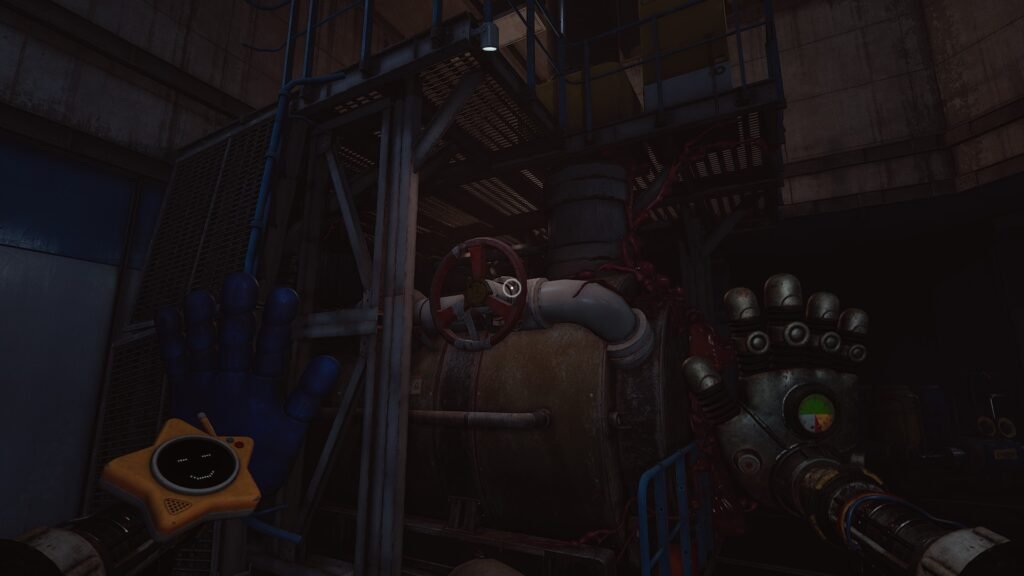
For the second light, locate the wheel valve just below the handlebar you used to reach the platform. It’s the red wheel mounted on a generator.
Turn the wheel fully to activate the second light. You can release it once it’s fully turned.
Electrical Plug
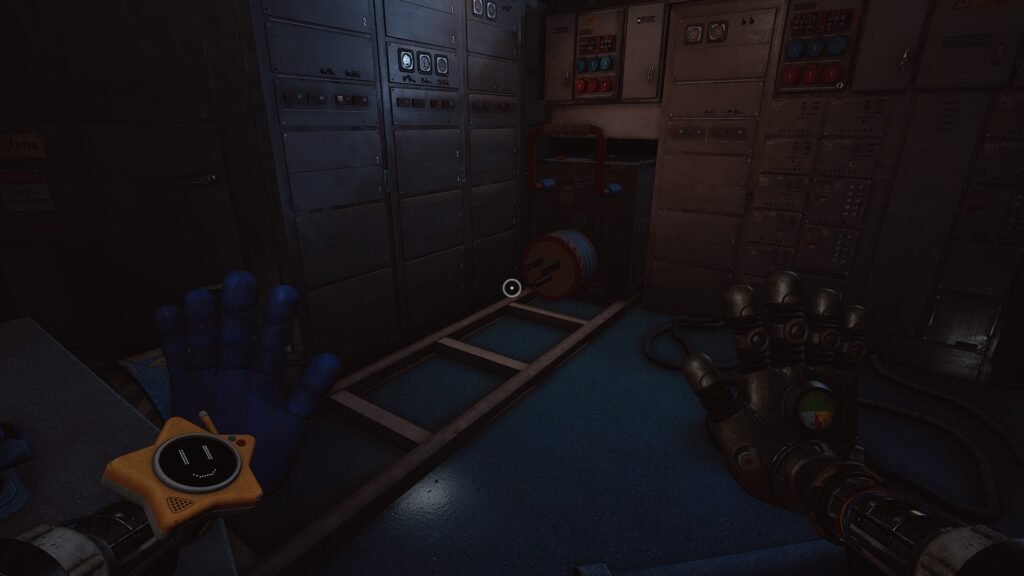
To activate the final light, look for a plug just beside the panel, and plug the electrical connector into the socket directly in front of it. Simply pull the handle on the plug and insert it into the socket.
Make sure to hold it in place and wait until Giblet gives his next instructions.
Repeat the Process
The power will experience errors and malfunctions, requiring you to repeat the same process three times before it’s successful. After the third malfunction, you only need to re-rotate the wheel valve while continuing to hold the plug in the socket.
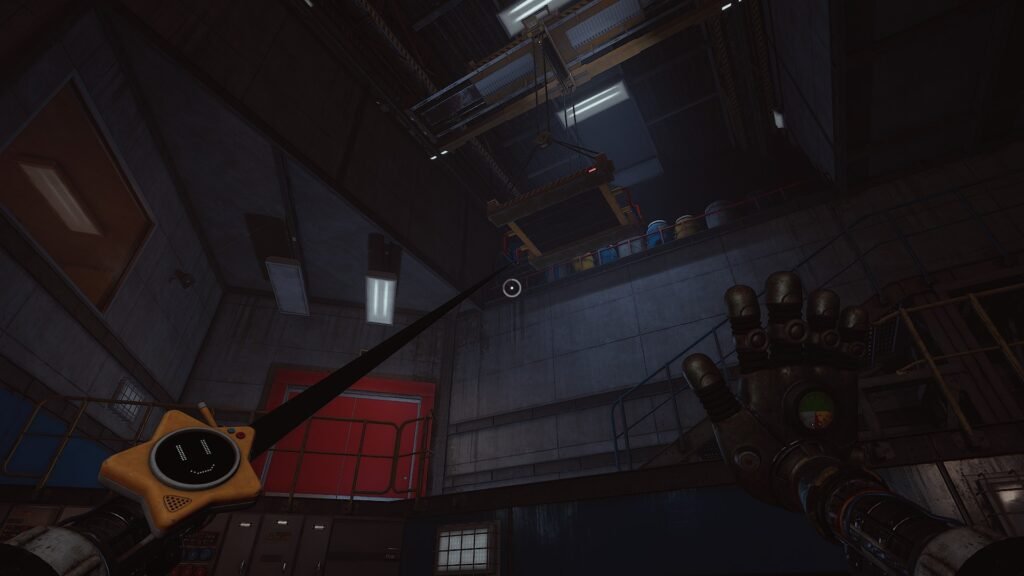
After repeating the steps a few times, Giblet will let you know when it’s safe to continue. A new handlebar will appear above the platform on the right, grab it to climb up.
Finally, use your left hand to interact with the scanner next to the door to open it and continue your journey.