★★★★★
The tech behind gaming mice seems to continue to get better and better as the years go by, so much so that it sometimes feels like we’re spoiled for choice with how overwhelming the current market is. But with the highly anticipated release of the Logitech G PRO X2 SUPERSTRIKE last week, I was interested to see how it would hold up with my gaming habits compared to what everyone was saying online.
What’s in the box?
- Logitech G PRO X2 SUPERSTRIKE Lightspeed Gaming Mouse
- Wireless Receiver
- Adaptor
- USB-C to USB-A Cable
- Replacement POWERPLAY Cover with an Additional Skate
- Stickers for Extra Grip on the Mouse
- Cleaning Cloth
- Manual

Specs and Key Features of the Logitech G PRO X2 SUPERSTRIKE
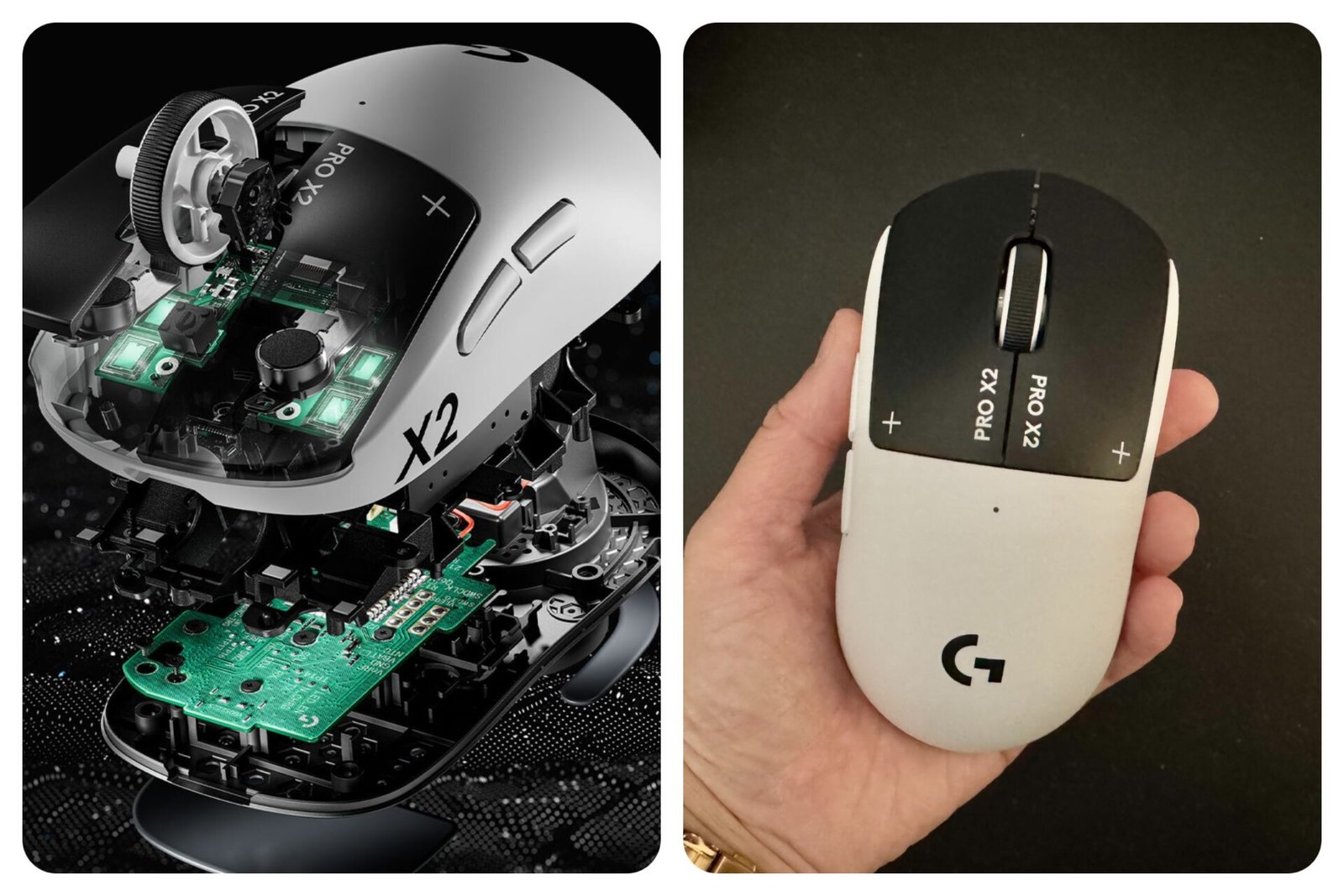
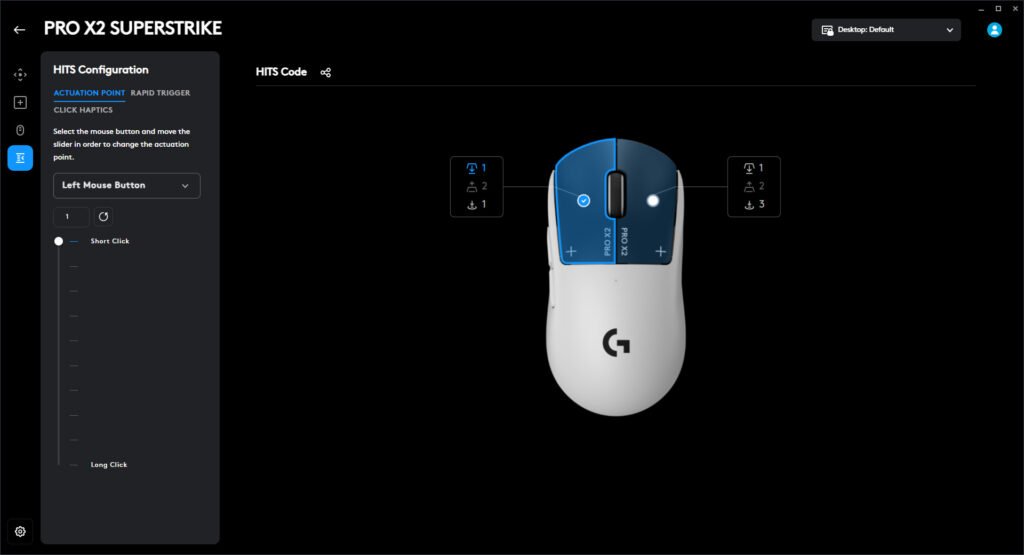
The most exciting feature of this mouse that makes it so different from the rest in the market is the haptic inductive trigger system – short for “HITS”. It’s the first time a gaming mouse has click technology that allows you to easily adjust the actuation point (essentially the distance between clicks before it’s registered by the computer) the rapid trigger, as well as the click haptics, depending on your personal style and comfortability, all on Logitech’s G HUB.
Dimensions
- Height: 125mm
- Width: 63.5mm
- Depth: 40mm
- Weight: 61g
Features
- Haptic Inductive Trigger System (HITS)
- Adjustable Actuation and Rest Points
- Accurate Haptics Control
- Lightspeed Technology – up to 8 kHz polling
- HERO 2 Sensor
- Wireless
- Rechargeable Battery – up to 90 hours of battery life
- USB-C Connectivity
- Wireless
- Rechargeable Battery – up to 90 hours of battery life
- 5 Buttons
Specs
- Resolution – Tracking (the responsiveness): 100 – 44,000 DPI
- Max. acceleration: 88 G*Tested on Logitech G640 Gaming Mouse Pad
- Max. speed: 888 IPS*Tested on Logitech G640 Gaming Mouse Pad
- *Max wired report rate/polling rate (frequency and speed of when it sends data): 1000 Hz (1ms)
- *Max LIGHTSPEED report rate: 8000 Hz (0.125 ms)
- Tracking: Zero smoothing/acceleration/filtering
- *Advanced features require Logitech G HUB
First Impressions and Performance of the PRO X2 SUPERSTRIKE
The first thing I was honestly worried about was if it would be a comfortable grip. For context, I have a wrist injury that flares up every so often, and for the majority of my day I actually use a Logitech Lift Vertical Ergonomic Wireless Mouse for work – that work being incredibly admin heavy for eight hours straight, so it feels necessary.
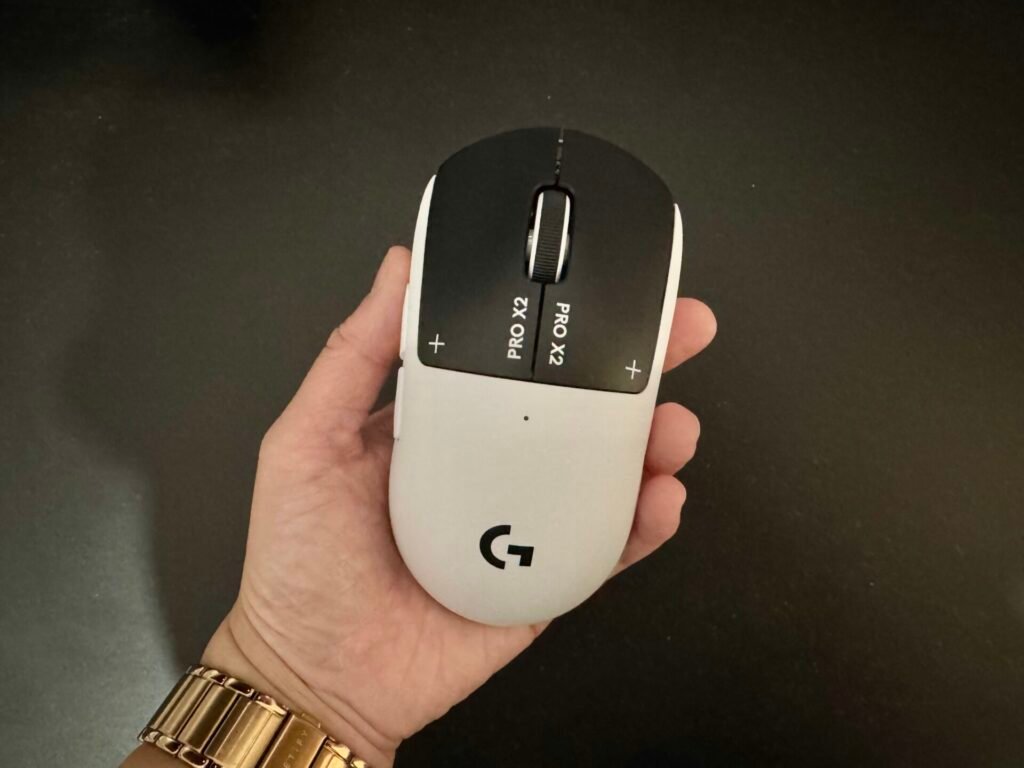
But when I game, I do have a couple of gaming mice that I interchange depending on what I’m playing and how I feel. And after using the mouse consistently over the last week or so, it’s safe to say that the PRO X2 SUPERSTRIKE is more than comfortable and exceeds expectations on all fronts. It has a very natural palm grip shape that allows you to ease into the new sensation while still adjusting to the general feel of having a newer mouse.
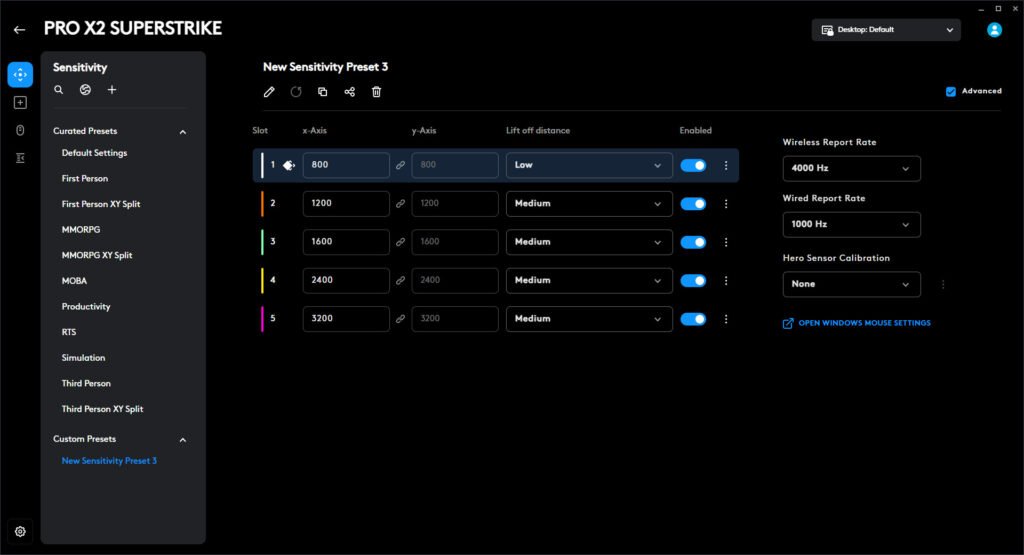
In terms of gaming performance, it’s important to first be transparent on the settings that worked for me, of which what I have chosen is as followed:
- DPI – 800
- Polling Rate – 8,000
- Actuation – 1
- Rapid Trigger – Disabled
- This has been disabled mainly because players have been known to get banned, particularly in FPS games
- Haptic Feedback – 1
With that said, the mouse is perfect for FPS games like CS2 or VALORANT where you’re able to customise the feedback time and triggers to enhance the performance massively. The tactical feedback is immediately palpable and is unlike anything I’ve really ever felt before. It makes sense that this mouse was in part designed by over 100 e-sport pros, because it is definitely something that high level competitive gamers will be able to utilise at its absolute peak.
Based on the tech in the mouse, the weight of the mouse is also quite impressive and feels incredibly smooth to use. With heavier mouses, you’re able to feel the strain on your wrist and forearms after prolonged use, but for me I was able to comfortably use the mouse without too many issues.
In terms of battery life, as per what is advertised, it states that it’s able to be powered for at least up to at least 90 hours. But this would vary depending on the usage and settings. Through testing based on the aforementioned settings, I was able to play for about 20 hours with the battery only dropping 8%, even keeping the mouse switched on while not in use.
Design of the Logitech G PRO X2 SUPERSTRIKE
The mouse only comes in one colour, that being a black and white design (named the Lunar Eclipse). The design is also quite sleek and generally aesthetic, similar to the look and feel of the other gaming mice in the Logitech G series.
It also has a similar shape to the previous editions of the G Pros, so if you were to upgrade to the PRO X2 SUPERSTRIKE you wouldn’t feel too much of a difference other than the new tech that’s been embedded.
The skates on the mouse are also perfect for glasspads. I personally use a Skypad 3.0, so the mouse worked seamlessly, with minimal scratching sounds. But I could also see this working on cloth pads quite well, though you would feel a bit more of a drag, especially if you were to use regular mouse pads.
Software and Connectivity – G HUB
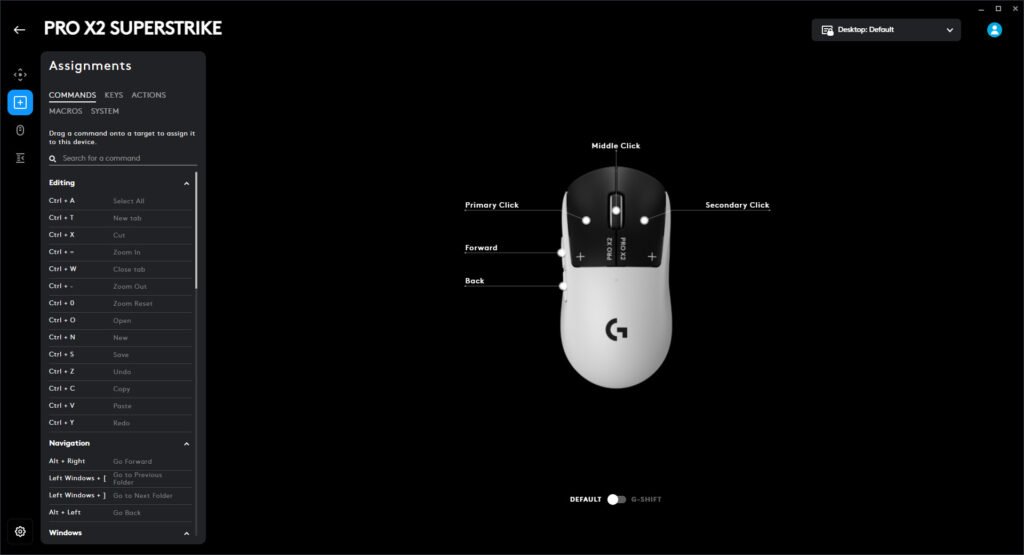
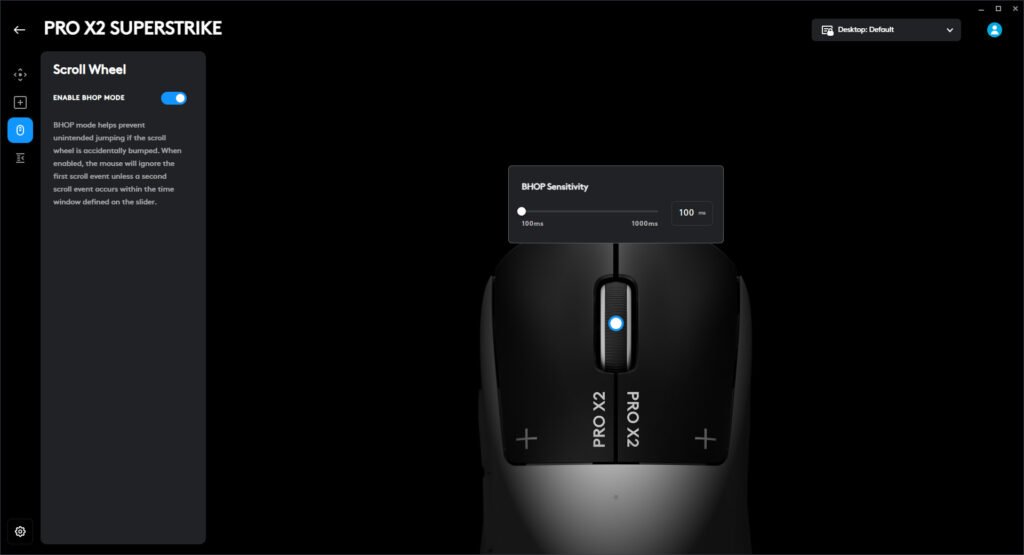
As mentioned earlier, the star feature of the PRO X2 SUPERSTRIKE is the flawless ability to change the mouse’s settings through the G HUB. You’re able to download the G HUB software directly to your computer, where you’re able to effortlessly change the DPI, polling rate, actuation point, rapid trigger, click haptics, and so much more.
To connect the mouse, you’re able to plug in the receiver straight into your computer, or plug it into the adapter, which will then connect to your computer. If the battery runs low, you’re also able to directly charge the mouse with the adapter while still being able to use it.
Final Thoughts
While the cost is quite pricey ($299.95 AUD and $179.99 USD), after using the mouse for the better part of a week, I definitely feel like this mouse is worth it and has definitely set a new standard for the next iteration of gaming mice. The “HITS” technology alone is a game changer (literally) and it might just be the best we’ll see in a long time.
Disclosure: Shantelle was sent a PRO X2 SUPERSTRIKE from the team at UMM on behalf of Logitech for reviewing purposes. This review may contain affiliate links.
Header Image Credit: Logitech