What’s funny about gaming headsets is that they are usually so “gamer” that you can’t really wear them for anything else. Try using one at the gym and you’ll not only look out of place, but the little microphone stick would be flopping about and getting in your face.
It’s definitely part of the marketing, to have them lean so far into “being for gaming” that you can’t use them for anything else, but for many that also means you have to buy another set– a pair of Sonys for the gym, or Airpods for your commute, or Bose for the plane. But it’s not very “budget” to buy multiple headsets, so wouldn’t it be nice to have one that does it all?
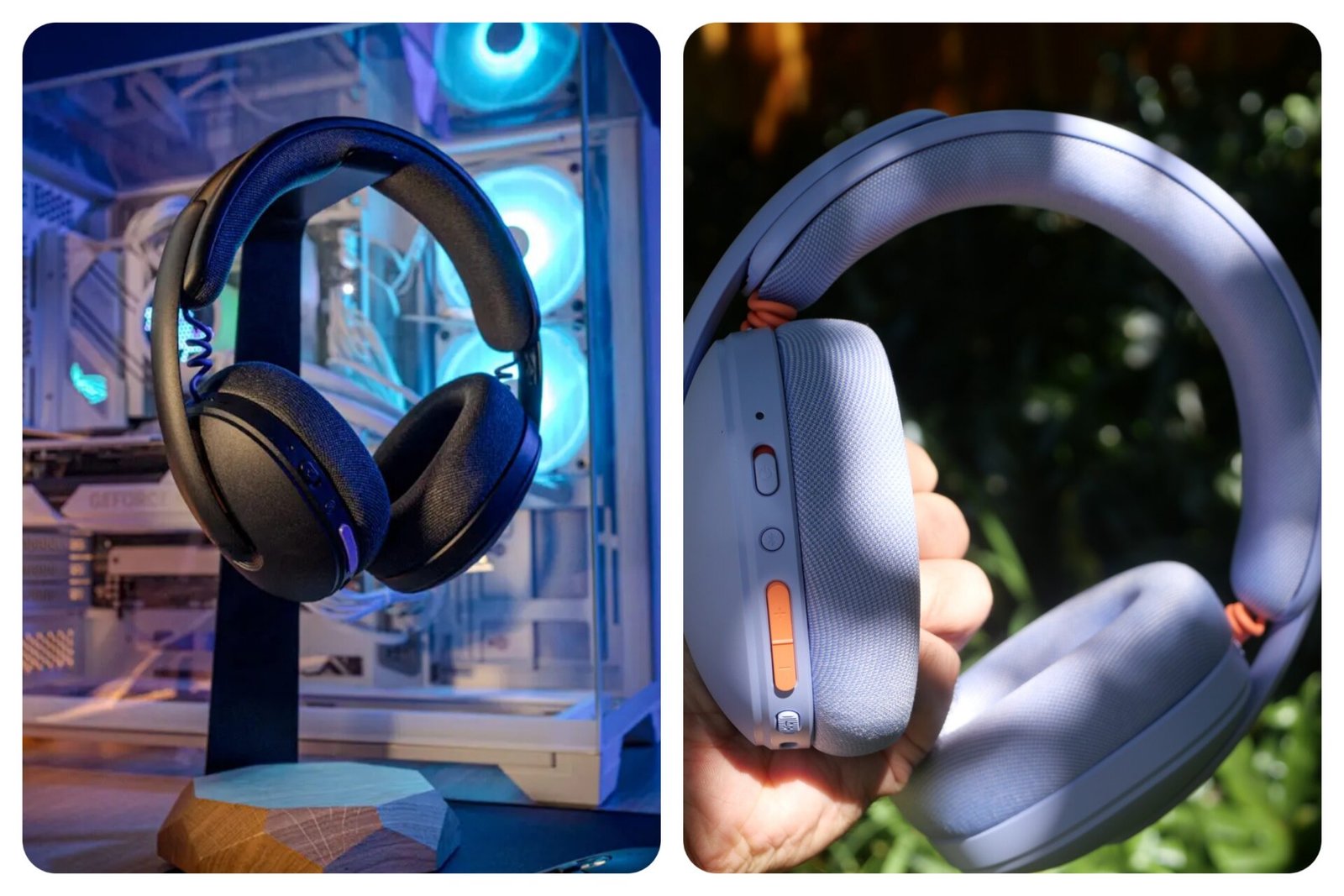
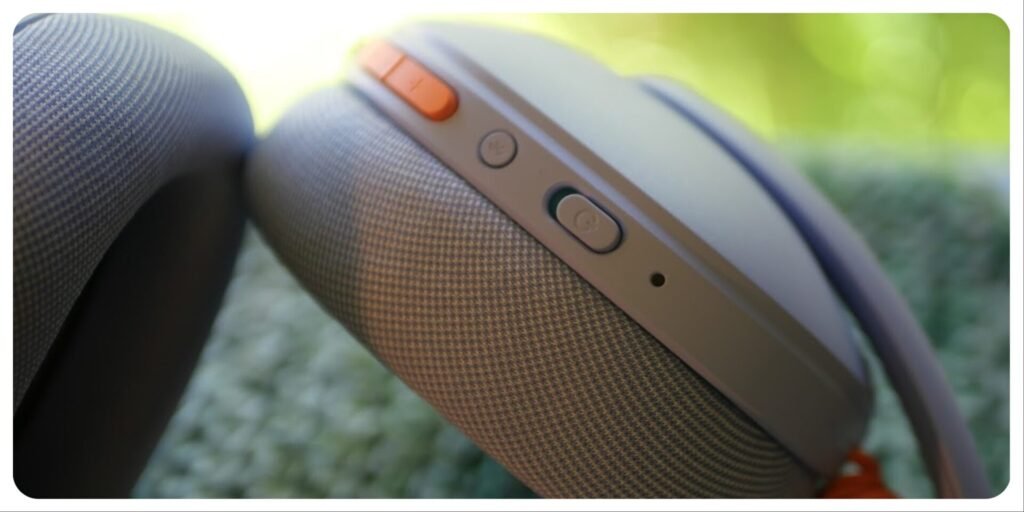
The Logitech Lightspeed G325s have a little bit of everything packed into a comfortable, lightweight shell. The microphone is beam-forming like a pair of Sonys while it has the connection options of a Corsair headset. Pair that with style, low-latency, and a reasonable battery, it’s a nice way to cover your bases within a budget. It’s not a headset that can do it all (no noise cancelling means it won’t be your pick for a plane ride), but for its price-class, it’s fits neatly into a niche for people who don’t want to buy multiple headsets.
Logitech Lightspeed G325 Specs and Key Features
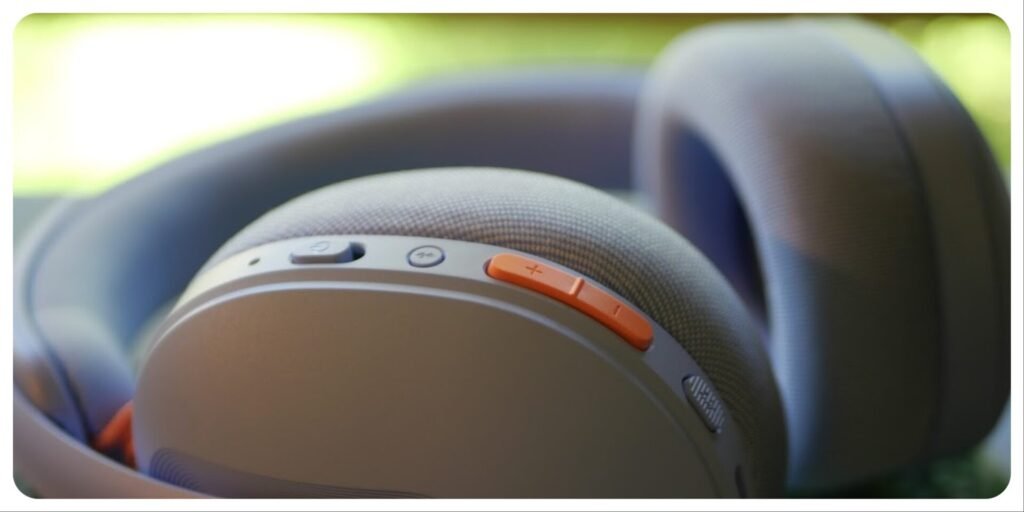
- 24-bit audio support
- Lightspeed wireless and Bluetooth connectivity
- USB wireless support
- Up to 24+ hours battery life
- Up to 30m wireless range
- Built-in beamforming noise-reducing microphone
- 80% charging cap to extend battery health
- Up to 46% post-consumer recycled plastics
- Available in white, lilac and black
- 32 mm drivers.
- Memory foam earpads, knit fabric, and lightweight 212g.
How does it compare to gaming headsets in its price class?
As you can see, the stats are pretty much as you’d expect for a gaming headset. They haven’t reinvented how drivers or batteries work, nothing too flashy, but compare it to one of its direct price competitors like the Corsair Void v2, and you’ll notice big differences (not all of them good).
Compared to Corsair Void v2 Gaming Headset
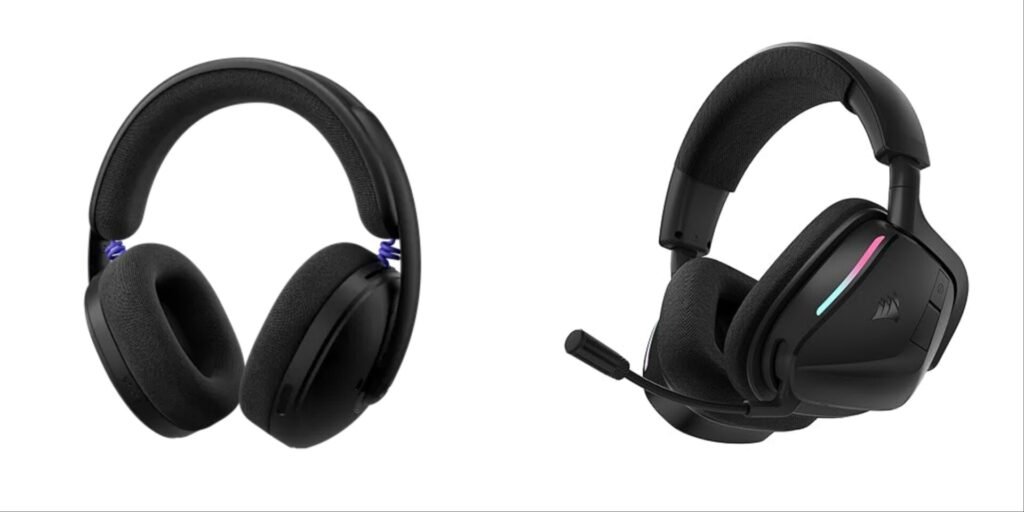
These are the main differences:
- The G325s are two thirds the weight of the Void v2s.
- G325s have no directional audio, while the Void v2s have 360 degree audio.
- The Void V2s double the G325’s battery life (even triples).
- The G325s have a beam-forming microphone as opposed to a standard boom arm (the Void V2’s microphone is far and away better than the G325s).
- The Voids have larger drivers (40mm to 32mm).
- The Logitechs have a more stylish, minimalist design.
Basically, the Corsair headset beats the Logitech one in all but two areas: weight and microphone portability. That means that for just gaming, the Corsair is a far better choice, but what about for other uses? The Corsair headphones couldn’t be used on-the-go, they’re too unwieldy. So how does the G325 compare with a similarly priced Sony headset?
Compared to Sony WH-CH720 Over-Ear Headphones
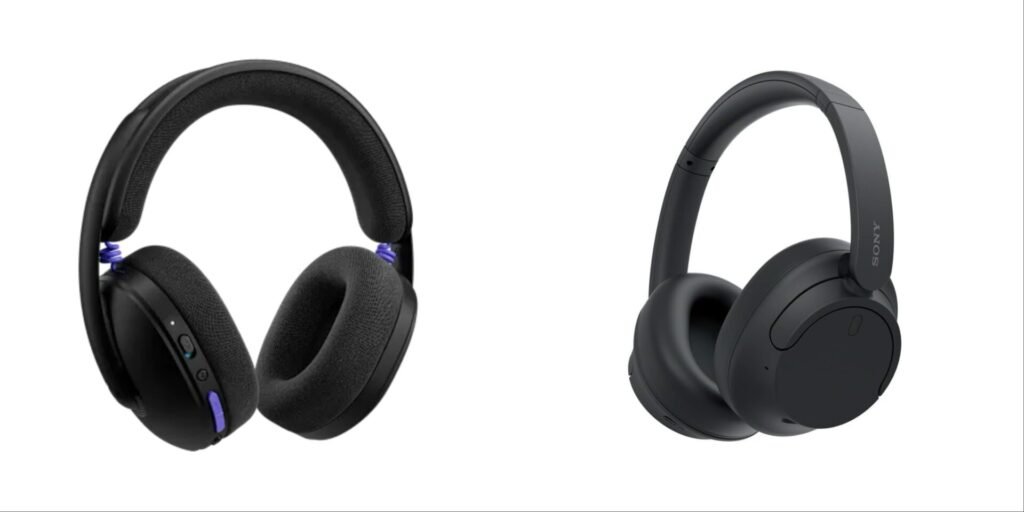
The main differences here are:
- The Sonys only connects via Bluetooth, the G325s have USB and wired connections too.
- Sony battery life is 35 hours, the G325s are 24 hours.
- Sony’s weigh 192 grams, Logitech’s are 212g.
- Sony’s Warranty is one year, Logitech’s is two years.
- Logitech has larger drivers (32 to 30mm).
- The Sonys have synthetic leather, the Logitechs have knit fabric.
- The Sony’s have active noise cancelling, while the Logitechs have none.
As you can see, the Sonys win out again, with the exception of being unable to connect to most consoles. It’s these little wins that make the Logitech G325s a surprisingly good pick, but only in a niche scenario.
Who Should Buy the Logitech Lightspeed G325?
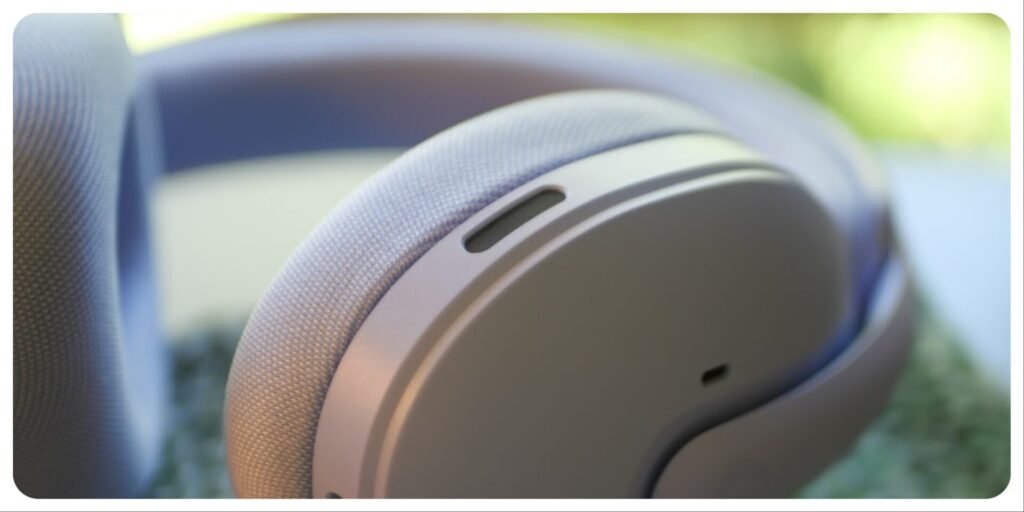
If you’re on a budget and want a headset for everyday use and for gaming use, the Logitech G325s are a good choice. They’re not best in class for either gaming or everyday use, but the ones that are– the Corsair Void v2s and Sony WH-CH720s– don’t do both so you’d need to buy both. The Corsairs are heavier and bulkier, with a microphone that’d look silly and get in the way, while the Sonys don’t have the connection options to play on consoles.
This places the Logitech Lightspeed G325s uniquely as a jack of all trades, but master of none. They’re comfortable, but not luxurious. They have decent audio quality, but not amazing. They do have surprisingly good gaming latency, but otherwise it’s a pretty standard headset. The G325s do a little bit of everything, but nothing exceptionally. If you want a headset for a single use, buy a specialised headset, otherwise this one covers all your bases (basically).
FAQ
Is the Logitech Lightspeed G325 good for PS5?
Yes. The USB Lightspeed connection provides stable, low-latency performance suitable for console gaming, making it a strong budget wireless option for PS5 players.
How long does the Logitech G325 battery last?
Logitech rates the headset for over 24 hours of battery life, with our testing and research showing closer to 22 hours.
Is the Logitech G325 good for noise cancelling?
No, there’s some passive noise cancelling due to the fact that they’re over-ear, but that’s it. The microphone can have AI noise-reduction with the G-Hub app, but this will only benefit people you’re calling.
Is the Logitech G325 good for music?
It performs adequately for everyday music listening, but bass response may feel hollow for bass-heavy genres. It is better suited to gaming than audiophile use, but the Logitech application does allow some custom tuning.
Disclosure: Branden was sent a G325 headset by Logitech for reviewing purposes. This review may contain affiliate links, but not for this product.