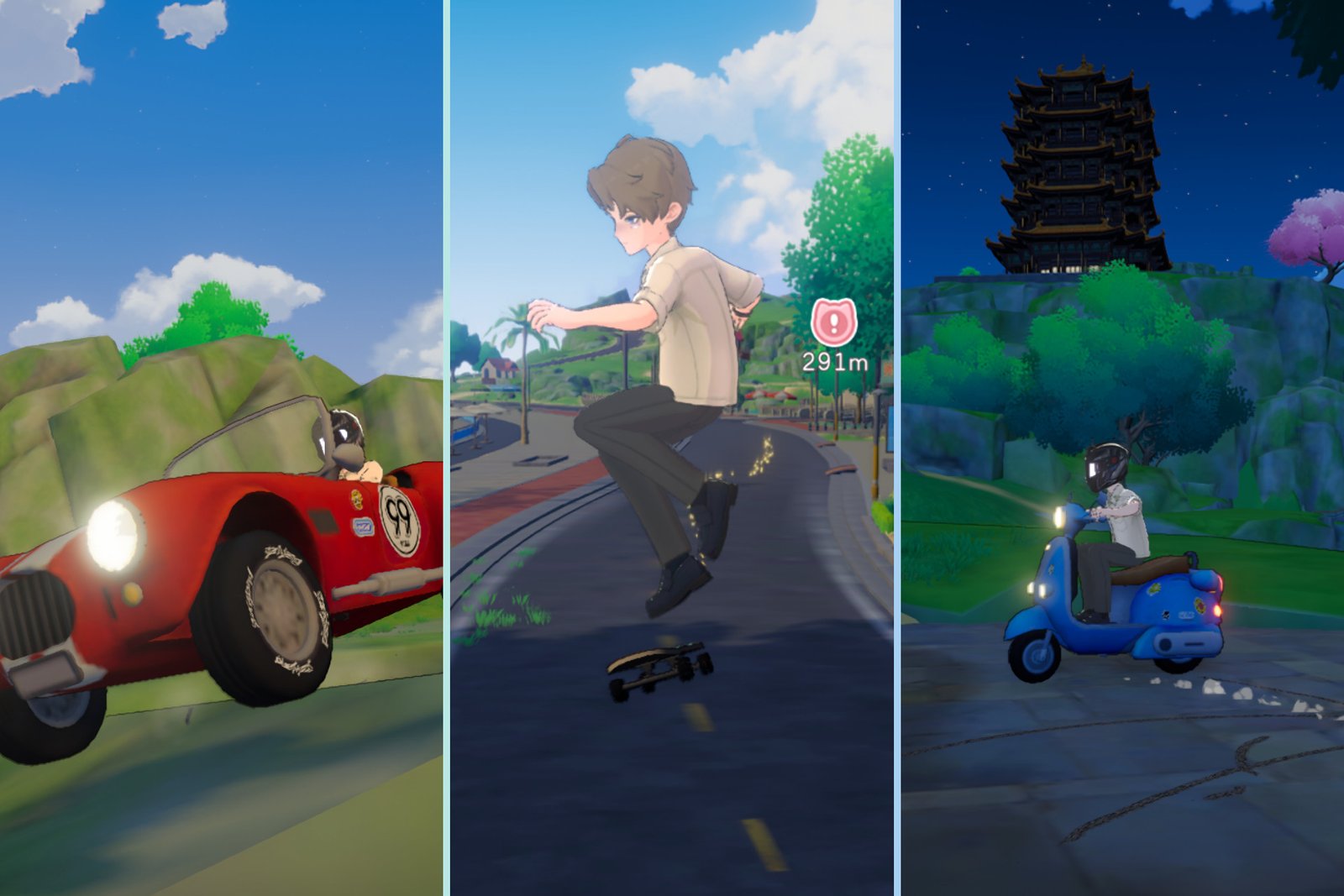
One of the first things you’ll probably notice while settling into Starsand Island is just how much land there is to traverse. Then the next thing you’ll notice is just how incredibly slow you are on foot.
Thankfully, you aren’t cursed to spend all your time sprinting around the island just to try and get anywhere. You can actually unlock your first vehicle from very early on in your save. In fact, it’s a part of the first main quest Solara suggests you do after you finish the tutorial.
Table of Contents
- How to unlock the skateboard
- How to buy your own vehicle
- How to unlock bike, boat, and car blueprints
- How to rent vehicles
- How to use vehicles
How to unlock the skateboard
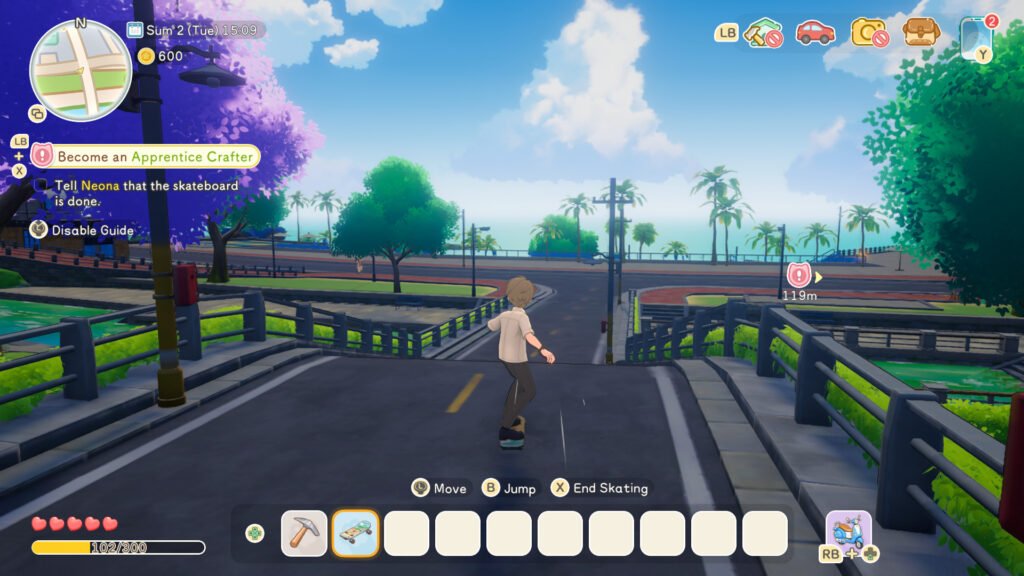
Surprisingly, the first vehicle you’ll probably call your own in Starsand Island is actually a skateboard. You unlock this by becoming an Apprentice Crafter.
After finishing the tutorial, head down to the General Store to meet Zerine. Speak to her and ask to become an Apprentice Crafter to trigger the start of a quest that teaches you all of the basics of crafting and finding resources.
The Apprentice Crafter quest takes a little more time to finish than you might expect, and the goals come up in a strange order, but it isn’t all that difficult. Here’s a walkthrough of exactly how to complete it.
How to unlock the cutter, charcoal kiln, and furnace
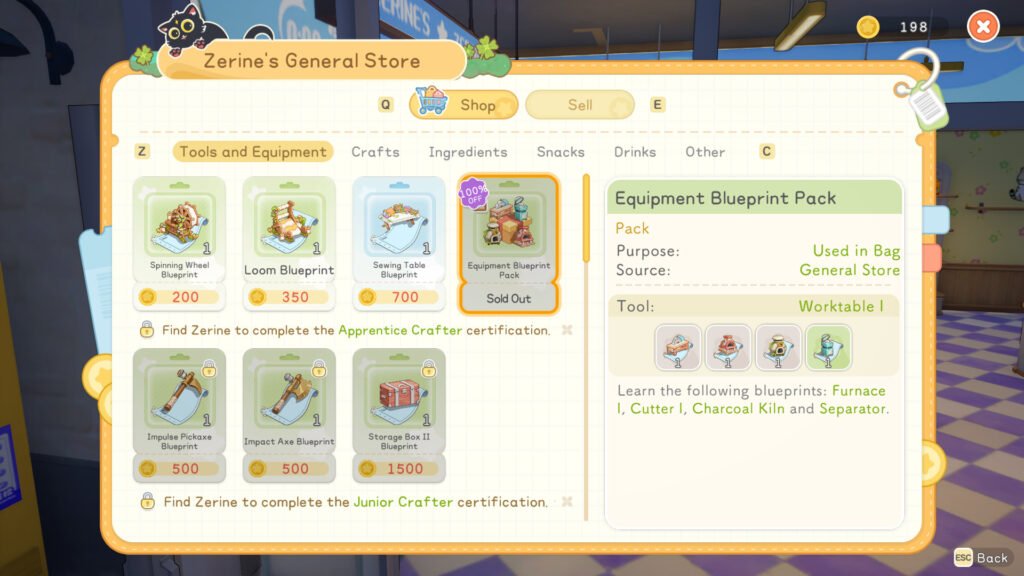
The first thing you need to do is pick up the Equipment Blueprint Pack from the till at Zerine’s General Store. This teaches you how to craft cutters, charcoal kilns, and furnaces at a crafting bench. Head over to the crafting bench in the corner of the store, and if you have enough resources, make those three items.
Altogether, the resources you need to craft a cutter, charcoal kiln, and furnace are:
- Twelve stones
- Three softwood
You can find these kinds of resources lying around near your house. Just look out for any sparkling items on the floor. Alternatively, you can take out a few trees and rocks with your tools.
Now that you’ve got your new equipment, you need to place it in the world. You’ll have to head home to do this, as you can’t enter build mode outside of your yard’s boundary. Don’t forget you can sprint back by holding down the right bumper on your controller or Shift on your keyboard!
Open up build mode and place all of the equipment you just crafted anywhere you like. You’ll need them later on in the quest.
How to find copper ore
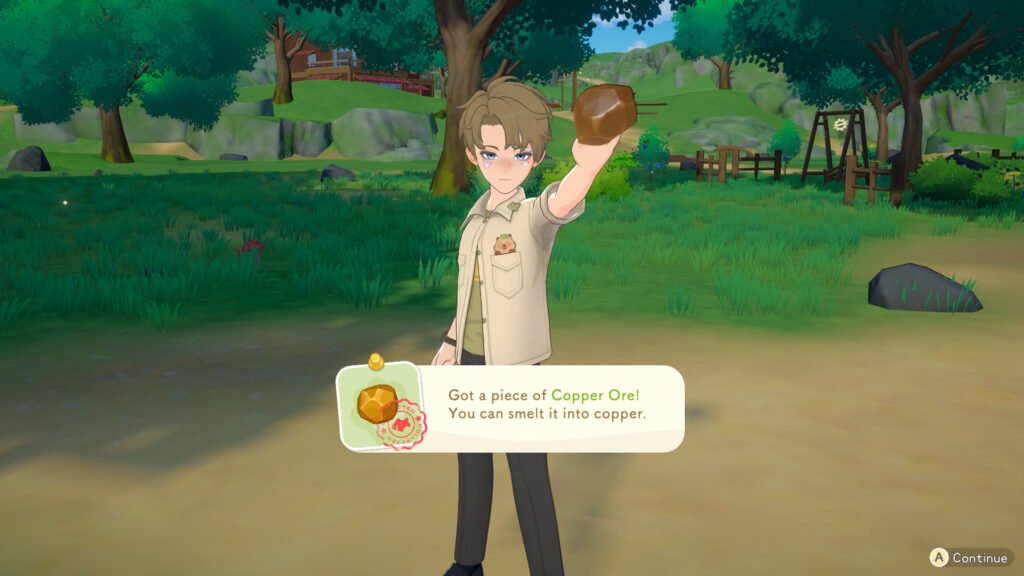
The next thing you need to do is find 12 pieces of copper ore. You can find this by looking out for shiny metal on the ground, or by grabbing your pickaxe and smashing up some big, sparkly rocks with orange bits on them.
There’s a lot of copper ore lying around behind your house, so this shouldn’t take too long. Try heading towards the stream that’s towards the north-west of your yard, and you should find loads.
How to get charcoal
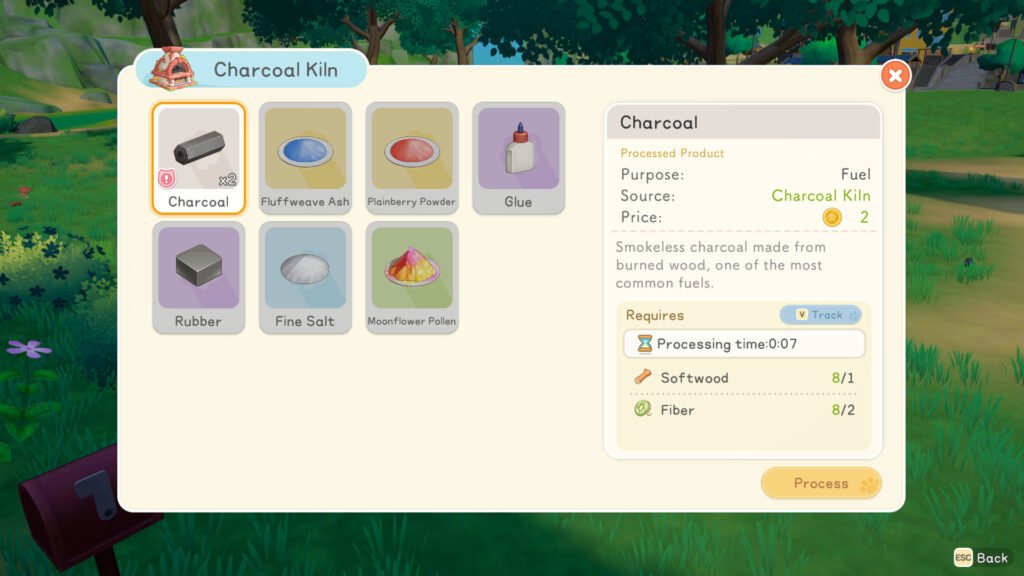
It’s time to head back home and make use of all of that equipment you made earlier. First off, you need to make three pieces of charcoal using the kiln. To do this, you’re going to need:
- Three softwood
- Six fiber
If you have enough material already, you can interact with the kiln to make all the charcoal you need at once. This takes around 20 seconds to process. Wait for it to process, grab it from the kiln, and then you’re good to go.
Don’t have enough materials? That’s easily fixed. You can pick up softwood off the ground, or cut shrubs with your axe to get fibre.
How to get copper ingots
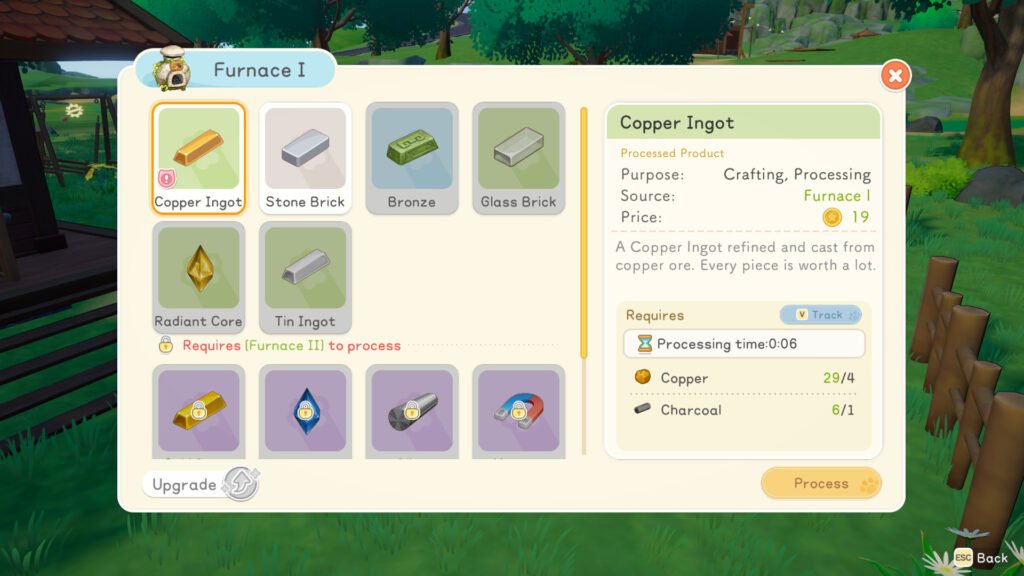
It’s time to use all that copper you gathered earlier! Head over to your furnace and interact with it to make three copper ingots using your copper ore and charcoal. Altogether, you’ll need:
- Twelve copper ore
- Three charcoal
How to get softwood planks
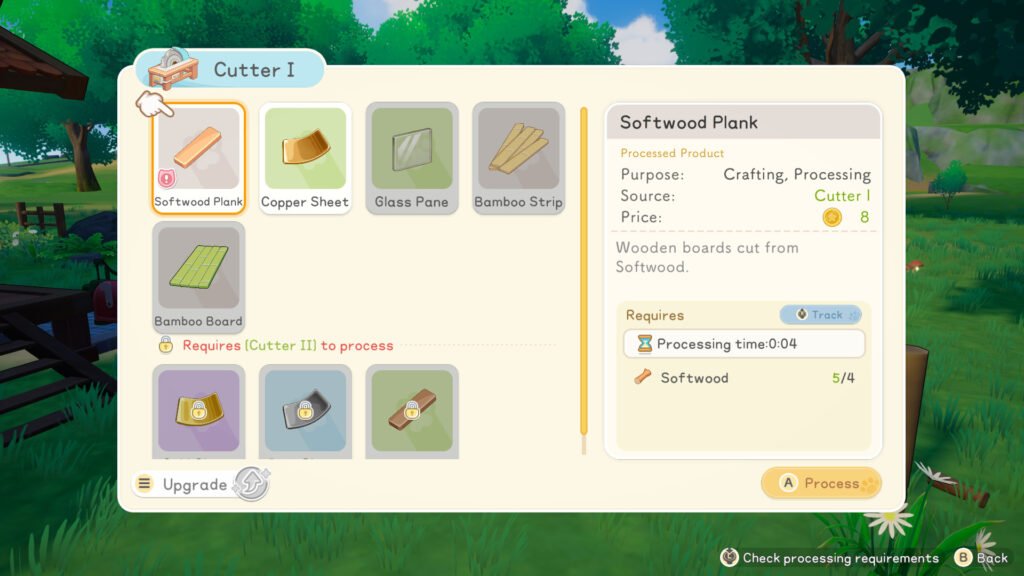
You guessed it – it’s time to use the cutter. You’ll use this to make three softwood planks using twelve pieces of softwood.
Struggling to find enough softwood? Try hitting the nearby weeping fig trees with your axe. Even if you don’t cut it down, it should drop some wood.
How to craft the skateboard
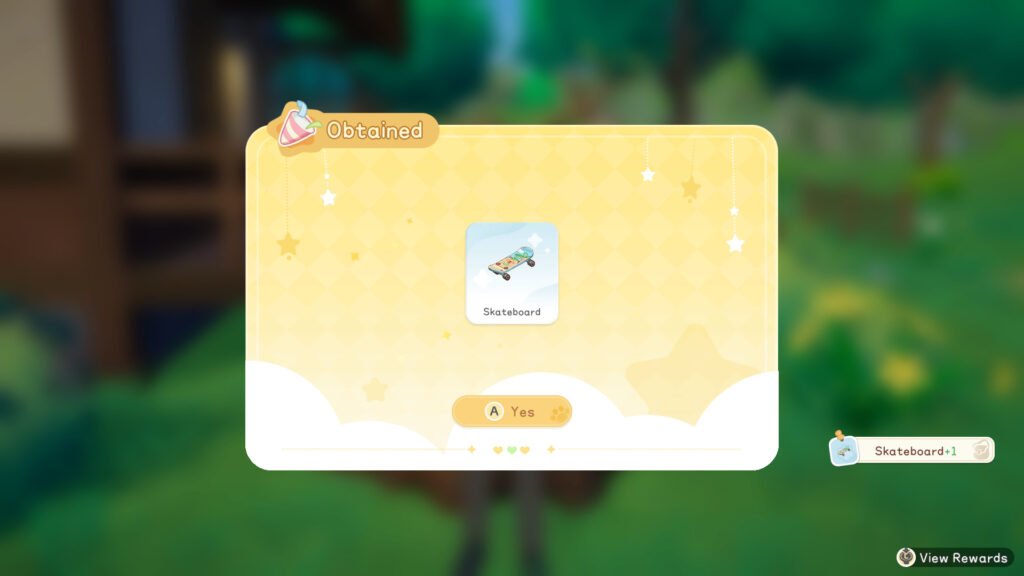
It’s finally time for the good bit: you have everything you need to craft your own skateboard to ollie around Starsand Island on.
Head over to your crafting table and get to work!
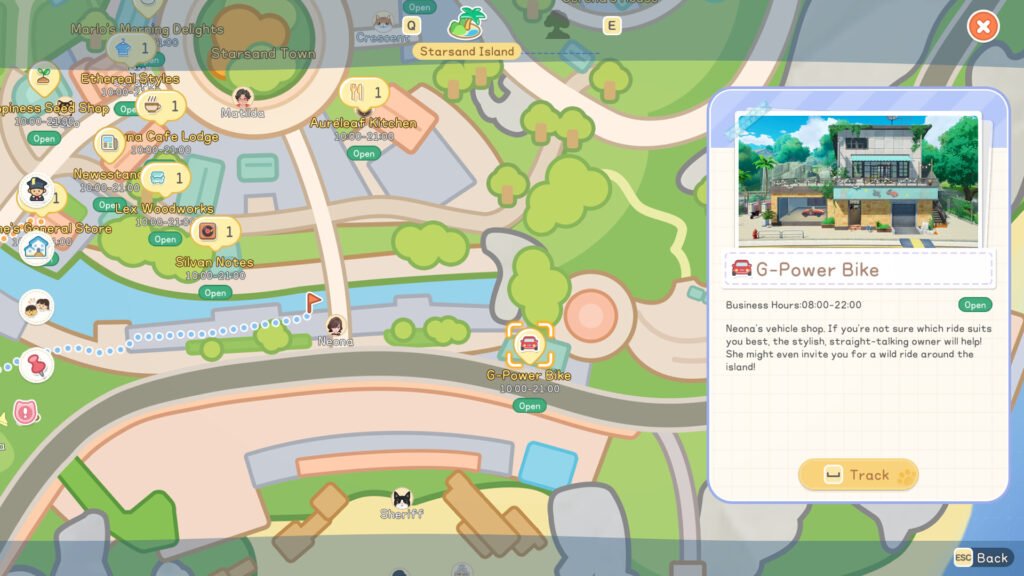
All that’s left of the quest is for you to meet Neona at G-Power Bike. She’ll tell you everything you need to know (and undoubtedly more) about all of Starsand’s other vehicles. Then, you need to speak to Zerine to pick up your crafting license.
How to buy your own vehicle
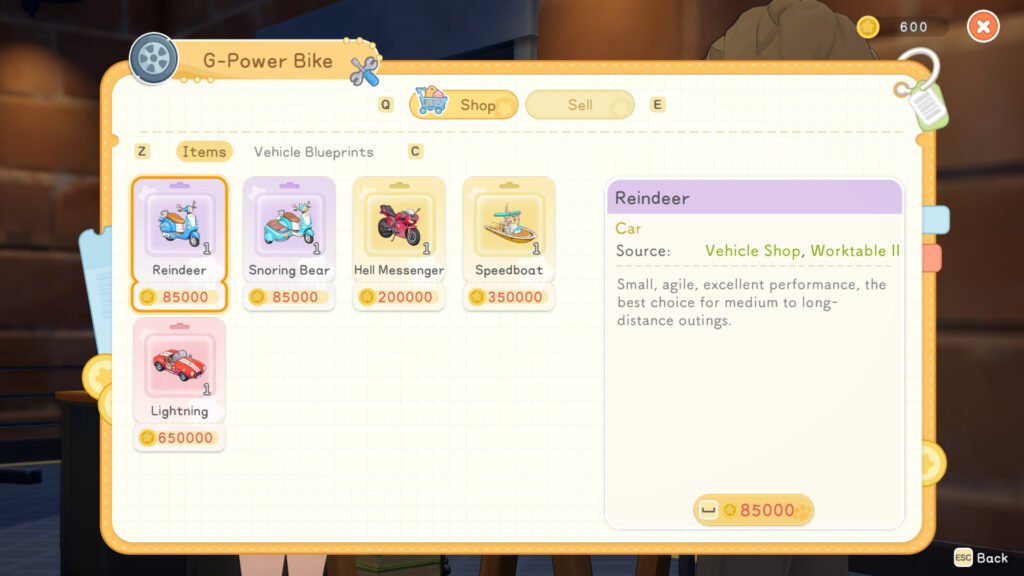
Of course, you don’t have to do the whole skateboard crafting debacle if you don’t want to – you can actually just skip it and opt for a car or bike instead. As ever, your only barrier is money.
Neona’s autoshop has basically everything you need when it comes to picking up your new ride. You can find it on the island’s south shore, overlooking the beach. If you’re struggling to find it, open up the map app on your phone, and select the G-Power Bike shop to track it and follow the arrow.
When you enter the shop for the first time, you’ll see a cutscene introducing you to Neona, Starsand’s mechanic and one of the island’s many romanceables. After that, you can speak to Neona to see what she offers at her shop.
Be warned: vehicles on Starsand Island don’t come cheap. You’ll need to be ready to save up a lot of Gold before you can possibly own your own car or bike.
How to unlock bike, boat, and car blueprints
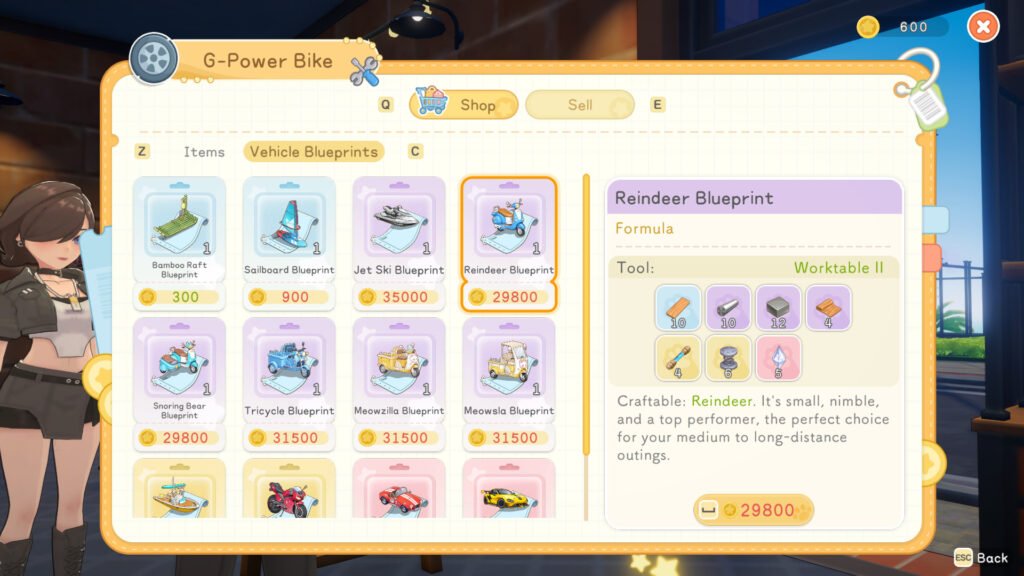
With the right know-how, you can also craft some of your own vehicles. For the most part, you’ll need to buy these from Neona over at G-Power Bike.
Head into the shop and speak to Neona, then select the Shop interaction. Then, navigate to the Vehicle Blueprints menu. This shows you an overview of all the blueprints you can pick up from her, how much they cost, and what materials you’ll need to craft each item. Any blueprints you buy will be available for you to use at the crafting table.
How to rent vehicles
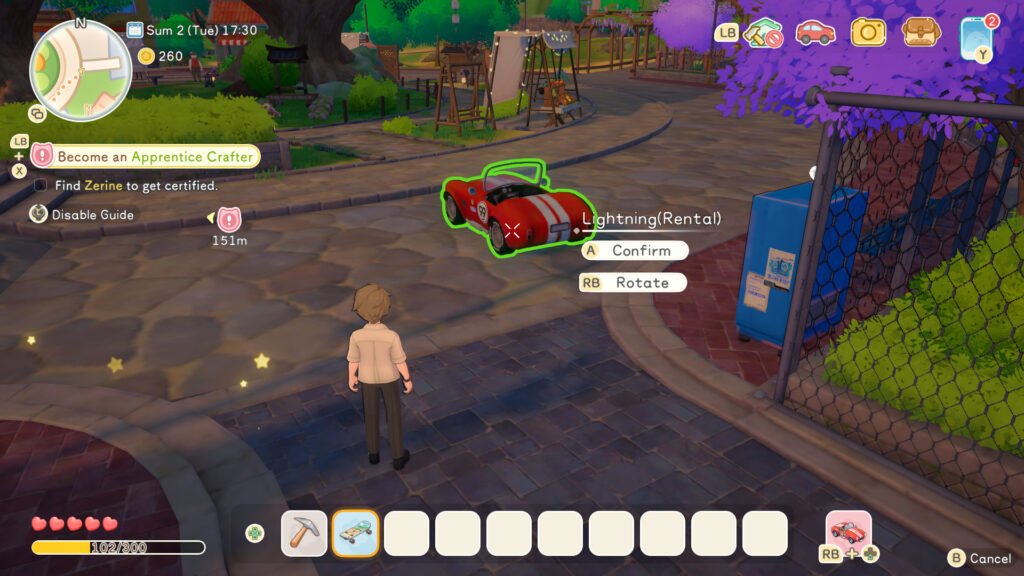
It’ll take a long time for you to be able to afford your own vehicle or gather enough resources to build your own. However, that doesn’t mean that you’re stuck with skating your way around the island until you can save up enough Gold. Instead, you can spend a little cash at a time by renting one of Neona’s many, many bikes, cars, or scooters.
As you walk around Starsand, keep an eye out for parked vehicles on the street or in car parks. They haven’t just been left there by the locals – they’re actually there for your convenience. Walk up to any vehicle that takes your fancy and interact with it. After doing that, you’ll see a pop-up window offering you the option to rent it. Select yes, and the vehicle is yours for as long as you want it.
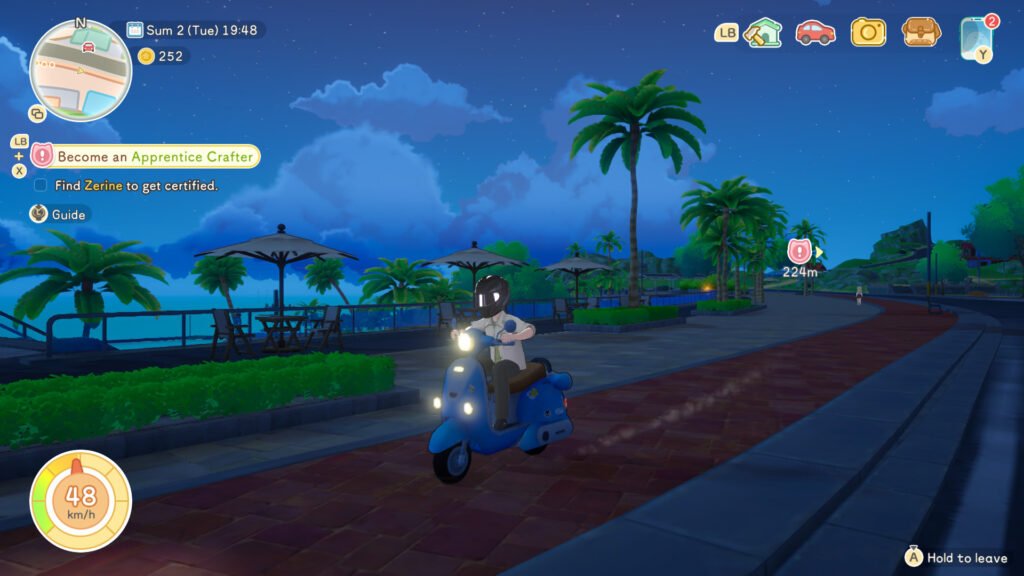
Exactly how much it costs to rent a vehicle depends on which ride you choose. Some mopeds cost as little as 10 Gold per hour, while a Sports Car sets you back by a full 54 Gold an hour.
Although that’s expensive, you’ll be able to cover it a lot quicker than you’d be able to cough up enough cash to pick up one for yourself. Plus, Neona is sometimes generous enough to give you vouchers so you can borrow her bikes for free.
When you’re finished with your rented vehicle, you can return it by opening the rental app on your phone. Whichever vehicle you’re renting will appear in the app, where you can interact with it to pay your dues and return it. Just be careful you don’t leave the metre running for too long.
How to use vehicles
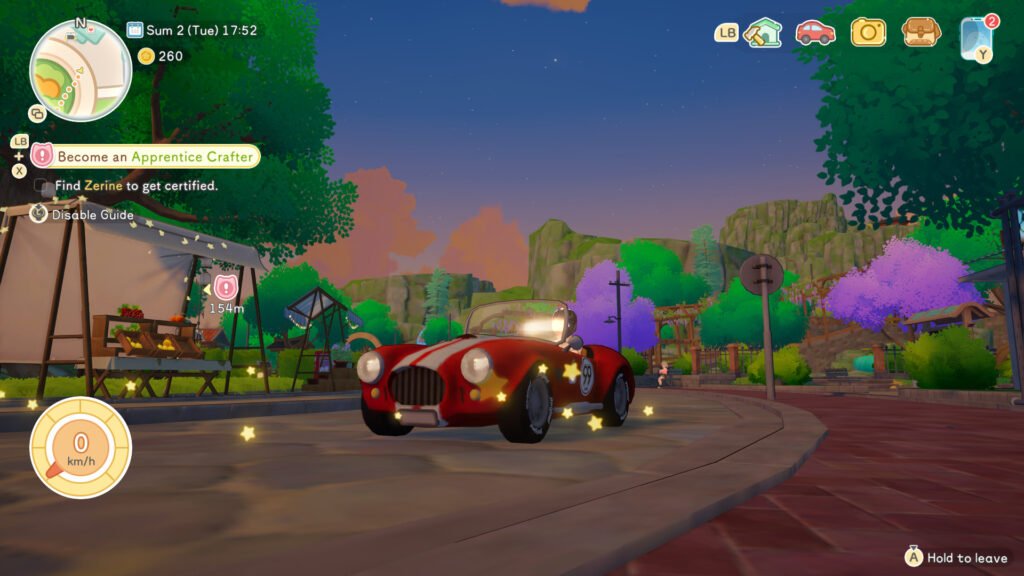
Vehicles in Starsand Island work about the same as any other equipable tool. That means you use it by selecting it from your inventory.
Selecting the skateboard gives you the option of equipping it at any time by pressing the right trigger button on your controller or by right-clicking with your mouse. You can then skate around, jump, or hop off your board any time.
Cars and bikes are slightly different, as you need to place them in the world and interact with them instead. Cars and cars both drive the same way you control your character, so they’re easy and intuitive to use.
Despite all of the theatrical car crash sounds you might hear while cruising around the island, don’t worry too much about being a reckless driver. Mercifully, you can’t trash any vehicles on Starsand Island. Yet, at least.