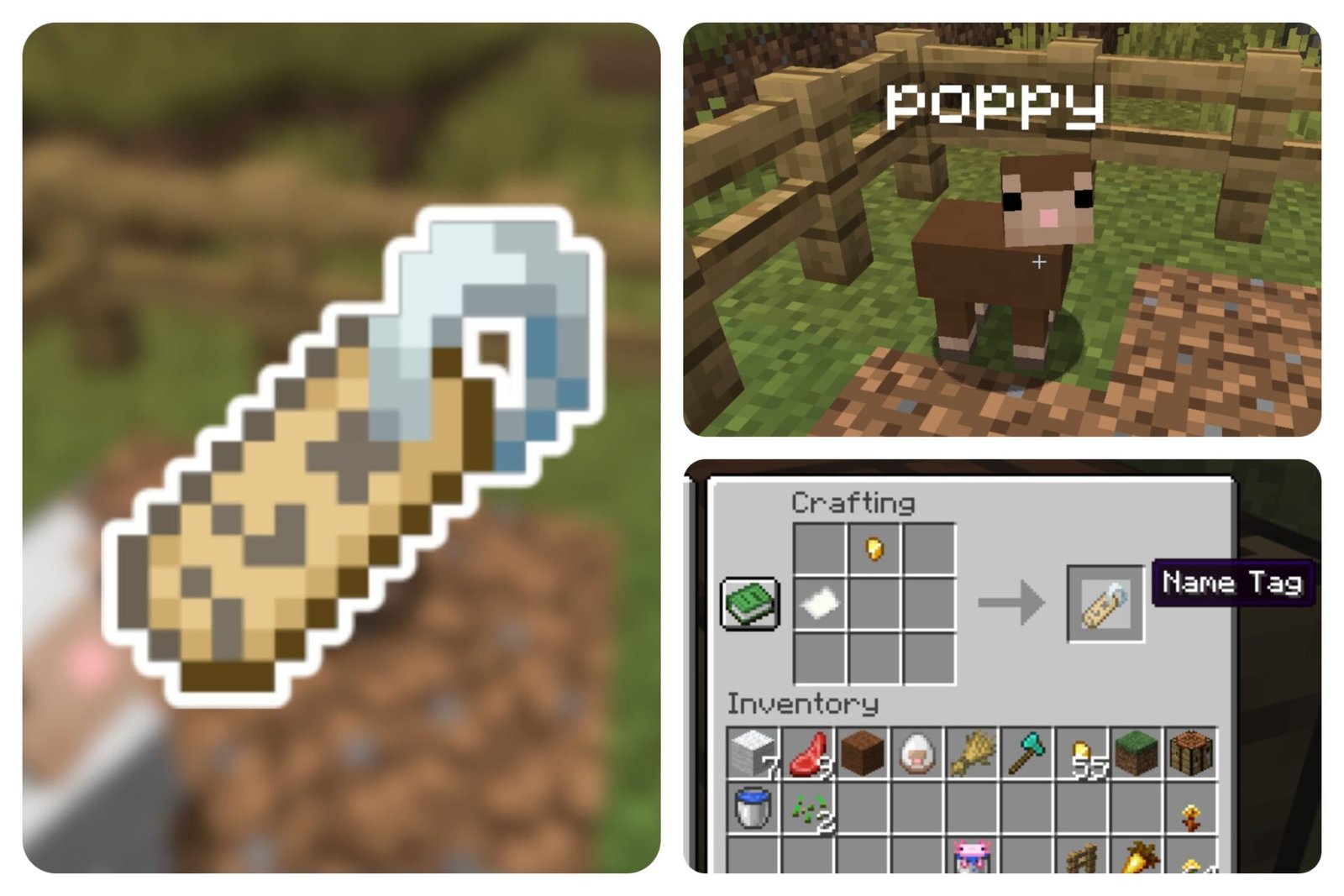
For the longest time, Name Tags in Minecraft could only be found. It’s a struggle for us as we’d have to hunt through Chests in the hopes of finding at least one for our mobs, who we’d like to turn into in-game companions. But that era is finally coming to an end.
In Minecraft’s latest announcement, Name Tags can now be crafted, making mob naming easier and more accessible. From adult mobs to baby mobs, you’ll have an easier time naming your mobs, preventing them from despawning, and further customizing your world. This new feature pairs perfectly with the recent updates, like the Golden Dandelion. If you’re curious about it, we’ll show you how to craft a Name Tag in Minecraft right here.
What Does the Name Tag Do?
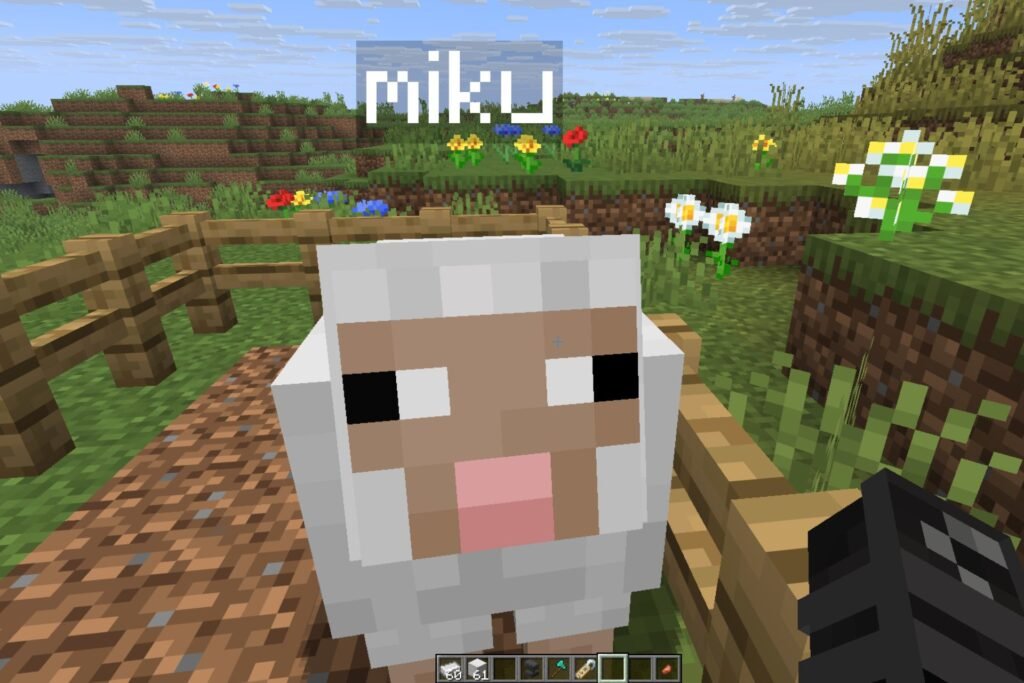
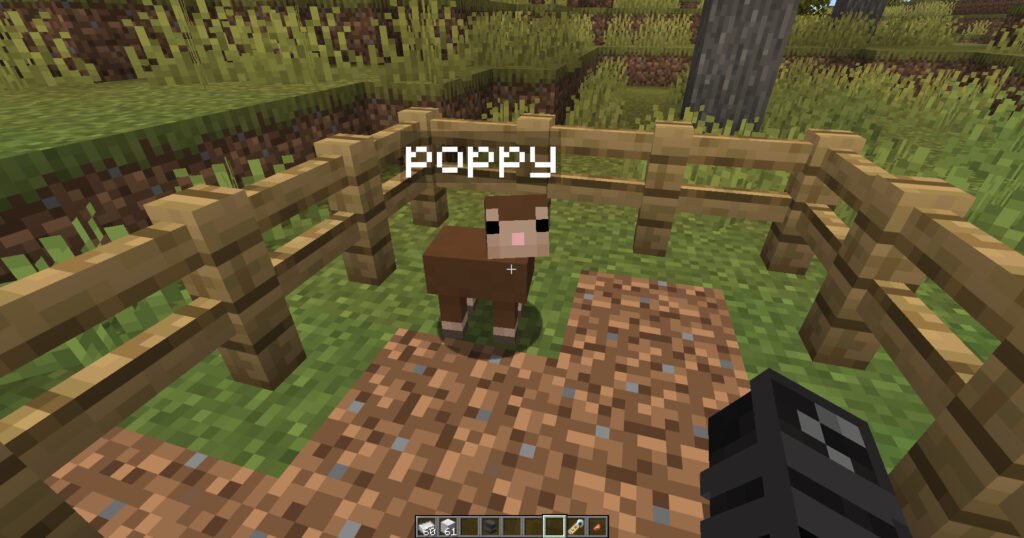
A Name Tag is literally what is in its namesake. It’s an item that you can use to give a name to a mob. The name will permanently appear above the mob’s head, just like how you can see the names of your fellow players within Minecraft.
Additionally, a Name Tag prevents mobs from despawning, even if you move far away from the named mob or leave the area. Name Tags have been especially useful for keeping pets or rare mobs you don’t want to lose. They’ll stay with you unless they’re killed.
How to Craft a Name Tag

Previously, Minecraft Name Tags had to be looked for in Chests in the mines, dungeons, etc. However, crafting one has made the process very accessible.
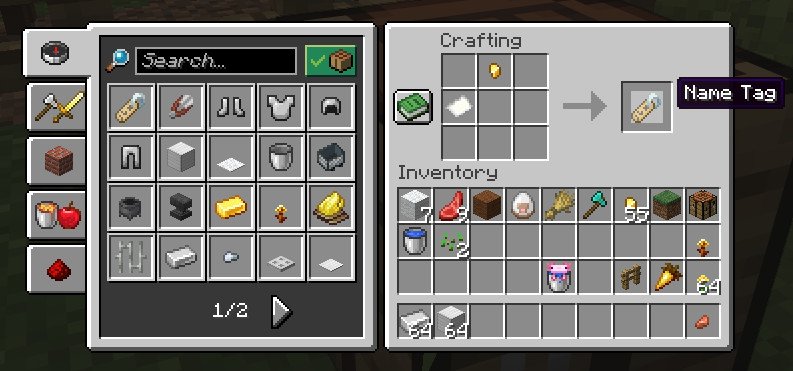
To craft a Name Tag, you need 1 Paper and any 1 Copper/Iron/Gold/ Nugget. You can easily find these even if you’re just starting out to play in your Minecraft world. Paper can be found by crafting 3 Sugarcane, while the aforementioned metals can be found by mining underground.
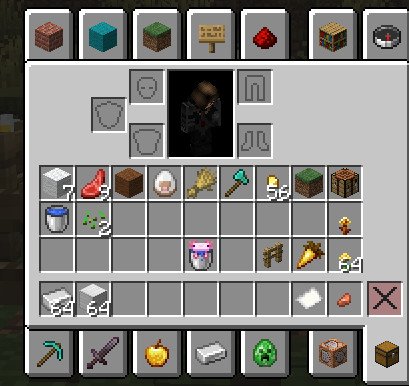
Once you’ve found these ingredients, open your Crafting Table and add the two items, and create your Name Tag.
How to Use a Name Tag
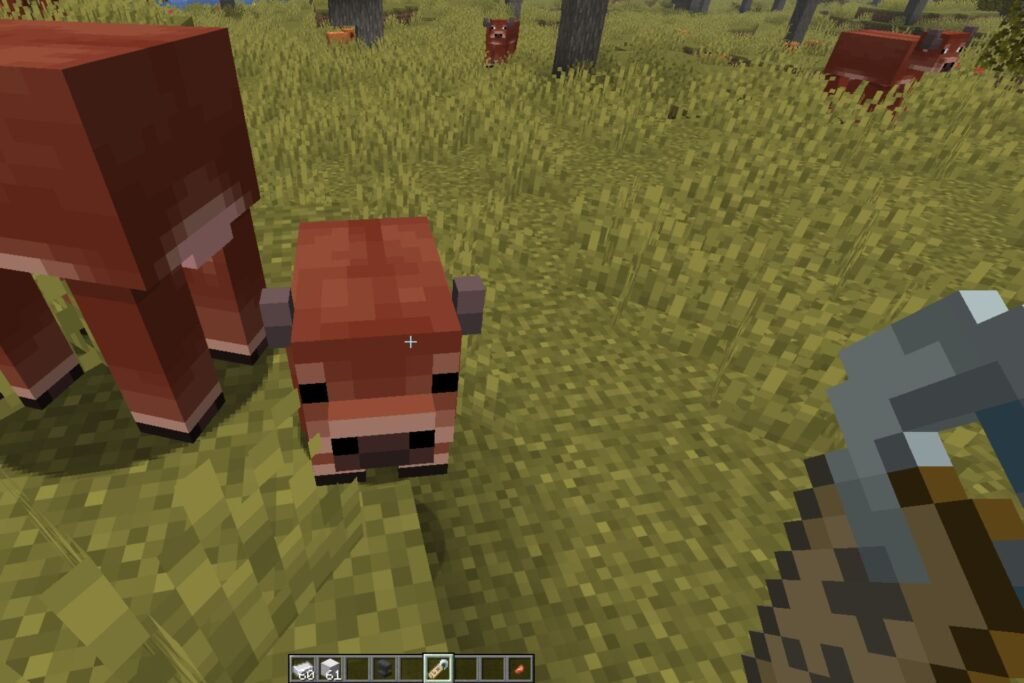
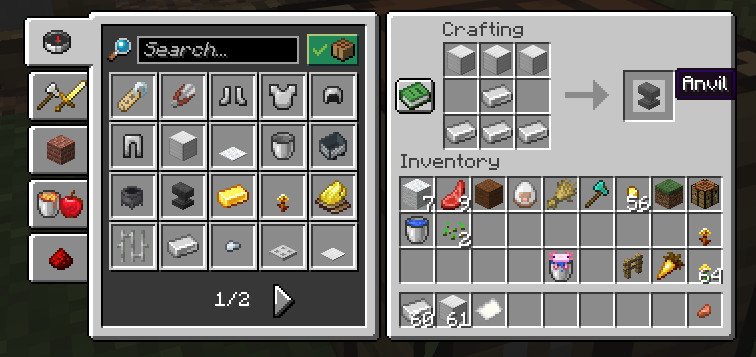
To use the Name Tag, however, this is where it gets a bit tricky. Customizing your Name Tag requires an Anvil, which you must craft with 3 Iron Blocks and 4 Iron Ingots.
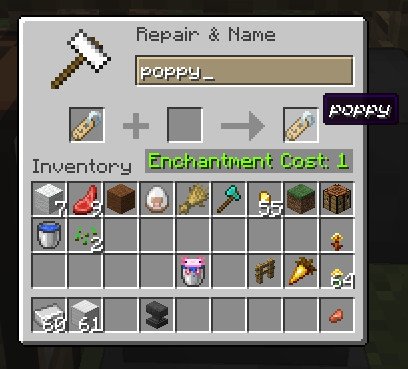
After you build your Anvil, simply open the Anvil’s interface by right-clicking on it. Then, add your Name Tag to the slot, change the name in the text field, and then get the updated Name Tag with the newly added name. Keep in mind as well that updating the Name Tag also takes 1 Enchantment Level.
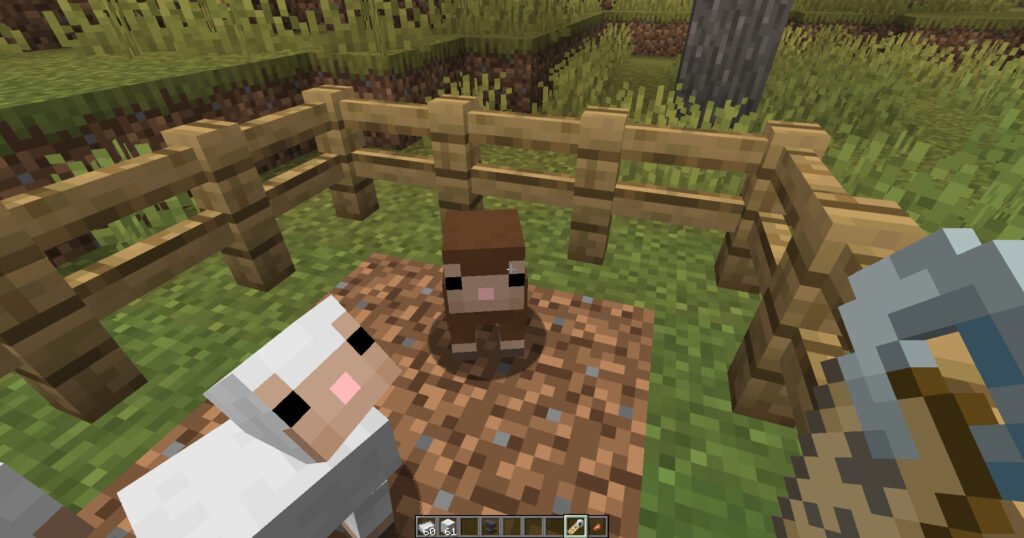
Finally, when naming your mob, simply approach your chosen mob to name and right-click on it with your Name Tag in hand. The name will then be assigned to your chosen mob.
With Name Tags now craftable in Minecraft, personalizing your world has become much more convenient. You don’t have to hunt through caves or rely on luck to find a Name Tag since you can now create them yourself. From pets to rare mobs, Name Tags let you add a personal touch to your adventures in Minecraft.