While Code Vein 2 has a rather robust character creator, that does come with a drawback. You can spend forever crafting your character, but you are still doing it in a vacuum. Until you actually control the character, you can’t know for sure how they look. Therefore, we’ll help in figuring out how to change your appearance in Code Vein 2.
Changing Your Appearance in Code Vein 2
Fortunately, you absolutely can change your looks, and you aren’t limited in doing so one bit. However, it isn’t possible right off the bat.
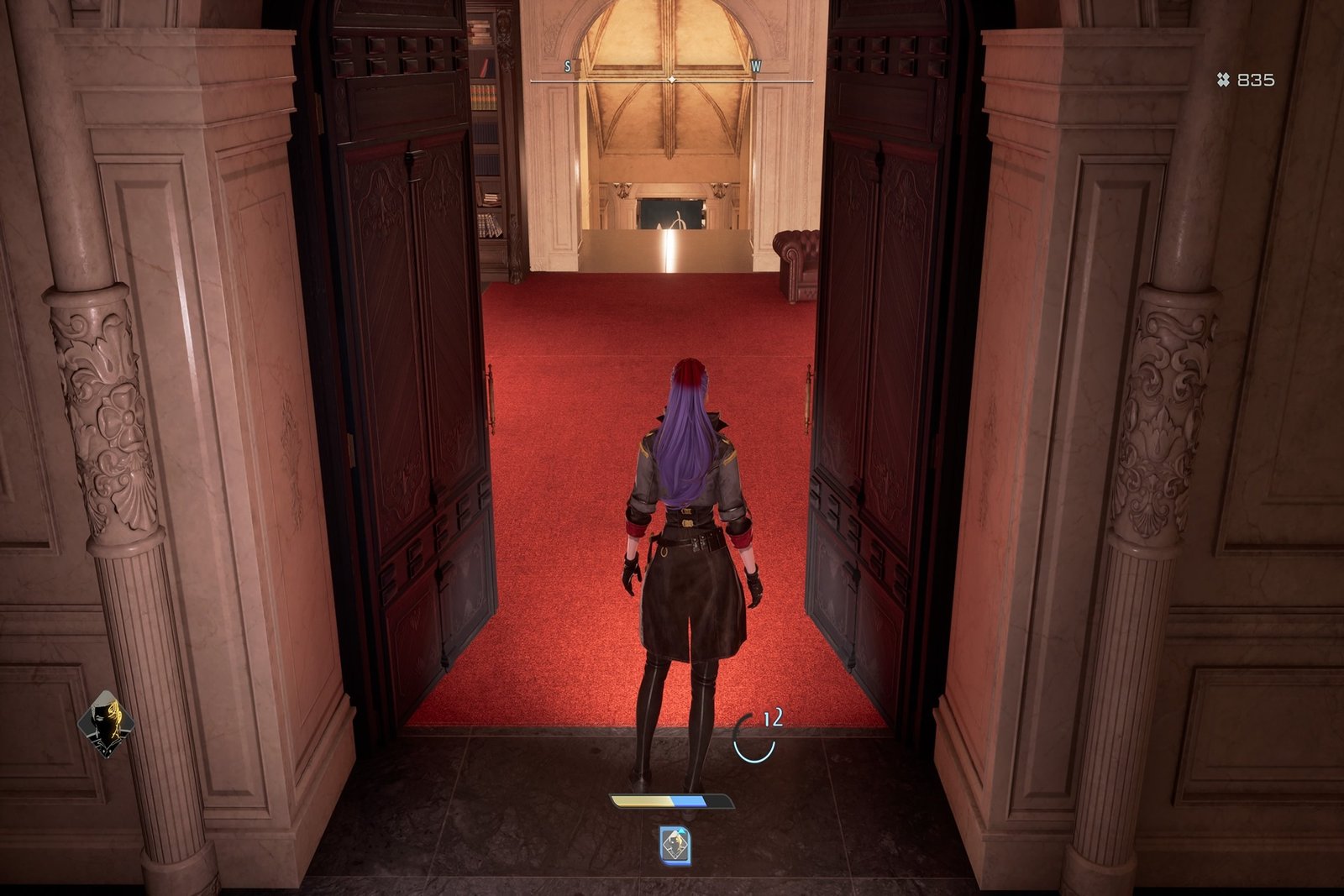
From the start of the game, follow the tutorial quest that has you working with Noah to find Valentin and then get to MagMell. Once in MagMell, take the door next to the Mistle and head up the stairs in the next room.
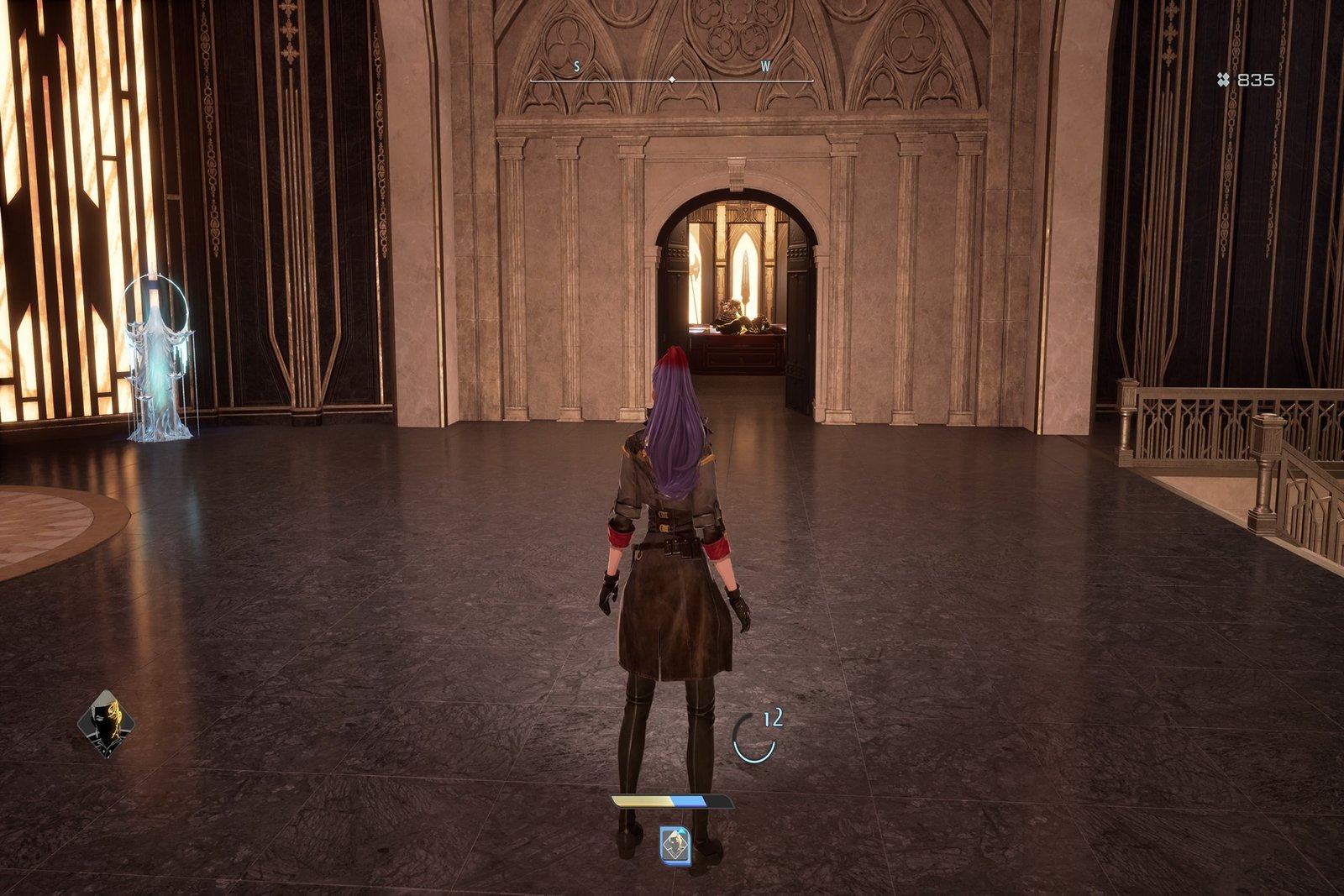
There is only one door up along here, so head into that and down the stairs to this weird curtain with a symbol on it.
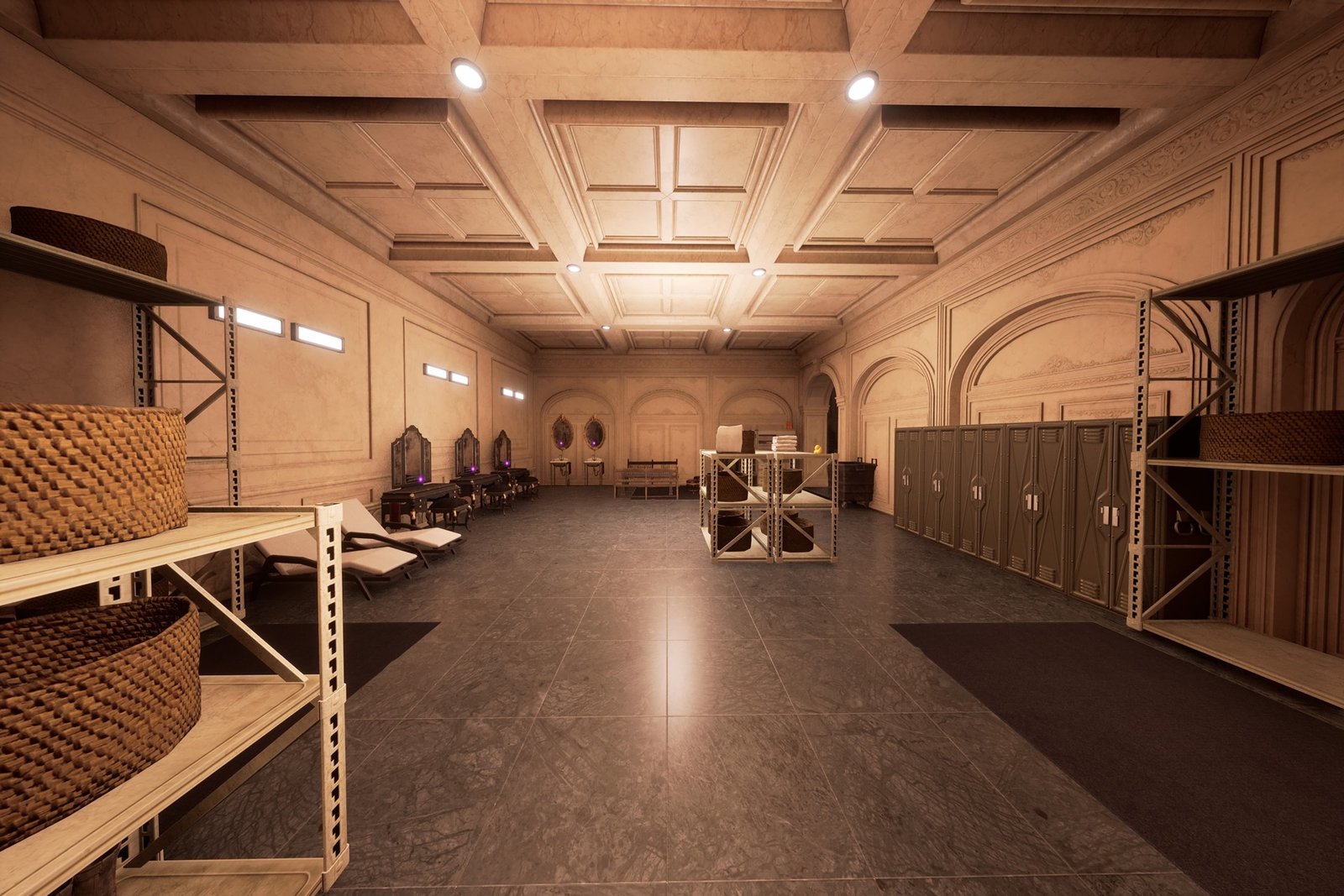
In the room beyond the curtain will be three vanities and two sinks with mirrors, any of which will allow you to adjust your appearance.
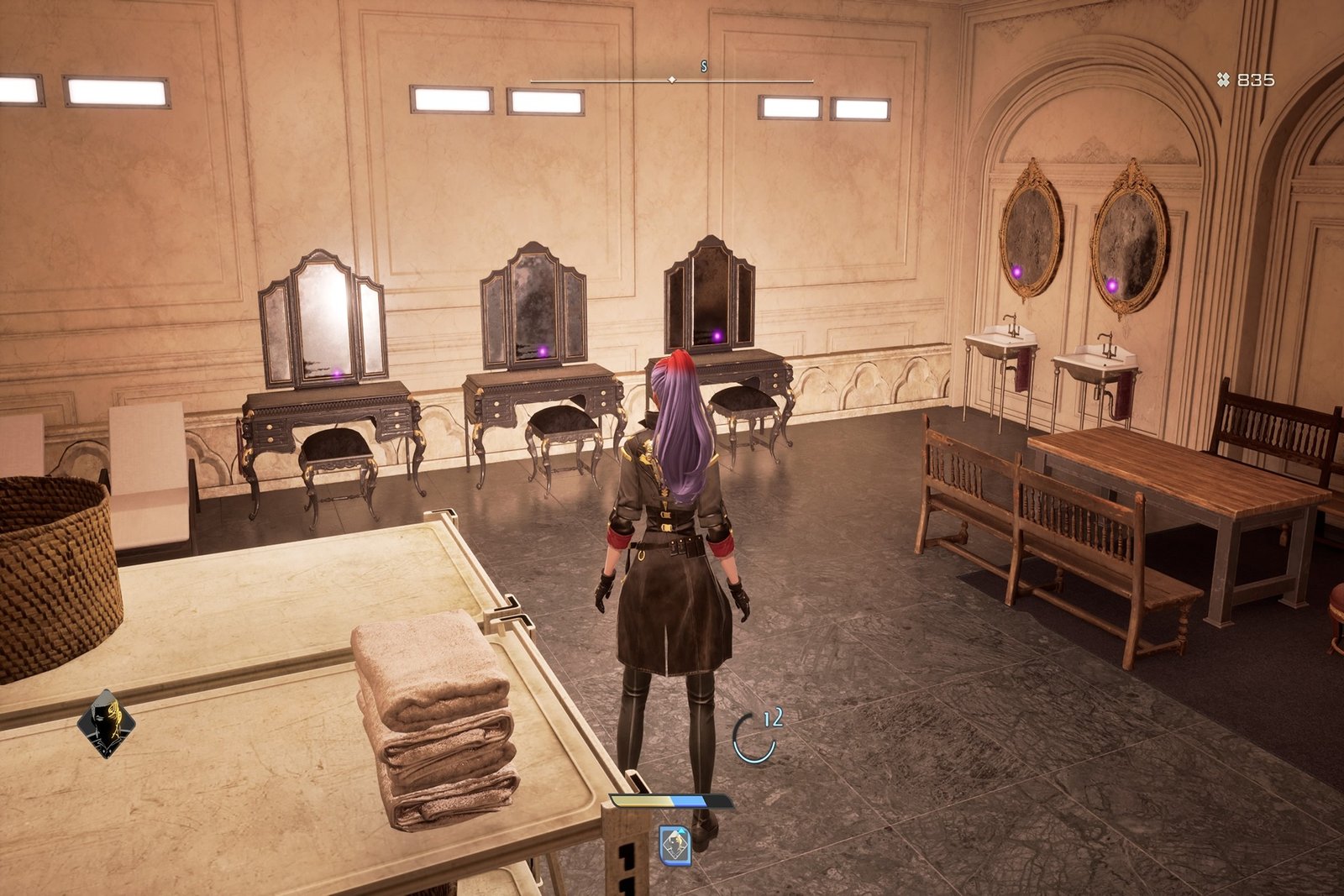
This area is meant to serve as a changing area before you reach the hot spring beyond, which you should definitely use, as it is how you learn new synthesis recipes.
The main thing to do when adjusting your character is to first go to the last group of selections and enter Save/Delete Appearance Data. This will save your character as it is, so if you end up disliking your changes or accidentally push a slider too far and can’t remember where it was, you can revert to before you changed anything.
Be sure to stick around with us, as we’re sure to have more guides to help you on your journey through Code Vein 2.