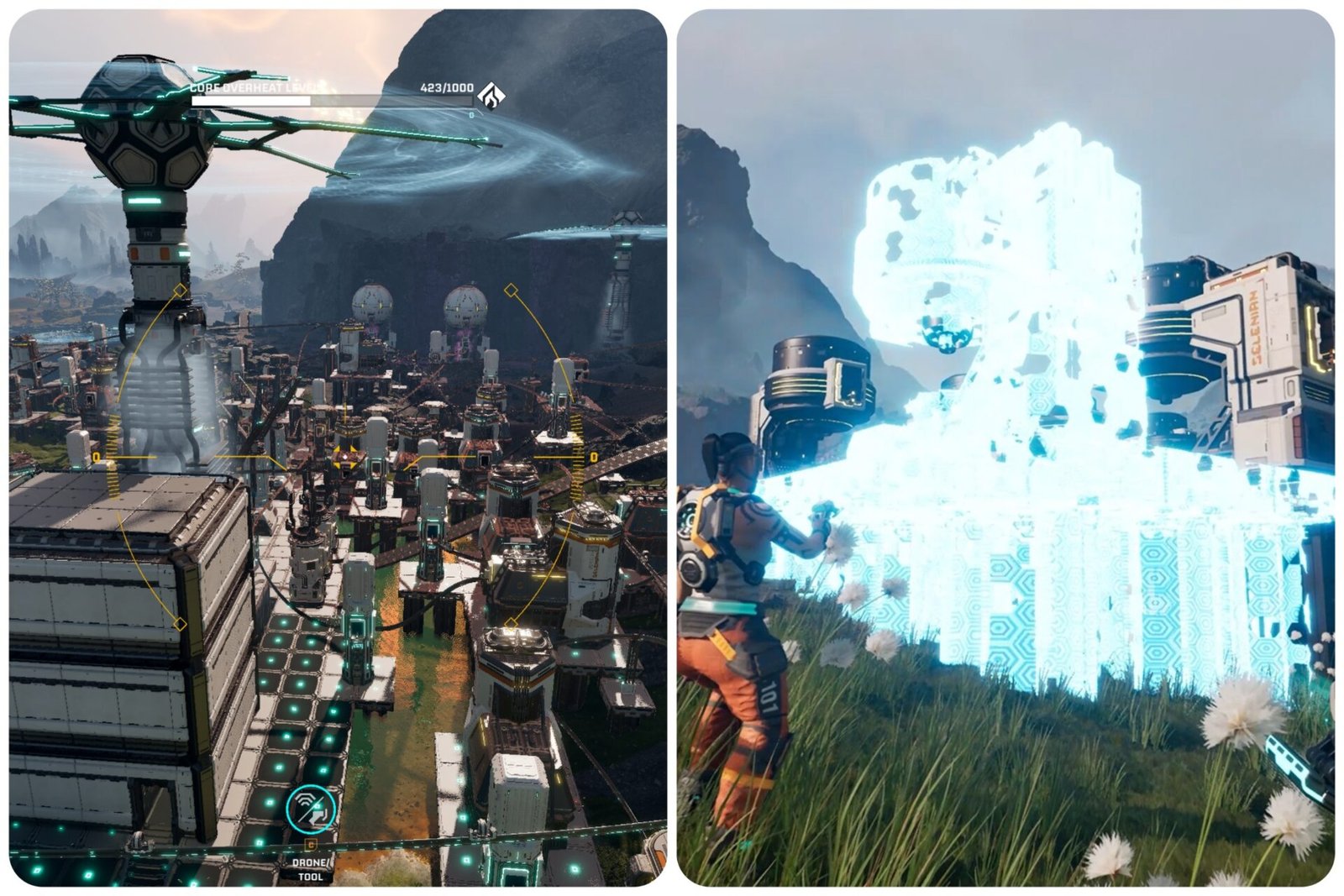
As soon as you start expanding your base and creating multiple functioning production lines, you’ll quickly figure out that there is a lot of work to be in optimizing your base on Arcadia-7.
That’s where this little tool will come in clutch, and what makes it one of the most useful unlocks in the game. Here is how to get and use the Building Drone in StarRupture.
Table of Contents
Unlocking The Building Drone in StarRupture
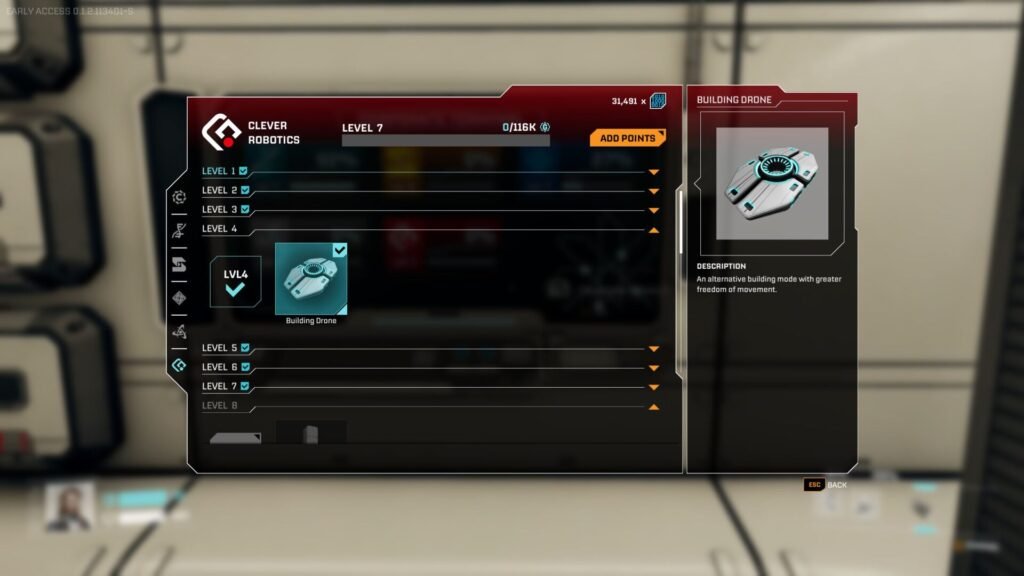
Like most other unlocks in the game, you get the Building Drone by progressing through the Corporation Trust levels. Since they’re described as “a drone and logistics corporation”, it makes sense that you get the Building Drone as a reward for reaching Trust level four with Clever Robotics.
To do so, simply invest into your Wolfram supply, as they will only require byproducts of the ore up to level five.
- Level 2- Wolfram Bar +1 Point
- Level 3- Wolfram Bar +1. Wolfram Wire +5.
- Level 4- Wolfram Wire +4. Wolfram Plate +15.
How To Use the Building Drone in StarRupture
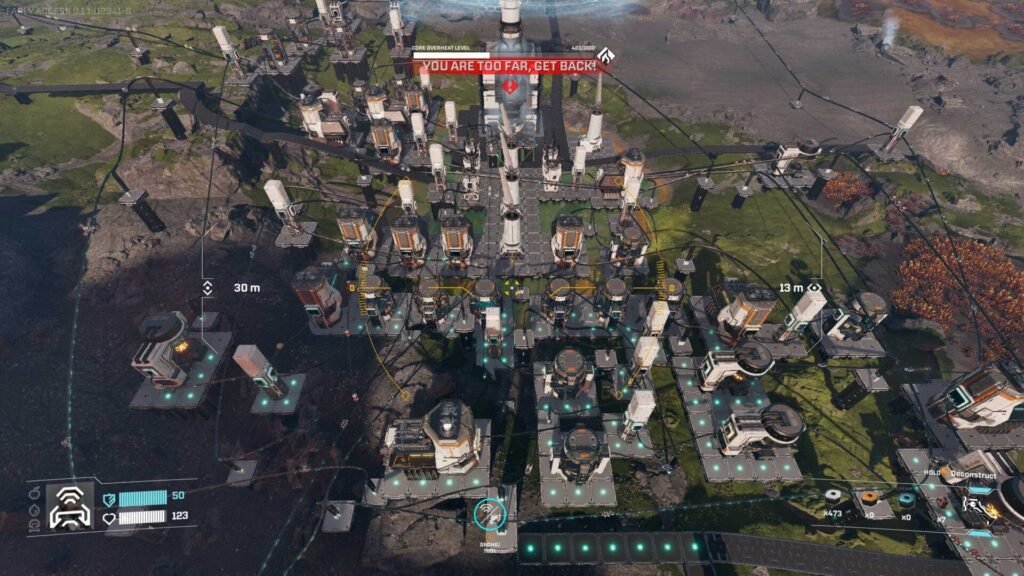
Not only can you use the Building Drone as a budget photo-mode in StarRupture, it is an invaluable tool when you start expanding your base, especially vertically. To use the Building Drone, simply head into building mode by pressing B, select whichever structure you want to place down, and then press C.
You’ll go into a sort of free cam mode. Pressing Spacebar will let you go higher, while CTRL will lower the Drone’s altitude. Use WASD to move the drone around, and enjoy how much easier it is too build with it!
You can also use the Building Drone to deconstruct structures. Press F to go into Deconstruct mode as you usually would, and press C when the tool is out to activate the Drone.
The Building Drone does a maximum range related to your character’s position, so if you can’t get it into the position you want, move your character first and then try again.