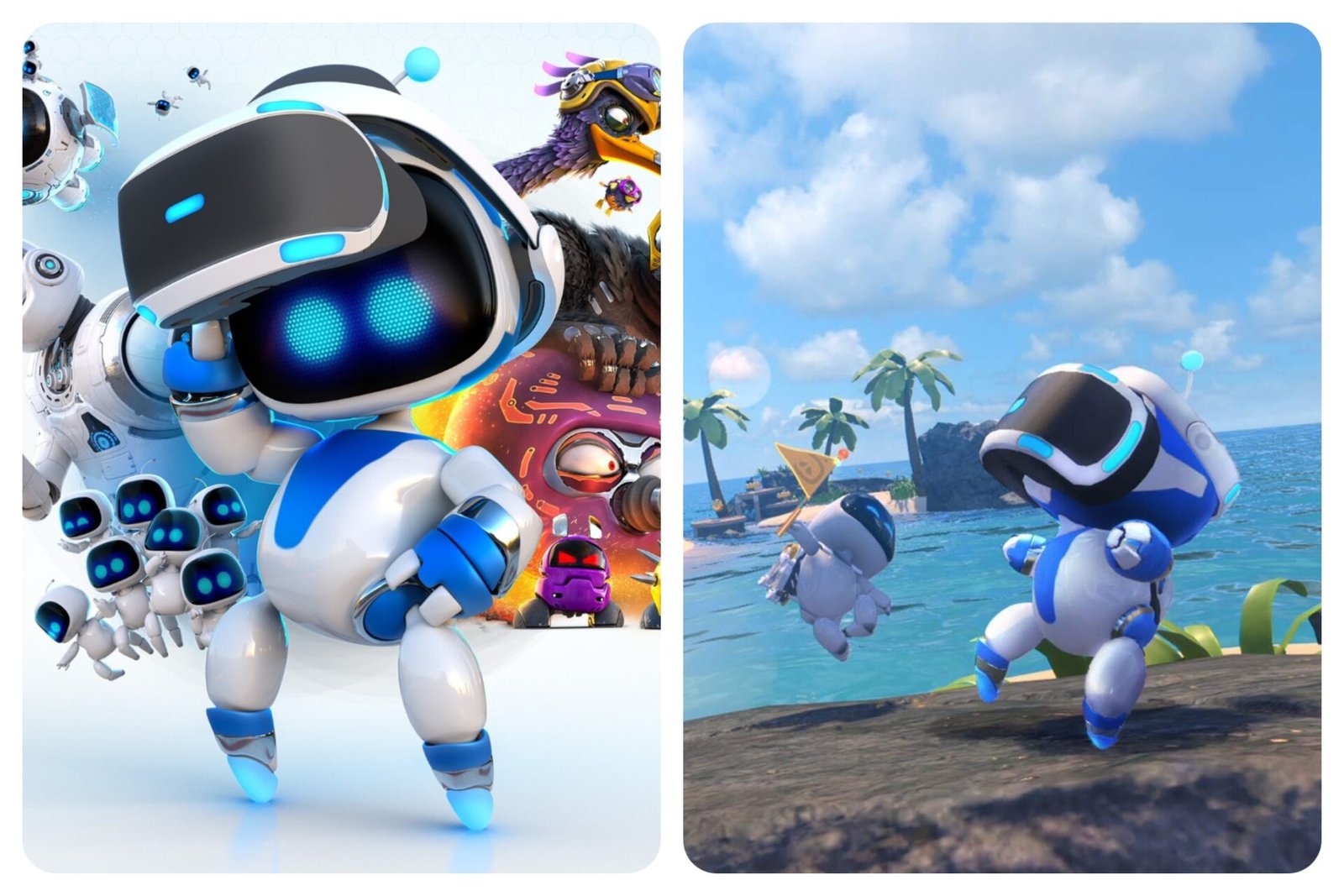
Prior to Astro Bot: Rescue Mission, Astro Bot appeared in The Playroom and The Playroom VR. Astro’s Playroom, which is the latest instalment in the Astro Bot franchise, is added to the recent crop of family-friendly 3D platformers. It serves as a tech demo to demonstrate the PlayStation 5’s prowess and capabilities. New PlayStation 5 owners are able to put them to the test.
The Story (or Lack Thereof)
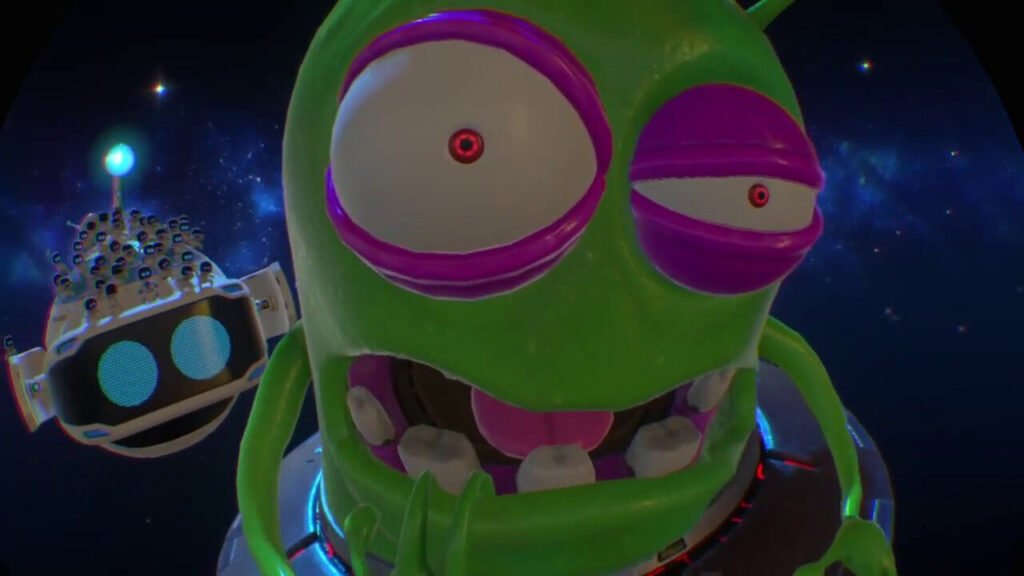
Just like all or most platformers, there is little in the way of story; A little twinkle sparkles in the cosmos before a headset spaceship flies in to reveal Astro Bot and friends.
Unfortunately, their fun comes to a halt when a menacing red star appears and a big green alien in a UFO lands beside the robots and breaks the fourth wall, noticing the player wearing a headset. Out of jealousy, he shakes the spaceship violently, snatching its headset and causing the robotic crew and bits of the ship to fly off, scattering them to different parts of a nearby planet.
All seems lost for our little Astro Bot, dismayed that he’s all alone. But with new-found determination, Astro Bot sets out to find all of his allies and defeat the evil alien.
Gameplay Structure

The game wastes no time before plopping you into the first level. The goal is to saving the small robots, similar to rescuing the Gobbos in Croc: Legend of the Gobbos.
It’s simple, but makes for a fun gameplay loop due to how adorable Astro Bot and his friends are (he can give Clank from Ratchet & Clank a run for his bolts).
Astro Bot’s Abilities

Similar to his fellow platformer mascots, Astro Bot comes equipped with a punch, a kick, a jump, and a hover (which doubles as an attack as he hovers via laser beams).
Besides his moveset, he is capable of picking up and throwing objects to attack his foes, destroy obstacles in his path or activate switches (not only that, but he can wear an inflatable life ring too).
Collectibles and Equipment

While I’m still on the subject of Astro bot’s arsenal, you’ll also uncover equipment from treasure chests to help you on your quest to track down all of his robot buddies and defeat the evil Space Bully Nebulax. For example, you acquire a grappling hook which allows you to create tightropes and to pull teeth out of the giant robotic gorilla’s mouth.
Coins, Chameleons, and Checkpoints
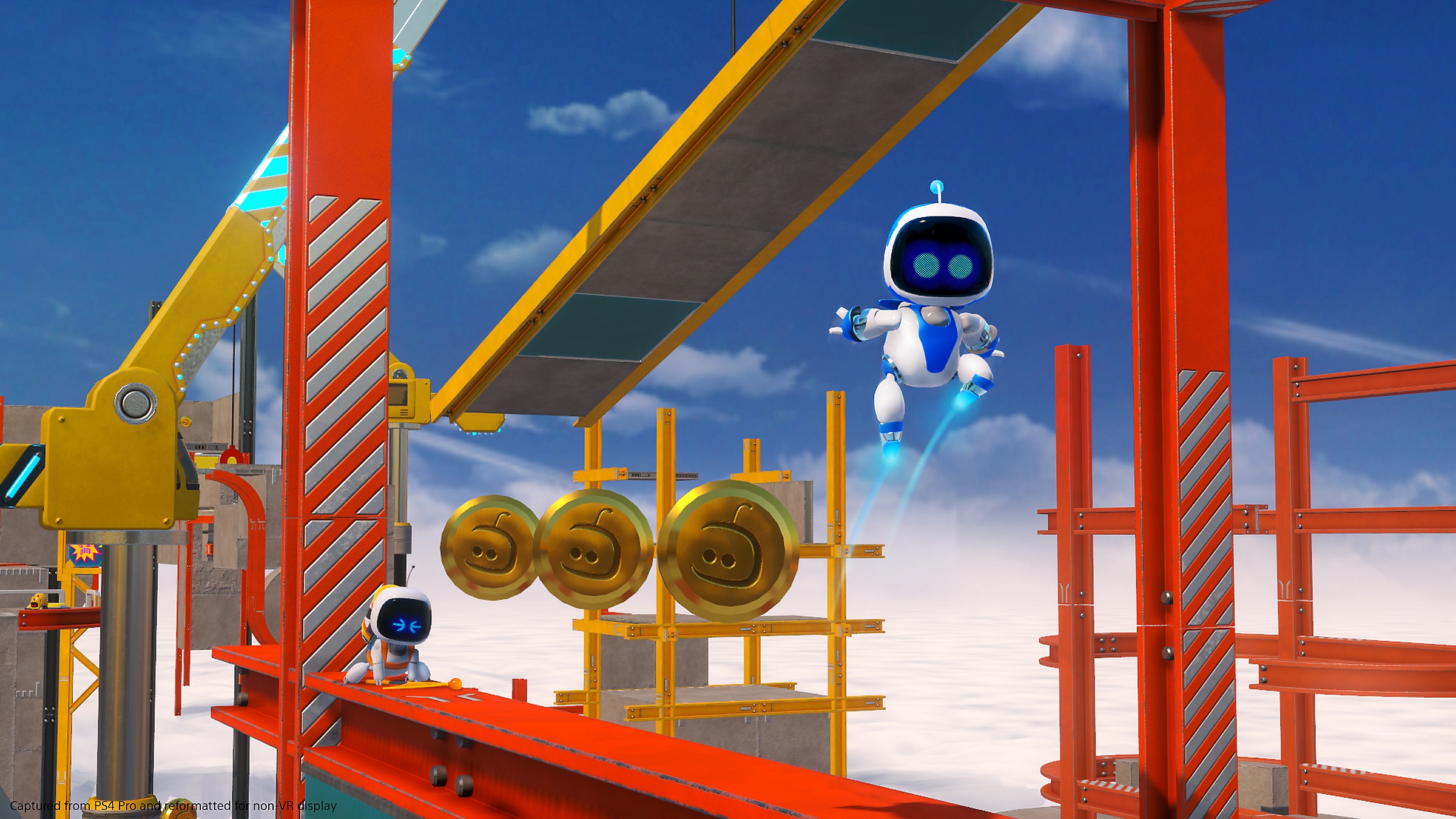
In each level, there are an abundance of coins to collect. They can be seen out in the open or contained in colourful boxes. Collect 100 and you can play the crane machine for a collectible figure.
Space chameleons are another collectible that can be uncovered when you search for them by moving the headset with your face. They can be out in the open camouflaging with the surface of a building or a structure or they are hidden from view. When you collect a space chameleon, you’ll unlock a challenge.
VR Integration

What sets this platformer apart from other platformers is your PlayStation VR headset. Just like Moss, Astro Bot: Rescue Mission takes full advantage of the PlayStation VR headset and the motion controls provided by the PlayStation 4 controller. Even just looking around with your head instead of controlling the camera is a big plus.
Level Completion Fun

When you reach the end of a level, Astro celebrates with a dance. You can even attack your robotic allies if you want just for kicks. This is what I tend to like about platformers, attacking non-playable characters just for the heck of it and for laughs to get a reaction from them.
Camera Mechanics

When it comes to 3D platformers, the camera is often the enemy, wrestling with cameras that tend to get stuck. Sadly, I can’t seem to control the camera freely since said camera is stuck in a fixed angle and it has trouble following behind Astro Bot.
This causes Astro Bot to end up being far away from the player due to the view/perspective, depending on where you currently are in the level. This means this game may not be a 3D platformer, it’s actually a 2.5D platformer.
Astro Bot: Rescue Mission : If you're a long-time fan of platformers, this game is a no-brainer to buy. Otherwise, you're better off purchasing a different game that doesn't make full use of the PlayStation VR headset, if you're not a fan of VR games or you can't afford to purchase a PlayStation VR headset. If this game didn't have VR controls, you're not missing out much. – WingSeeLi